
How to Refresh Old Content with AI Without Making It Worse
If you run a content site long enough, old posts start to age in strange ways. Some lose traffic slowly. Some keep ranking but feel outdated the second you reread them. Some still attract impressions, but the clicks weaken because the page no longer feels sharp, current, or satisfying enough.
That is where AI can genuinely help — not by rewriting everything from scratch, but by making the refresh process faster, more structured, and less mentally repetitive. Used well, AI helps you spot weak sections, improve coverage, tighten headings, surface missing questions, and make older pages feel useful again. Used badly, it just turns a tired page into a different kind of generic page.
This guide is for the first version.
Jump links
- Quick answer
- Why refreshing old content matters
- How to know which pages deserve a refresh
- A practical AI refresh workflow
- What AI should do in the process
- Helpful tools for content refreshes
- Mistakes to avoid
- FAQ
Quick answer
Refreshing old content with AI works best when the goal is to strengthen a page, not erase everything that made it useful in the first place.
The best way to refresh old content with AI is to use AI for diagnosis, expansion, restructuring, and cleanup, then use human judgment for accuracy, positioning, page intent, and final editorial quality.
The simple rule is this: AI should help you improve what already works, not flatten it into a faster but weaker version of itself.
Why refreshing old content matters more than most people think
A lot of site owners still treat content refreshes like cleanup work they will do later, after the next batch of posts is published. I understand the instinct. New content feels more exciting. It feels like progress. But older pages often contain the easiest gains because they already have history, topical relevance, and some kind of search footprint, even if that footprint is fading.
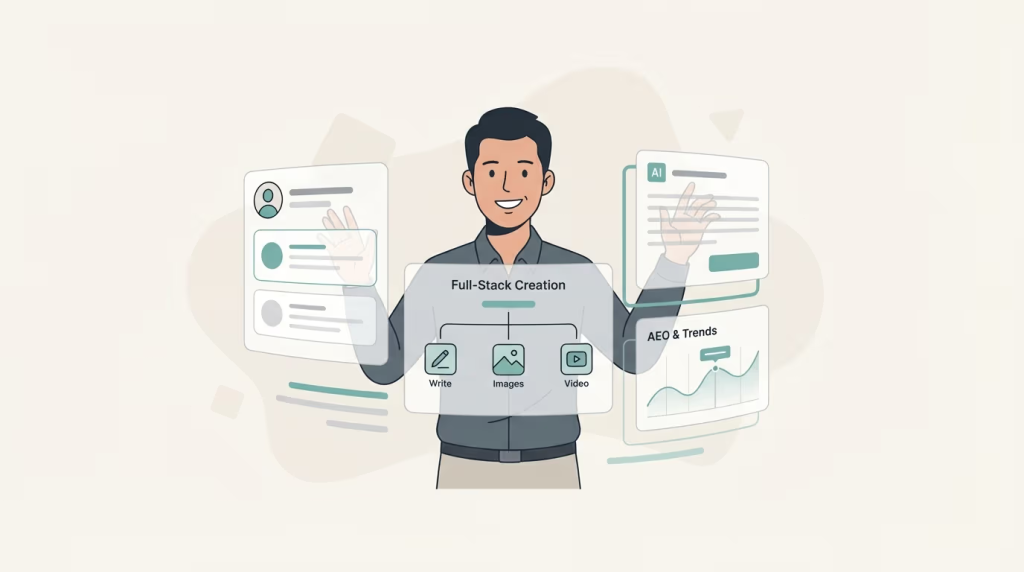
In practical terms, an old article can decay for a few common reasons:
- the query intent shifted and the page no longer matches it well
- competitors now cover the topic better
- the article feels thin compared with newer pages
- examples, screenshots, tools, or recommendations are outdated
- the structure is messy and readers have to work too hard to get value
AI is useful here because it helps you diagnose and improve those weaknesses faster. But the decision to refresh should still start with one human question: is this page worth saving?
Learn more: AI SEO Tools
How to know which pages deserve a refresh first
Not every old page deserves the same attention. Some should be merged. Some should be rewritten entirely. Some should probably just be retired. The strongest refresh candidates usually look like this:
- pages that still get impressions but fewer clicks than they used to
- pages with solid backlinks or internal authority but weak current performance
- pages that rank on page two or low page one and feel obviously improvable
- pages targeting topics that are still relevant to your site strategy
- pages that once performed well but now show clear decay
If a page never matched your site, never served the right audience, and never really had a reason to exist, AI will not rescue it. Refreshing works best when the page already has a credible foundation.
A practical workflow for refreshing old content with AI
1) Identify the right pages first
Start with pages that still matter strategically. Do not begin by refreshing random posts just because they are old. Look for evidence of decline, weak CTR, outdated structure, or a page that still feels salvageable with better coverage and a better angle.
2) Recheck the current search intent
This step matters more than the AI step. Before changing anything, ask: what does the search result currently reward? Is the intent more tutorial-focused now? More comparison-driven? More concise? More visual? If the page is solving the wrong question, AI edits alone will not fix the mismatch.
3) Audit the article section by section
Once you know the page is worth saving, break it down. I like to review:
- title and angle
- intro clarity
- H2 and H3 structure
- missing subtopics
- outdated examples or tools
- weak sections that feel generic
- sections that should be removed entirely
- internal links that should be added or updated
This is where AI starts becoming useful, because it can help you identify missing angles and suggest better section logic much faster than doing it from scratch.
4) Use AI to expand and tighten — not to erase
This is where many people get sloppy. They paste the whole article into a tool, ask it to rewrite everything, and then wonder why the page loses whatever voice or clarity it had left. I think that is usually the wrong move.
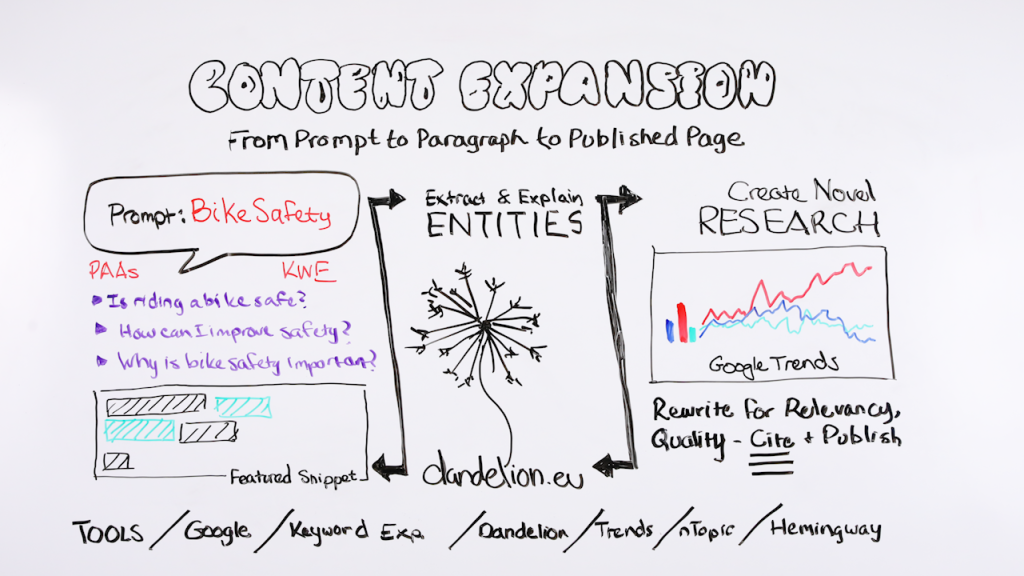
A safer approach is to use AI for more targeted jobs:
- rewrite a weak intro so the value is clearer
- expand a thin section with missing subtopics
- generate better supporting questions
- improve headings and section order
- tighten repetitive or bloated paragraphs
- draft a stronger FAQ block
That way, the AI is supporting the page rather than flattening it into a generic rewrite.
5) Add what the page was missing, not just what the AI can generate
This is one of the most useful mindset shifts in refresh work. The page usually needs specific missing value, not just “more content.” That could mean:
- clearer step-by-step explanation
- more current examples
- comparison logic
- better internal linking
- cleaner answer-first formatting
- updated screenshots or tool references
If the update only makes the page longer, the refresh may feel productive without actually making the page better.
Learn more: 6 Best AI SEO Tools
6) Test and watch what changes
A refresh is not finished the day you update the page. You still need to track whether impressions, clicks, or engagement improve. This is why I like treating content refreshes almost like mini SEO experiments. One of the easiest mistakes is to update ten pages at once and then have no idea what kind of change actually helped.
What AI should do in the refresh process — and what it should not do
What AI is genuinely good at
- finding missing subtopics
- restructuring weak sections
- rewriting clumsy paragraphs
- expanding FAQs and related questions
- creating stronger outlines for refreshed pages
- suggesting new internal link opportunities
What AI should not decide alone
- whether the page deserves to exist at all
- what the new core angle of the page should be
- whether the content is now more trustworthy and persuasive
- what should be removed because it no longer serves the reader
- how the page fits your broader topical map and internal linking structure
This is why the best refreshes still feel edited by a person. AI helps you move faster through the mechanical parts, but the page still needs someone to decide what is truly better, not just different.
Learn more: How to Optimize for Google AI Overviews
Helpful tools for refreshing old content with AI
If you are building a refresh workflow in this AI SEO cluster, these tools fit especially well:
- Frase — useful for updating page structure, expanding sections, refreshing coverage, and making the refresh process faster without starting over from zero.
- SEOTesting.com — useful for spotting content decay, validating refresh priorities, and measuring what changed after the update.
- Outranking.io — useful when refresh work needs stronger briefs, better topic coverage, and a clearer optimization workflow.
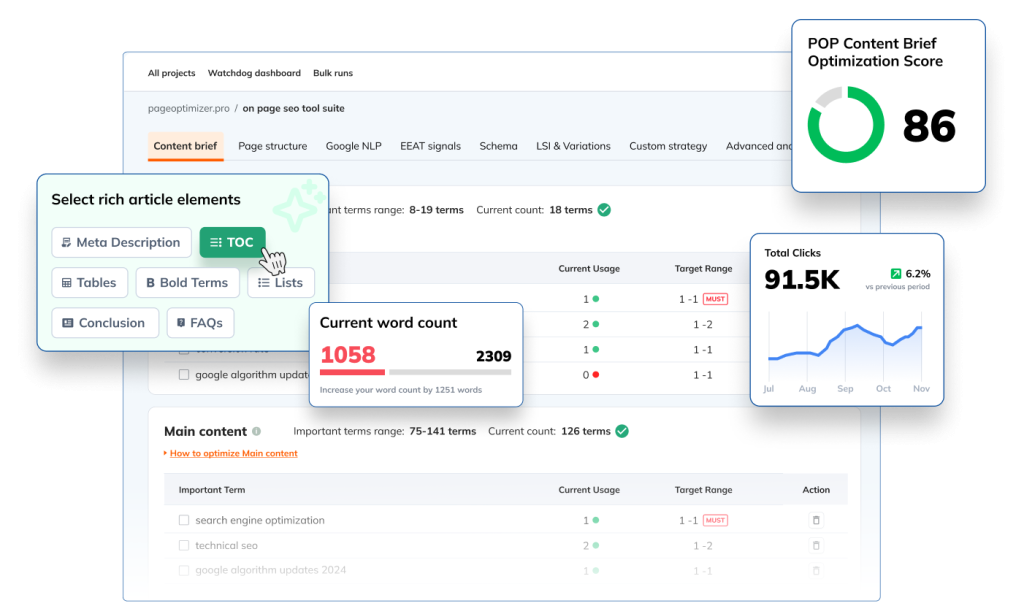
- PageOptimizer Pro — useful when the page already exists and the real job is to improve on-page precision rather than generate a fresh draft.
A practical way to think about it is this: use one tool to identify which page should be refreshed, another to improve the structure and coverage, and then measure the result like an actual SEO change instead of a writing exercise.
Mistakes to avoid when refreshing old content with AI
- Refreshing pages just because they are old, not because they still matter.
- Letting AI rewrite the entire page without preserving what already worked.
- Adding more words when the page actually needs clearer focus.
- Skipping current SERP intent checks before rewriting sections.
- Updating multiple pages at once without a way to measure which changes helped.
- Treating AI output as final copy instead of editorial support.
The biggest mistake, though, is simpler: thinking a refresh means “make it newer.” A good refresh means “make it more useful now.” Those are not always the same thing.
Final takeaway
The smartest way to refresh old content with AI is not to hand the whole page over and hope the machine gives it a second life. It is to use AI where it is strongest: spotting gaps, improving weak structure, expanding thin sections, and making the refresh process faster and more repeatable. Then use your own judgment to protect the angle, improve the usefulness, and decide what this page actually needs in its current search environment.
That is how AI becomes a real editor’s assistant instead of just a rewriting shortcut.
After this page, the most natural next reads are Best AI Content Optimization Tools, SEO Testing With AI, What to Test First, and Best AI SEO Writing Tools.
FAQ about refreshing old content with AI
Should I refresh old content or write new content first?
It depends on the site, but many existing pages offer faster gains if they already have relevance, impressions, or some authority. New content is important, but refreshes often improve results more quickly than people expect.
Can AI refresh an old article by itself?
AI can help with expansion, restructuring, and rewriting weak sections, but it should not decide the entire page strategy on its own. The final editorial judgment still matters.
How do I know if an old page is worth refreshing?
Look for pages that still matter strategically, still get impressions, or once performed well but are clearly fading. If the page never belonged on the site in the first place, refreshing may not be worth it.
What is the biggest mistake when refreshing old content with AI?
The biggest mistake is rewriting everything at once without checking search intent, preserving what still works, or measuring whether the update actually improved the page.
What should I update first on an old page?
Start with the page angle, search intent, intro clarity, section structure, missing subtopics, outdated examples, and internal links. Those changes often matter more than simply adding more text.
PromoCodeRadar helps users find cleaner coupon codes, official deals, annual billing savings, free trials, and better ways to save on software, AI tools, and online services.
If you found a broken code or outdated listing, contact us at contact@promocoderadar.com.