
Best AI Tools for UI Mockups and Prototyping
If you are looking for the best AI tools for UI mockups and prototyping, this category is narrower than most roundup pages make it sound.
That is not a bad thing. It is actually useful clarity. In this cluster, UI mockups and prototyping sit in a different lane from image cleanup, ecommerce visuals, and AI-generated marketing graphics. The job here is not making prettier images. It is helping product teams move from idea to screen, test flows faster, and reduce blank-canvas time early in the design process.
Table of Contents
That is why this page is intentionally tighter than the others in the AI Design cluster. Right now, there is one tool in this mapped set that clearly fits the category: Magic Patterns. If you want the broader category view first, start with the AI Design hub. If you want the wider shortlist across AI design workflows, see Best AI Design Tools.
Quick verdict
- Best overall for AI UI mockups and prototyping: Magic Patterns
- Best for: product teams, founders, PMs, and designers who want to move from prompts or screenshots to usable UI ideas quickly
- Skip this category if your real need is marketing visuals, social graphics, product-photo cleanup, or ecommerce imagery
If I had to simplify the decision, it would be this: choose Magic Patterns if your “design” work is really about screen exploration, feature concepts, and early product iteration. Skip this whole category if you are actually trying to create ads, thumbnails, social posts, or product image assets.
What counts as an AI tool for UI mockups and prototyping?

For this page, the category is narrower than “AI design.” An AI UI mockup or prototyping tool should help with things like:
- turning product ideas into early screens faster
- generating interface directions from prompts or screenshots
- exploring feature concepts before committing to full design work
- matching an existing design system or product style
- sharing prototypes for faster internal or external feedback
- reducing blank-canvas time for product teams
The better question is not whether the tool can produce something visual. The better question is whether it helps a product team think, iterate, and validate faster. That is what makes this category meaningfully different from image generators or editing tools.
A common mistake here is assuming that because a tool uses AI and outputs something that looks designed, it belongs in the same buying conversation as social creative or product-photo tools. It does not. The workflow is different, the stakeholders are different, and the success criteria are different too.
Why this category is intentionally narrow right now
This page is narrower because the mapped brand pool for AI Design is narrower here. That is a good thing. It is better to write an honest, focused page than to pad a roundup with tools that do not really fit the workflow.
A lot of “best AI prototyping tools” pages make the category look broader than it really is by mixing UI tools with general AI design apps, website builders, or visual generators. That makes the page look fuller, but it usually makes the recommendation worse.
So this article takes the cleaner route: one clear fit, explained properly, plus guidance on when you should use this category at all and when you should skip it.
Magic Patterns — best AI tool for UI mockups and prototyping
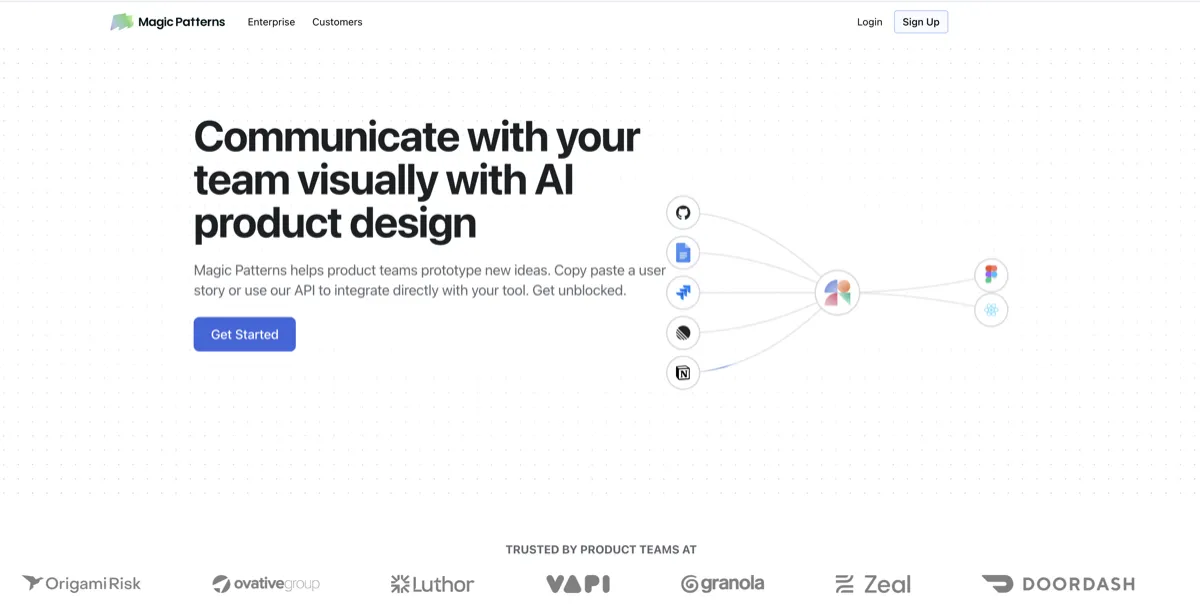
Magic Patterns is the clearest fit in this cluster because it is built around AI prototyping for product teams, not general-purpose visual creation. That distinction matters. Its positioning is unusually consistent: prompt-driven UI generation, screenshot-based iteration, design system matching, collaboration, and workflows that help teams move from idea to prototype faster.
On the surface, that can sound a little like any other AI design pitch. In practice, it feels more specific. Magic Patterns is not really trying to be your social content tool or your image generator. It is trying to help product teams explore features, screens, flows, and interface directions without getting stuck in slow early-stage design loops.
- Best for: founders, product managers, designers, and software teams exploring new screens or features
- Why it stands out: the workflow is clearly about product UI, not generic visual creation
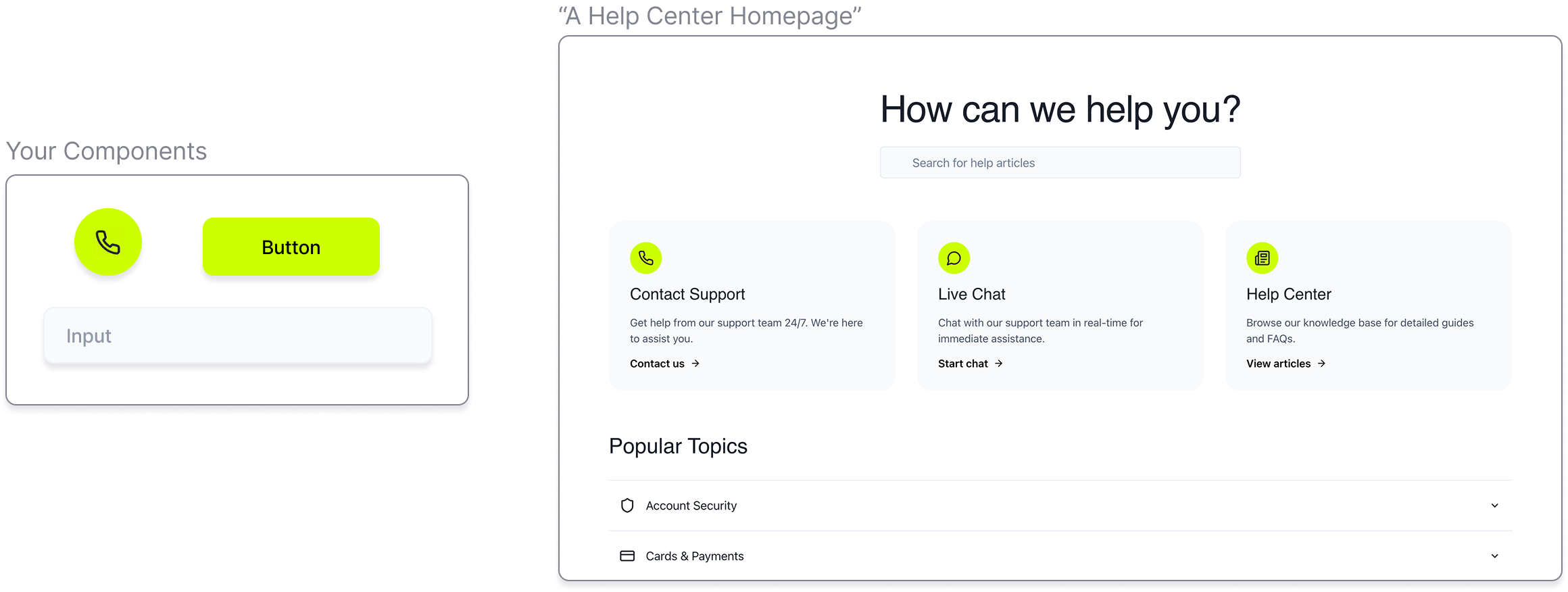
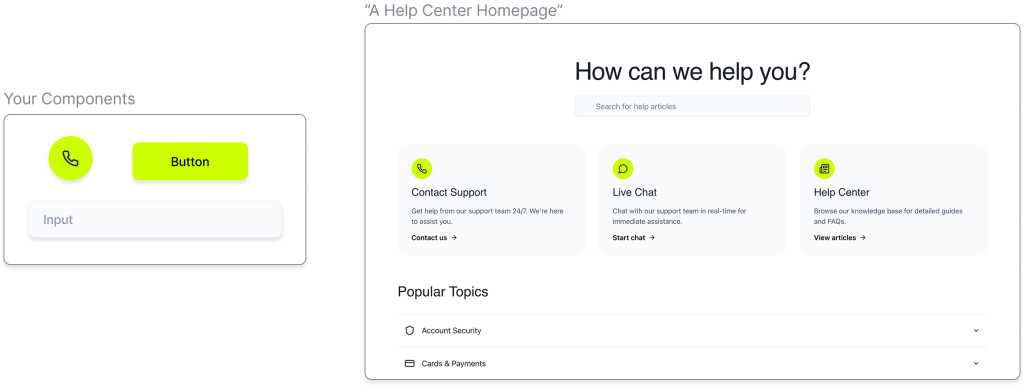
- What it does especially well: prompt-to-UI generation, screenshot-based iteration, design-system-aware output, and team collaboration around prototypes
- What to watch: this is not a replacement for product judgment, full UX strategy, or mature end-state design work
- Who should skip it: marketers, creators, and ecommerce teams whose real need is visual content, ads, or product imagery rather than product interfaces
The real difference shows up when the problem is not “I need a nice image” but “I need to explore this feature or flow fast enough to learn something.” That is where Magic Patterns starts to make sense. For neutral brand context, see Magic Patterns. If faster prototyping is the bottleneck, Explore Magic Patterns.
Where Magic Patterns fits best
Magic Patterns fits best when you already know the work is product-shaped. That means feature thinking, UX exploration, screen concepts, and early validation. It is especially relevant when teams want to explore ideas quickly without waiting for a full traditional design cycle before seeing something tangible.
That does not mean it replaces designers. It means it can speed up the part of the workflow where teams need to make vague ideas more concrete. For some teams, that is enough to justify the tool by itself.
Where Magic Patterns is easier to overbuy
This is the caution section that matters. Magic Patterns is easier to overvalue when buyers treat it like a general AI design app. It is not. If your daily work is campaign visuals, creator graphics, social posts, thumbnails, or product images, this is the wrong category.
A lot of subscriptions quietly stop making sense this way. Not because the tool is weak, but because the buyer expected it to solve a different problem. If your work never touches product screens or feature exploration, you should probably skip this page entirely.
How to evaluate a UI prototyping tool before paying
- How often do you prototype? If it is occasional, even a strong tool can become shelfware.
- Do you need design-system fit? This matters more for product teams than casual users.
- Is your bottleneck idea exploration or polish? Prototyping tools are stronger earlier in the process than later.
- Will other people need to collaborate? Team use changes what “worth it” means.
- Do you need a screen concept, or a finished visual asset? If it is the second one, you may be in the wrong category.
The practical question is not just whether a tool can generate UI. It is whether the team will actually use it to speed up real decisions. That is the detail I would verify before paying.
When an AI prototyping tool is enough — and when it is not
An AI prototyping tool is enough when the goal is to explore directions, test feature ideas, communicate concepts, or reduce blank-canvas time. It can also be enough when a team needs something concrete to react to before committing to deeper design work.
It is not enough when the work requires mature UX thinking, research-backed interaction design, deeper product strategy, or careful final-state design decisions. That is not a flaw. It is just the boundary of the category.
If that boundary is the real question you are trying to solve, the cleaner next read is Magic Patterns vs Traditional UI Design Workflows.
Who should skip this category?
You should probably skip this category if your real need is any of the following:
- social media graphics
- marketing visuals and hero images
- background removal or image cleanup
- ecommerce product images
- all-in-one content workflows
If that is your actual workflow, the better next reads are Best AI Image Generators for Marketing Visuals, Best AI Tools for Background Removal and Image Cleanup, or Best AI Design Tools for Ecommerce Product Images.
This may sound stricter than most roundup pages. Good. It should be. A useful recommendation should also tell you when not to buy into a category.
Best-fit summary
- Best current fit for AI UI mockups and prototyping in this cluster: Magic Patterns
- Best for: product teams that need faster screen exploration and feature prototyping
- Skip if: your work is really about marketing visuals, content assets, or ecommerce imagery
The softer human verdict is this: this is a good category to keep narrow. Magic Patterns is compelling when the workflow is real. It is very easy to overbuy if the workflow is not.
If faster prototyping is the bottleneck, See Magic Patterns. If you want the wider shortlist across AI design workflows, go back to Best AI Design Tools.
FAQ
What is the best AI tool for UI mockups and prototyping?
In this mapped AI Design cluster, Magic Patterns is the clearest current fit because it is built around prompt-driven UI generation, iteration, and product-team prototyping rather than general visual content creation.
Is Magic Patterns a design tool or a prototyping tool?
It is better understood as an AI prototyping tool. It helps teams explore screens, features, and UI ideas faster, rather than acting like a general-purpose content design platform.
Should marketers use AI prototyping tools?
Usually not, unless the work is actually about landing-page or product-interface exploration. Most marketers will get more value from tools built for campaign visuals, social graphics, or image generation.
When is an AI UI tool worth paying for?
It is usually worth paying for when prototyping is a repeated workflow, the team needs to explore ideas quickly, and design-system fit or collaboration really matters. It is easier to overbuy when the need is only occasional.
What should I read next after this page?
Read Magic Patterns vs Traditional UI Design Workflows if you want the boundary discussion, or Best AI Design Tools if you want the wider AI Design shortlist.
Still narrowing the workflow? Go next to Magic Patterns vs Traditional UI Design Workflows or back to How to Choose an AI Design Tool.
PromoCodeRadar helps users find cleaner coupon codes, official deals, annual billing savings, free trials, and better ways to save on software, AI tools, and online services.
If you found a broken code or outdated listing, contact us at contact@promocoderadar.com.