
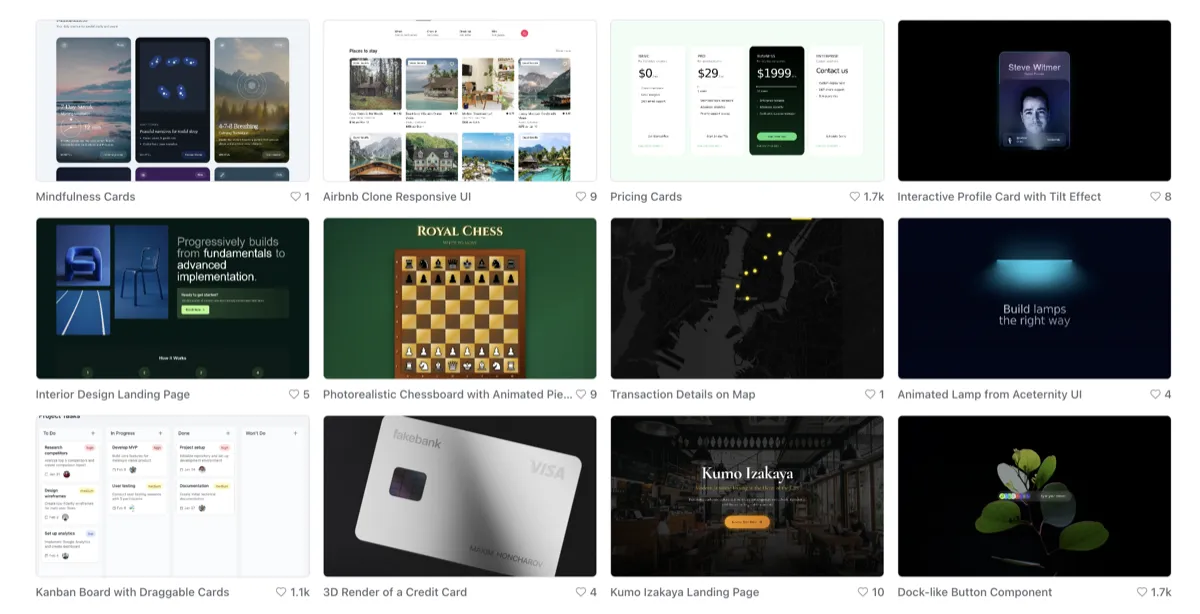
Magic Patterns vs Traditional UI Design Workflows
If you are comparing Magic Patterns vs traditional UI design workflows, the useful question is not whether AI can replace design. It is where AI actually speeds things up, and where traditional design judgment still does the heavier lifting.
Table of Contents
That distinction matters because a lot of AI prototyping conversations become vague very quickly. One side overstates what the tool can do. The other side dismisses it too early. In practice, Magic Patterns is good at a narrower job: getting product ideas into something visual faster. Traditional UI workflows are still stronger when the work needs deeper research, system thinking, refinement, and final-state confidence.
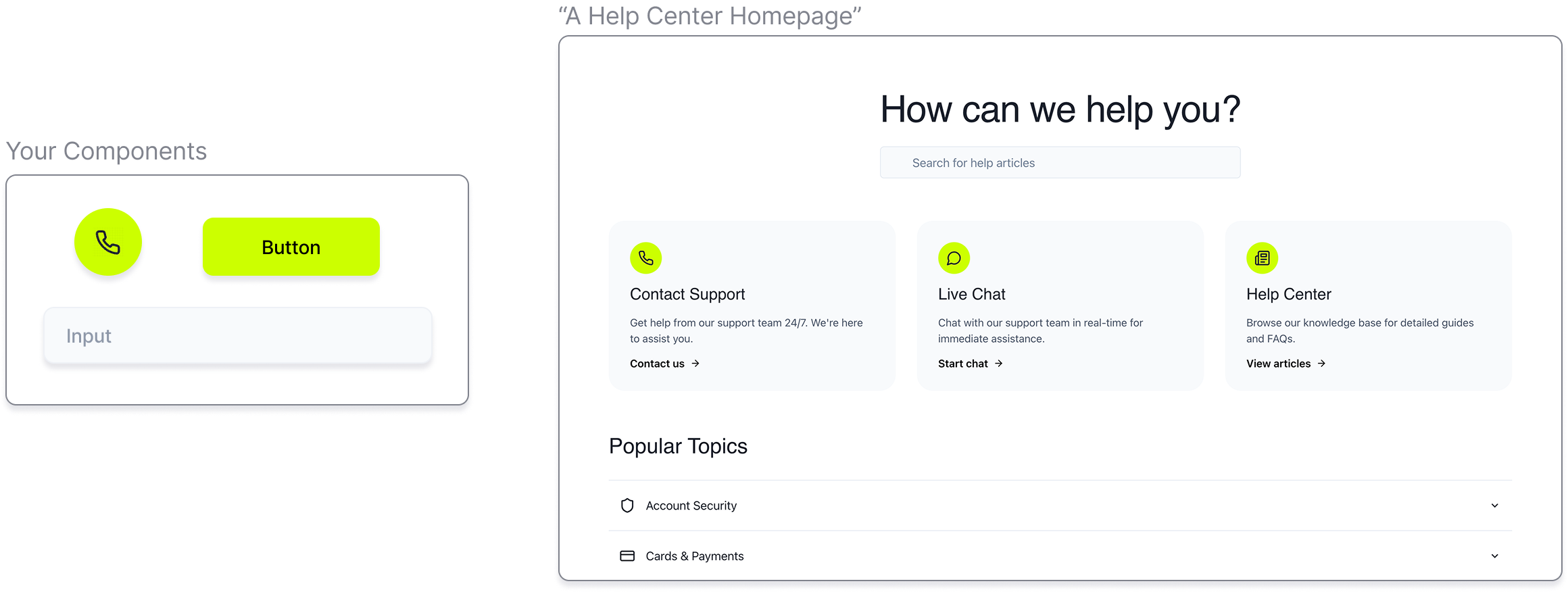
This article is not trying to force a winner. It is trying to clarify the boundary. If you want the broader category view first, start with the AI Design hub. If you want the narrower category page, read Best AI Tools for UI Mockups and Prototyping.
Quick verdict
- Choose Magic Patterns when you need faster concepting, quicker visual communication, and less blank-canvas friction.
- Choose traditional UI workflows when the work depends on deeper UX reasoning, mature systems, careful refinement, and high-confidence design decisions.
- Magic Patterns is strongest in early exploration and iteration.
- Traditional design is strongest in evaluation, judgment, prioritization, and final-state quality.
If I had to simplify the whole article into one line, it would be this: Magic Patterns is very good at getting teams to something reactable faster. Traditional UI workflows are still better at deciding what should survive that first speed boost.
What Magic Patterns is actually good at
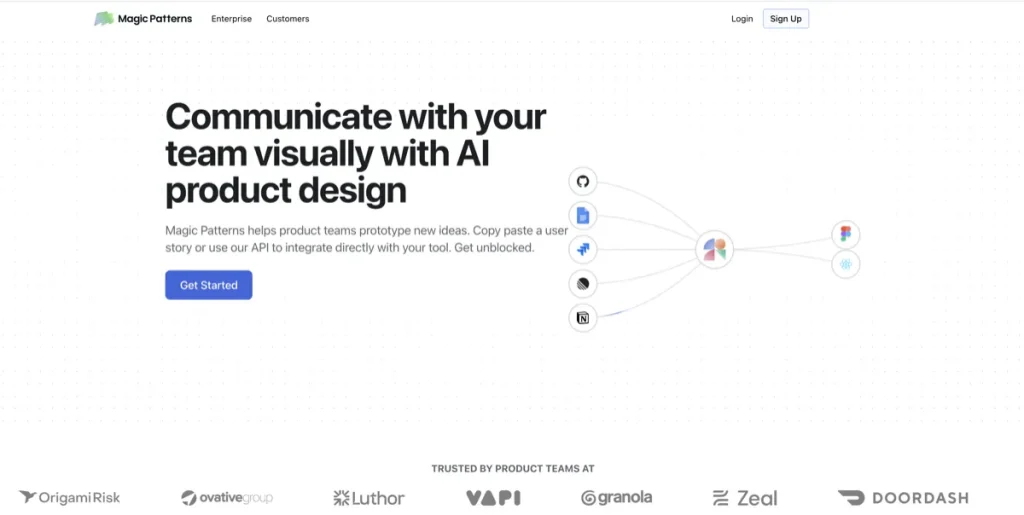
Magic Patterns is easiest to understand when you stop thinking of it as a general AI design app and start thinking of it as an AI prototyping tool for product teams.
Its real value is speed at the front of the workflow. Prompt in an idea. Start from a screenshot. Match an existing design system. Generate a screen direction. Create a prototype that is concrete enough to react to. Share it with other people on the team. That is where the tool feels most natural.
The better question is not “can it generate UI?” It clearly can. The better question is whether your team needs faster idea-to-screen movement badly enough for that speed to matter. If the answer is yes, Magic Patterns becomes much easier to justify.
What traditional UI design workflows still do better
This is the part that matters most, because it keeps the article honest.
Traditional UI design workflows are still better at slower, heavier forms of thinking. That includes understanding users, mapping flows carefully, resolving trade-offs, making systems cohere, spotting edge cases, and refining interactions beyond the first plausible screen.
AI can accelerate starting points. It does not automatically improve product judgment. It does not know which compromise is acceptable for your business, your users, your engineering limits, or your design standards. That work still belongs to humans.
This sounds obvious, but it is easy to forget when a generated prototype looks more complete than it really is. A realistic-looking screen is not the same thing as a well-resolved product decision.
Where Magic Patterns is faster than traditional UI workflows
- Blank-canvas moments: it is faster to prompt a direction than to begin from nothing.
- Early concept generation: product teams can get to a visual faster when the idea is still rough.
- Communicating feature ideas: a rough prototype is often better than a long explanation in text.
- Exploring multiple directions: AI lowers the cost of trying several starting points quickly.
- Cross-functional alignment: teams can react faster when there is something visual on the table earlier.
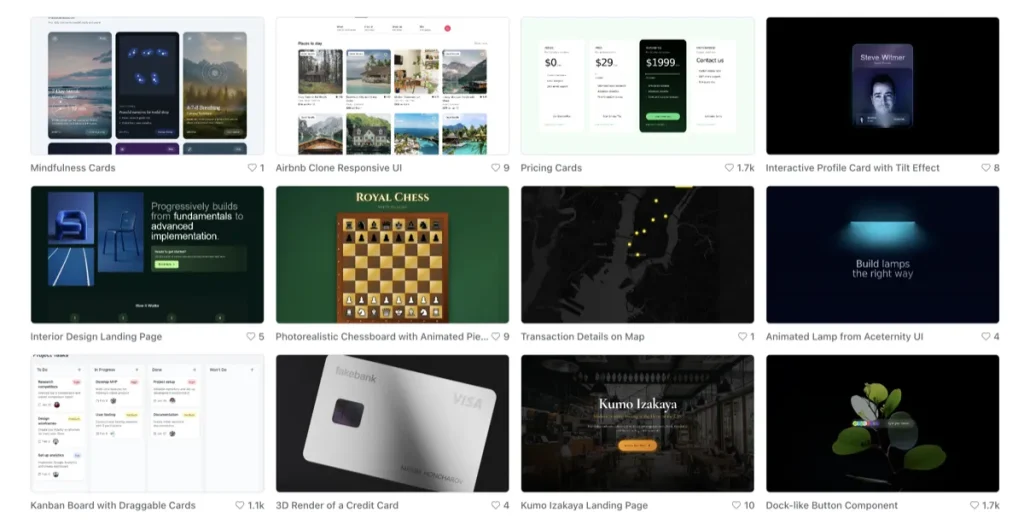
This is where Magic Patterns earns its keep. The tool is not most useful when it tries to replace the full craft of UI design. It is most useful when it shortens the time between “we have an idea” and “now we have something to discuss.”
A common pattern here is that teams use AI prototyping to reduce the number of slow, abstract conversations early in the process. That is a real gain. It is less glamorous than “AI designs the product for you,” but more believable.
Where traditional workflows still outperform AI prototyping
- Research-backed decisions: AI can help visualize, but it does not replace user understanding.
- Interaction quality: nuanced UX usually needs more than a plausible first pass.
- System coherence: traditional workflows are better at making the whole product hang together over time.
- Edge cases and trade-offs: good product design often lives in the exceptions, not the easy screens.
- Final-state refinement: teams still need careful judgment to turn a concept into a trustworthy shipped experience.
That is why this should not be framed as AI versus designers. It is more accurate to frame it as AI versus the slowest part of early design work. Those are not the same thing.
The expectation-vs-reality turn
On paper, an AI prototyping tool can sound like the start of a fully automated product design workflow. In practice, it behaves more like an accelerator for the first half of the process.
That is not a small distinction. It means Magic Patterns is more useful than skeptics sometimes assume, but also narrower than the hype sometimes suggests. If your team needs faster starting points, it can help a lot. If your team needs final answers, it is not enough by itself.
This is where many AI tool evaluations go wrong. They either praise the speed without talking about the trade-offs, or they reject the tool because it does not replace the whole workflow. Both readings miss the more practical middle.
When Magic Patterns makes more sense than a traditional workflow
- You need to visualize product ideas quickly.
- Your team gets stuck at the concept stage.
- You want something concrete to show PMs, founders, engineers, or users earlier.
- You already have a design system and want faster starting points that align with it.
- You are exploring directions, not signing off final UX decisions yet.
That is where Magic Patterns starts to make sense. It is especially compelling when the main pain point is not craftsmanship, but speed to a first useful draft.
For neutral brand context, see Magic Patterns. If faster concepting is the real bottleneck, Explore Magic Patterns.
When traditional UI workflows still make more sense
- The work needs strong UX research grounding.
- The product is mature and the cost of design mistakes is higher.
- You are refining interactions, not just exploring layouts.
- You need deeper reasoning about flows, states, and user trade-offs.
- You are working toward final design quality, not just useful prototypes.
Traditional workflows can feel slower, but that slowness is sometimes doing real work. It forces more deliberate choices, more critique, and more iteration around the parts of design that are hardest to automate well.
The part I would pay attention to first is not speed by itself. It is whether speed is the real bottleneck. If it is not, then Magic Patterns may solve the wrong problem.
Magic Patterns vs traditional workflows by decision stage
- Idea stage: Magic Patterns usually wins on speed.
- Early concept discussion: Magic Patterns often wins because visual drafts reduce ambiguity.
- Design critique and iteration: this becomes more mixed depending on team maturity.
- System integration and polish: traditional workflows usually regain the advantage.
- Final shipped confidence: traditional design judgment still matters more.
This is the framing I would keep in front of me. AI is strongest when the cost of being roughly right is high value. Traditional workflows stay strongest when the cost of being subtly wrong is high.
Who should skip Magic Patterns?
You should probably skip Magic Patterns if your work is mainly about marketing visuals, social posts, product photos, or general content design. This is not that category.
You should also skip it if prototyping is rare enough that the workflow never really repeats. A good tool can still become shelfware if the job does not happen often enough. Frequency matters more than novelty here.
If your real need is broader visual content work, the better next read is Best AI Design Tools. If your question is really about how much AI should handle at all, go next to When an AI Design Tool Is Enough — and When It Isn’t.
Best-fit summary
- Best use of Magic Patterns: faster UI concepting and earlier visual communication
- Best use of traditional workflows: deeper UX reasoning, system coherence, and final refinement
- Best practical stance: use AI to speed up the front of the process, not to replace the whole process
The softer human verdict is this: Magic Patterns is easier to justify than many people assume, but only when the team is honest about where AI helps. It speeds up the first useful draft. It does not eliminate the need for product design judgment after that.
If faster prototyping is the real bottleneck, See Magic Patterns. If you want the category overview first, go back to Best AI Tools for UI Mockups and Prototyping.
FAQ
Can Magic Patterns replace traditional UI design workflows?
No. It can speed up idea generation, early mockups, and visual communication, but traditional workflows still matter for research, product judgment, refinement, and final design quality.
What is Magic Patterns best at?
It is strongest at helping product teams go from idea to visual prototype faster, especially when blank-canvas friction and early exploration are the real bottlenecks.
When should I use Magic Patterns instead of a traditional design process?
Use it when you need faster concepting, early stakeholder alignment, or more visual exploration before committing to deeper design work. Do not treat it as a full replacement for the whole design process.
When should I stick with traditional UI workflows?
Stick with traditional workflows when the work depends on research, subtle UX trade-offs, mature system decisions, or final-state refinement that needs strong human judgment.
What should I read next after this article?
Read Best AI Tools for UI Mockups and Prototyping for the narrower category page, or When an AI Design Tool Is Enough — and When It Isn’t for the wider boundary discussion.
Still narrowing the boundary? Go next to When an AI Design Tool Is Enough — and When It Isn’t or back to How to Choose an AI Design Tool.
PromoCodeRadar helps users find cleaner coupon codes, official deals, annual billing savings, free trials, and better ways to save on software, AI tools, and online services.
If you found a broken code or outdated listing, contact us at contact@promocoderadar.com.