
Best AI Design Tools (2026): 8 Picks by Workflow
If you are searching for the best AI design tools, the hard part is not finding options. It is figuring out which category of tool you actually need. Some tools are built for fast cleanup. Some are much better for ecommerce product visuals. Some are really image generators wearing a design label. And one of them on this list is barely about graphics at all in the usual sense—it is about UI prototyping.
Table of Contents
The better question is not “which AI design tool is best?” It is “which AI design tool fits the way I work?” That is what this roundup is built to answer. For a broader cluster view, start with the AI Design hub. If you already know you need a framework first, go next to How to Choose an AI Design Tool.
Quick verdict: the best AI design tools by workflow
- Best overall for fast visual work: Pixelcut
- Best for ecommerce product visuals: Claid AI
- Best for UI mockups and prototyping: Magic Patterns
- Best all-in-one creative workflow: Simplified
- Best for flexible image generation plus editing: neural.love
- Best for free-heavy experimentation: Aitubo
- Best for one-click image tools: ArtSpace.ai
- Best for simple prompt-to-graphic output: DrawThis.ai
If I had to simplify the decision, I would start here: choose Pixelcut if you mostly edit existing visuals, Claid AI if product photography quality is the bottleneck, Magic Patterns if your “design” work is actually product UI exploration, and Simplified if you want one place to design, generate, and publish content. The rest make more sense once you know you want generation-heavy workflows.
What counts as an AI design tool now?
This category has become messy. On paper, all of these tools can help you “make visuals.” In practice, they split into a few very different jobs:
- Image cleanup and editing: remove backgrounds, erase distractions, upscale, add shadows, expand canvases
- Ecommerce product visuals: turn a plain product shot into something retail-ready
- Image generation for marketing: create ad concepts, hero graphics, and social visuals from prompts
- UI prototyping: generate mockups and product screens quickly enough to test ideas
- All-in-one content workflows: design, write, schedule, and publish without bouncing between tools
That sounds obvious, but it is where people usually make the wrong purchase. A common pattern here is that users buy a tool for the headline promise, then realize it is pointed at a narrower workflow than they expected. So this list is not ranked by raw feature count. It is ranked by how clearly each tool earns its place in a real workflow.
How I chose the tools in this roundup
- Workflow clarity: the tool has to solve a clear type of design work
- Current positioning: the brand’s official site still clearly supports that use case
- Ease of recommending accurately: if the fit is too vague, it does not belong high on the list
- Commercial reality: pricing, trial structure, or plan logic should make sense for the intended user
- Cluster fit: I prioritized tools that cleanly support the AI Design cluster instead of drifting too far into generic creator or marketing software
This is also why some adjacent tools are not here. Being AI-powered is not enough. The tool has to make sense as a design decision, not just a content decision.
1) Pixelcut — best overall for fast visual editing
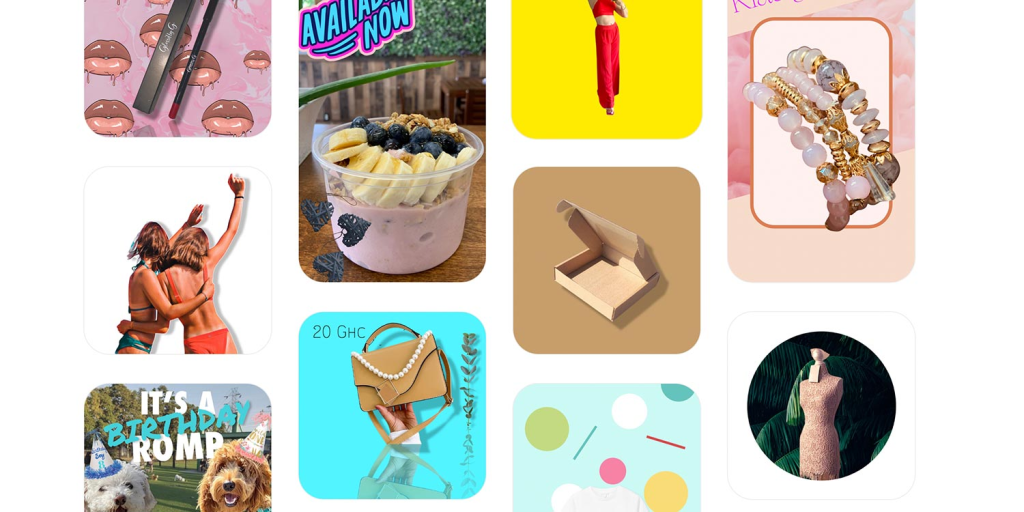
Pixelcut, now under the Pixa brand, is still the cleanest starting point for many people because it sits right at the intersection of editing speed and usable output. Background removal, upscaling, generative fill, expand, retouching, shadows, and batch editing are all easy to understand. That matters more than it sounds.
The real difference shows up when your job starts with an asset you already have. Product photo. Thumbnail. Portrait. Marketplace image. Social visual. Pixelcut is not asking you to build a whole new design process. It helps you fix, clean, and improve assets quickly, then move on.
- Best for: creators, small shops, resellers, and marketers who edit existing visuals constantly
- Why it made the list: very strong cleanup workflow, batch editing, and a broad enough feature set that it still feels practical day to day
- What to watch: if your main job is brand-new image generation or deeper art-direction control, this can feel lighter than the promise
- Who should skip it: teams whose real bottleneck is high-volume ecommerce product photography operations rather than quick visual cleanup
For a neutral brand overview, see Pixelcut. If this sounds like your main bottleneck, Check Pixelcut.
2) Claid AI — best for ecommerce product visuals
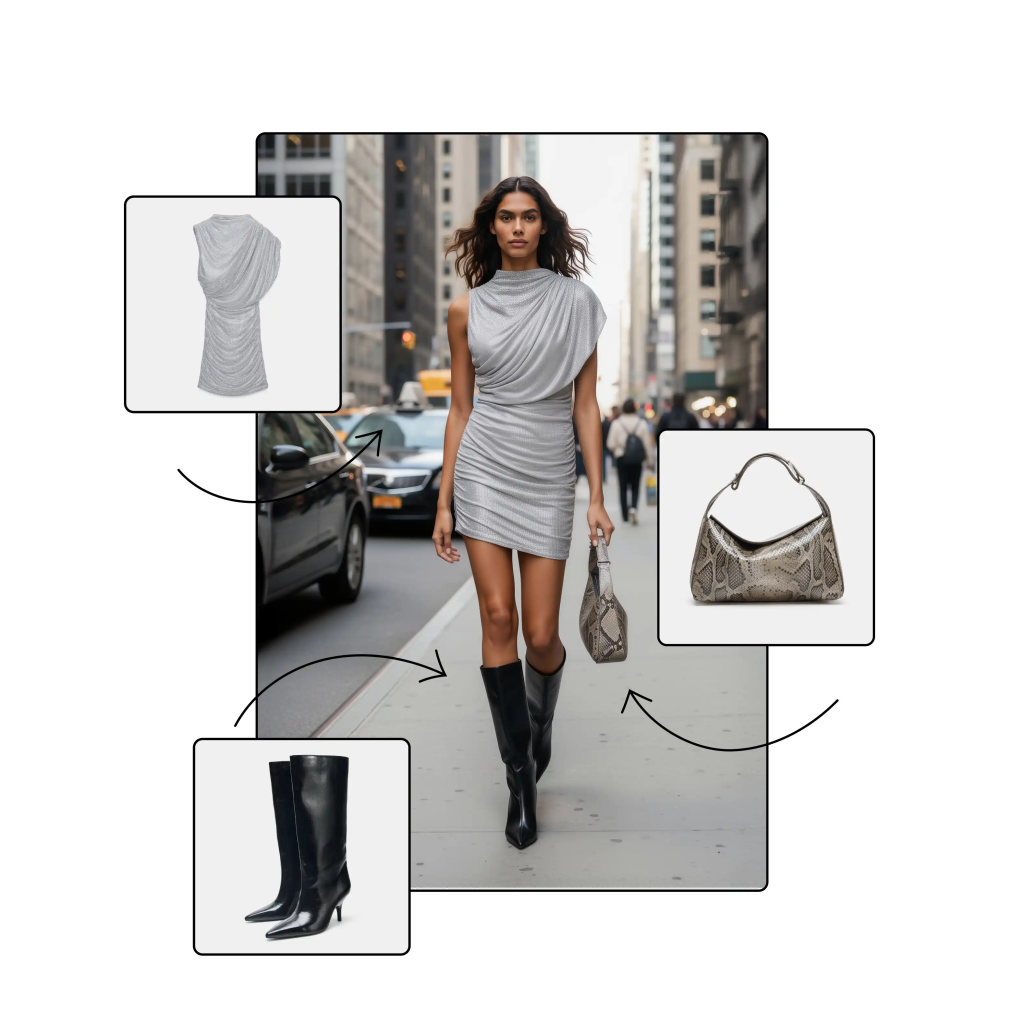
Claid AI is narrower than Pixelcut, and that is exactly why it belongs this high. It is focused on product photography workflows: AI photoshoots, background generation, background removal, upscaling, lighting fixes, and API-driven image operations. That focus is the point.
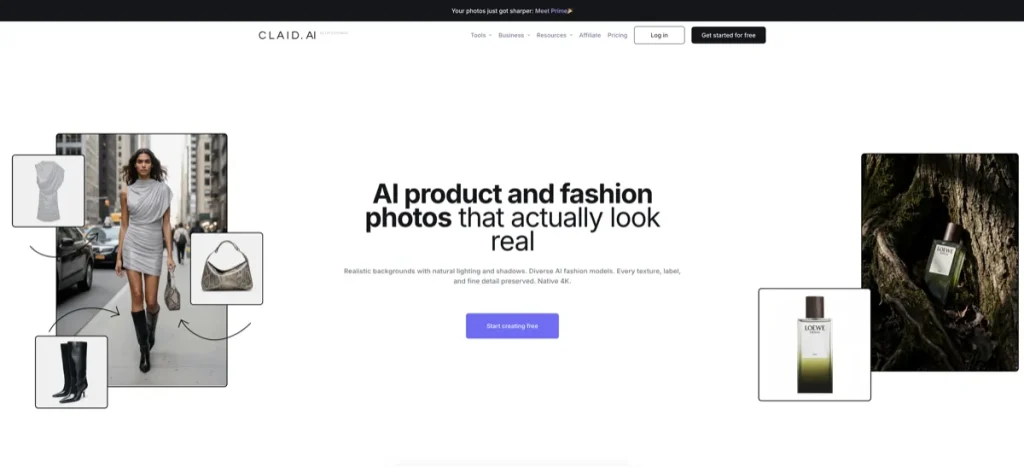
What makes me cautious with tools like this is how often the marketing suggests a broad creative platform. Claid feels better understood as a product-photo system than a general design suite. Once you see it that way, the fit gets clearer. It is strong for catalogs, onboarding seller images, brand-consistent backgrounds, and retail-ready product content. It is not the first tool I would choose for general social design work.
- Best for: ecommerce teams, marketplaces, product marketers, and brands that need cleaner, more scalable product visuals
- Why it made the list: product-specific focus, workflow automation options, and a cleaner retail use case than most “AI image” tools
- What to watch: narrower fit than a general creative suite; the value depends on how often you ship product imagery
- Who should skip it: solo creators who mostly need casual social visuals, thumbnails, or light cleanup
If ecommerce imagery is your whole decision, this is where the tool starts to make sense. For more context, read Pixelcut vs Claid AI or the focused roundup on AI design tools for ecommerce product images. Ready to evaluate the product itself? Open Claid AI.
3) Magic Patterns — best for UI mockups and prototyping
Magic Patterns is the easiest tool on this list to misunderstand if you come in expecting a visual design app. It is really an AI prototyping tool for product teams. That means screenshot recreation, design-system-aware UI generation, multiplayer collaboration, and faster idea-to-prototype loops.
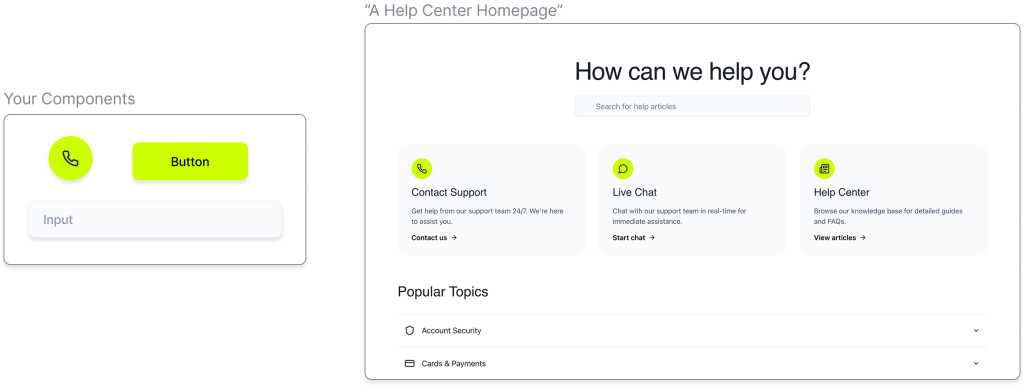
On the surface, this looks like “AI design” in the same way image tools do. It is a little narrower than that. Magic Patterns is much more about product thinking, experimentation, and interface exploration than final visual asset production. For the right team, that is more valuable than another image generator. For the wrong team, it will be the wrong category entirely.
- Best for: founders, PMs, product designers, and software teams exploring features quickly
- Why it made the list: it has a clean point of view, strong design-system fit, and a workflow that is meaningfully different from image generation tools
- What to watch: this is not a replacement for full design judgment, product strategy, or mature UI systems
- Who should skip it: marketers and creators who simply need graphics, ad images, thumbnails, or product shots
If your “design” problem is actually prototype speed, Magic Patterns is one of the clearer category fits here. See Magic Patterns for a neutral overview or Explore Magic Patterns if that workflow is the bottleneck you want to fix first.
4) Simplified — best all-in-one creative workflow
Simplified is the most “one platform” tool in this roundup. It bundles AI design, video, writing, social scheduling, project features, and collaboration into one app. That sounds good on paper, but the better question is whether you actually want that level of consolidation.
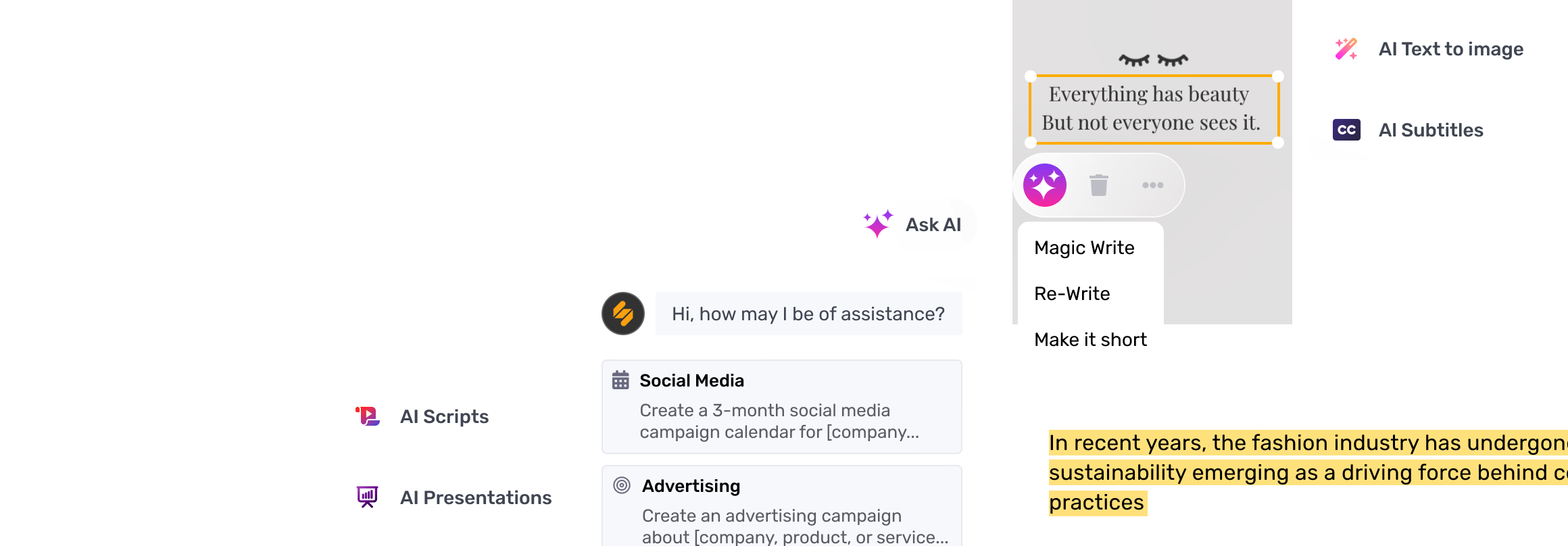
The strongest case for Simplified is not that it beats specialists at every task. It does not need to. Its real value is reducing tool switching for teams that make lots of marketing content and do not want a fragmented stack. If your workflow touches design, social, copy, and lightweight video on the same day, Simplified is easier to justify than it first appears.
- Best for: small marketing teams, agencies, creators, and operators who want design plus publishing in one place
- Why it made the list: real all-in-one positioning, AI design features, social workflow support, and collaboration tools
- What to watch: specialists may still prefer dedicated tools for product visuals or prototyping
- Who should skip it: users who only need one precise design task and do not benefit from broader workflow consolidation
I would not call Simplified the best specialist. I would call it one of the more practical stack-reduction tools on this page. See Simplified for brand context, or Check Simplified if all-in-one workflow simplicity matters more than best-in-class niche depth.
5) neural.love — best for flexible image generation plus editing
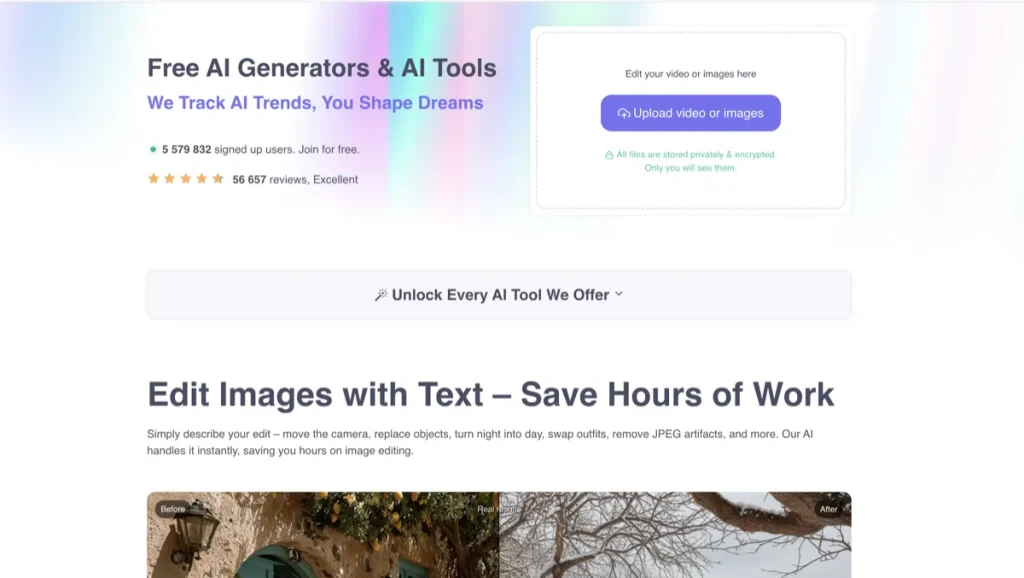
neural.love is one of the better fits here if you want both generation and editing without locking yourself into a single narrow use case. The platform covers text-to-image, photo studio workflows, background removal and replacement, upscaling, colorization, image variations, and text-based image edits.
What usually happens is that people buy tools like this for the prompt-to-image promise, then keep using them for the editing side they did not pay enough attention to. neural.love is interesting because it continues to expand both sides of that workflow. That gives it more range than a generator-only tool, even if it still is not as purpose-built as Claid for ecommerce or as focused as Pixelcut for quick cleanup.
- Best for: creators and marketers who want both generation and post-generation enhancement in one environment
- Why it made the list: broad AI media toolset, pay-as-you-go pricing, and active image editing improvements
- What to watch: broader platforms can still feel less opinionated than a specialist workflow tool
- Who should skip it: buyers who want a single-purpose tool with a very obvious starting point
For some users, that is enough. If you want a flexible image-first tool without jumping straight into an all-in-one suite, neural.love is one of the cleaner options on this list. See neural.love or View neural.love.
6) Aitubo — best for free-heavy experimentation
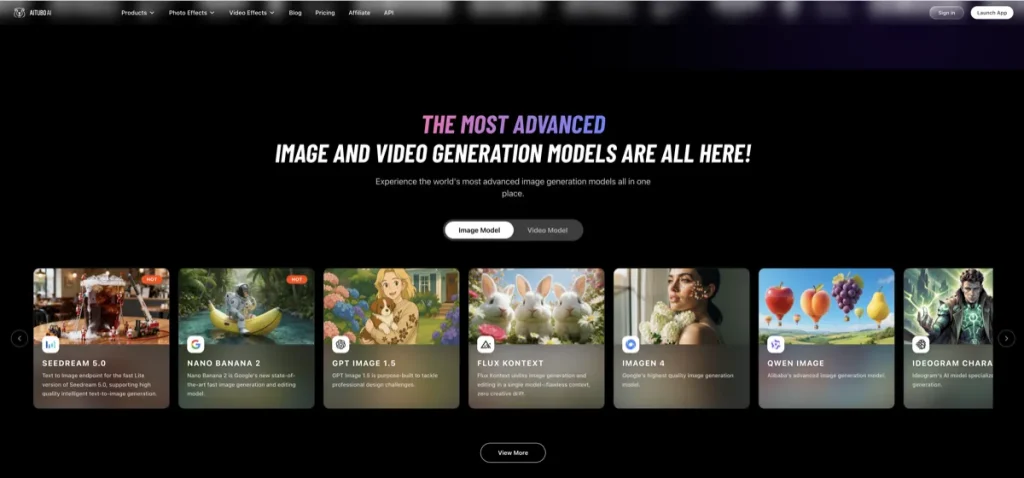
Aitubo is a better fit than many people assume when the goal is quick experimentation across image generation, editing, enhancement, background removal, and even video-adjacent creative work. It is not the most premium-looking brand on this page, but it is one of the more accessible starting points for users who want to try a lot without immediate commitment.
The expectation-vs-reality turn here is simple: Aitubo looks like a broad “fun with AI visuals” platform, but that breadth can be useful if you are still narrowing the job to be done. It is especially reasonable for solo creators and lighter marketing use cases that want room to explore prompts, edits, and styles before committing to a more specialized tool.
- Best for: solo creators, early experimenters, and users who want free or lower-friction access to many image tools
- Why it made the list: broad tool coverage, free entry point, and practical image-plus-editing range
- What to watch: broad platforms can feel less disciplined than tools built for one exact professional workflow
- Who should skip it: teams that already know they need stronger product-photo operations or serious UI workflow support
If budget sensitivity and experimentation matter first, Aitubo deserves a look. See Aitubo or Open Aitubo.
7) ArtSpace.ai — best for one-click image tools
ArtSpace.ai is interesting because it pushes a “one-click tools” angle much harder than most of the others. That includes text-to-image plus a long menu of quick image operations like face swap, background removal, restoration, and 4K upscaling. If your tolerance for prompt fiddling is low, that matters.
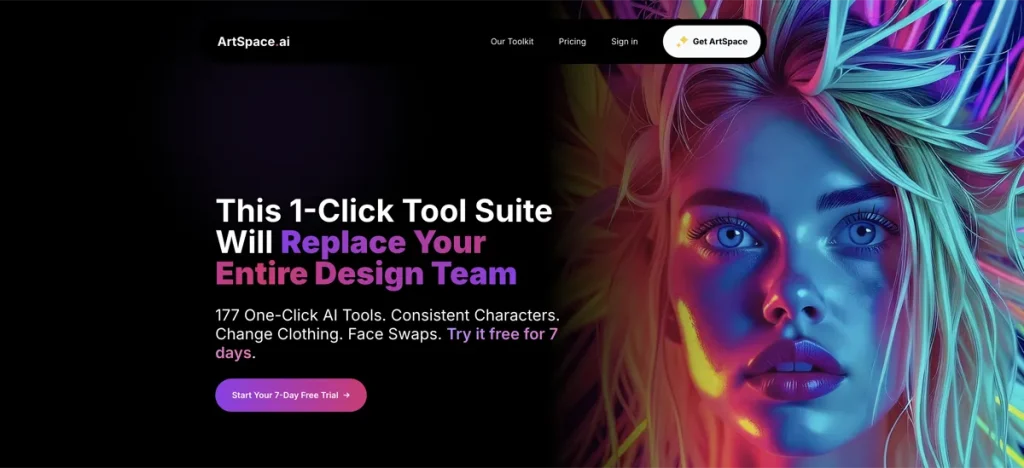
A lot of buyers do not regret the tool itself. They regret buying it before they knew whether they wanted generation depth or easy shortcuts. ArtSpace makes more sense when you know convenience is the real value driver. It is less about building a disciplined art direction process and more about turning common image tasks into low-friction clicks.
- Best for: users who want an easy front end for lots of quick image tasks
- Why it made the list: strong one-click positioning, beginner-friendly feel, and broad quick-edit coverage
- What to watch: convenience-first tools can feel less controlled for users who want deeper creative steering
- Who should skip it: people who need a stronger workflow around ecommerce photography or product UI exploration
See ArtSpace.ai if you want the neutral profile, or Check ArtSpace.ai if fast one-click edits are the real appeal.
8) DrawThis.ai — best for simple prompt-to-graphic output
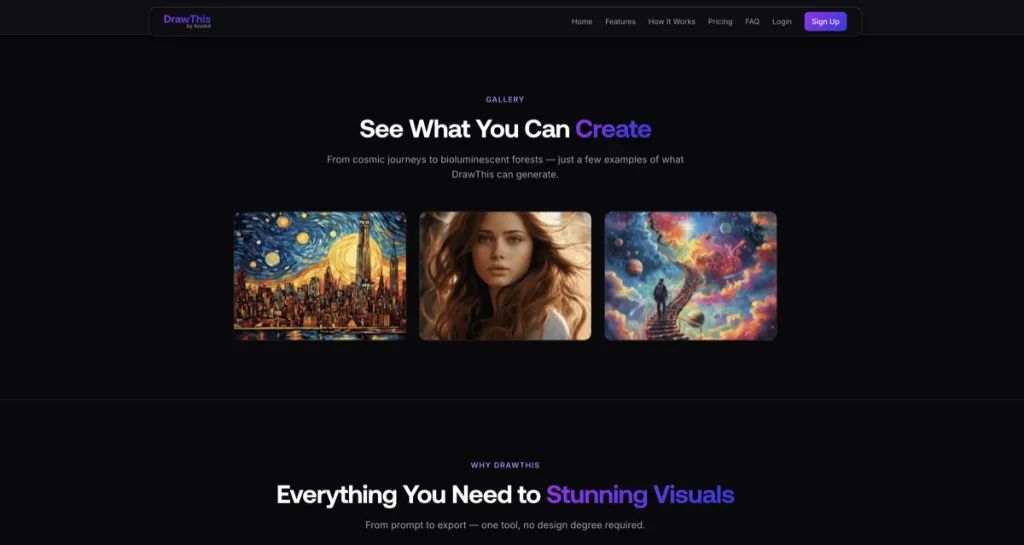
DrawThis.ai is the lightest-weight inclusion in the top tier, but it still has a real place. Its pitch is straightforward: generate images, improve prompts, use an integrated editor, and export graphics without needing design software fluency. That makes it relevant for marketers, creators, and business owners who want fast visual ideation more than advanced control.
- Best for: quick visual ideation, creator graphics, and simple marketing image generation
- Why it made the list: clear beginner-friendly positioning, commercial-use exports, and a direct prompt-to-image workflow
- What to watch: it is less compelling if you need heavier editing workflows or more serious product-photo operations
- Who should skip it: buyers looking for the strongest pro-grade editing or product-photo specialization
DrawThis is not the deepest tool here. It is one of the easiest to explain. And that alone gives it a place. See DrawThis.ai or Explore DrawThis.ai.

Which AI design tool should you start with?
If you are still unsure, start with the bottleneck, not the brand:
- Your problem is cleanup and speed: start with Pixelcut
- Your problem is ecommerce product imagery: start with Claid AI
- Your problem is prototype speed for product ideas: start with Magic Patterns
- Your problem is too many tools across content operations: start with Simplified
- Your problem is image generation plus enhancement flexibility: start with neural.love
- Your problem is budget-friendly experimentation: start with Aitubo
This is where a lot of subscriptions quietly stop making sense. People choose based on what looks impressive, not on which task repeats every week. Frequency of use matters more than headline features.
Best fit summary
Best overall for most readers: Pixelcut.
Best fit for ecommerce teams: Claid AI.
Best fit for product teams: Magic Patterns.
Best fit for all-in-one content operations: Simplified.
The soft verdict is this: there is no single best AI design tool for everyone. Pixelcut is the easiest broad recommendation, but the strongest specialist picks are better when your workflow is already clear.
Who should skip this whole category?
If I had to be blunt, this is where the roundup either earns its keep or becomes shelfware. You may not need an AI design tool yet if your workflow is still basic, your visual output is infrequent, or your real problem is brand direction rather than production speed. Tools can speed up execution. They do not replace judgment about what should exist in the first place.
You should also skip this category for now if you are actually looking for motion-first creator tools. In that case, the better comparison is AI Design Tools vs AI Video Creator Tools, not another image-heavy roundup.
FAQ
What is the best AI design tool for beginners?
For beginners, Pixelcut is usually the easiest place to start because the workflow is obvious: upload an image, clean it up, remove the background, upscale it, or rework it fast. Simplified is also beginner-friendly if you want a broader content workflow.
Is Claid AI better than Pixelcut?
For ecommerce product visuals, often yes. For broader quick editing and more general visual cleanup, not necessarily. Claid AI is stronger when product-photo quality and retail-ready outputs are the real job. Pixelcut is more flexible for lighter, faster visual editing.
Are AI image generators the same as AI design tools?
No. Some AI design tools are really image generators. Others focus on editing, product photography workflows, or UI prototyping. Treating them as one category is the fastest way to choose the wrong tool.
Is Magic Patterns a design tool or a prototyping tool?
It is better understood as an AI prototyping tool for product teams. It helps with UI generation, idea exploration, and fast interface iteration more than traditional marketing visual production.
Do I need an all-in-one tool like Simplified?
Only if tool switching is the problem. If you mainly need one precise job done well, a specialist tool is often the better buy. Simplified makes more sense when design, writing, video, social, and collaboration overlap inside the same workflow.
Still narrowing it down? Read Pixelcut vs Claid AI if your choice is between cleanup and ecommerce visuals, or move to the ecommerce-specific roundup if product imagery is the main job.
PromoCodeRadar helps users find cleaner coupon codes, official deals, annual billing savings, free trials, and better ways to save on software, AI tools, and online services.
If you found a broken code or outdated listing, contact us at contact@promocoderadar.com.