
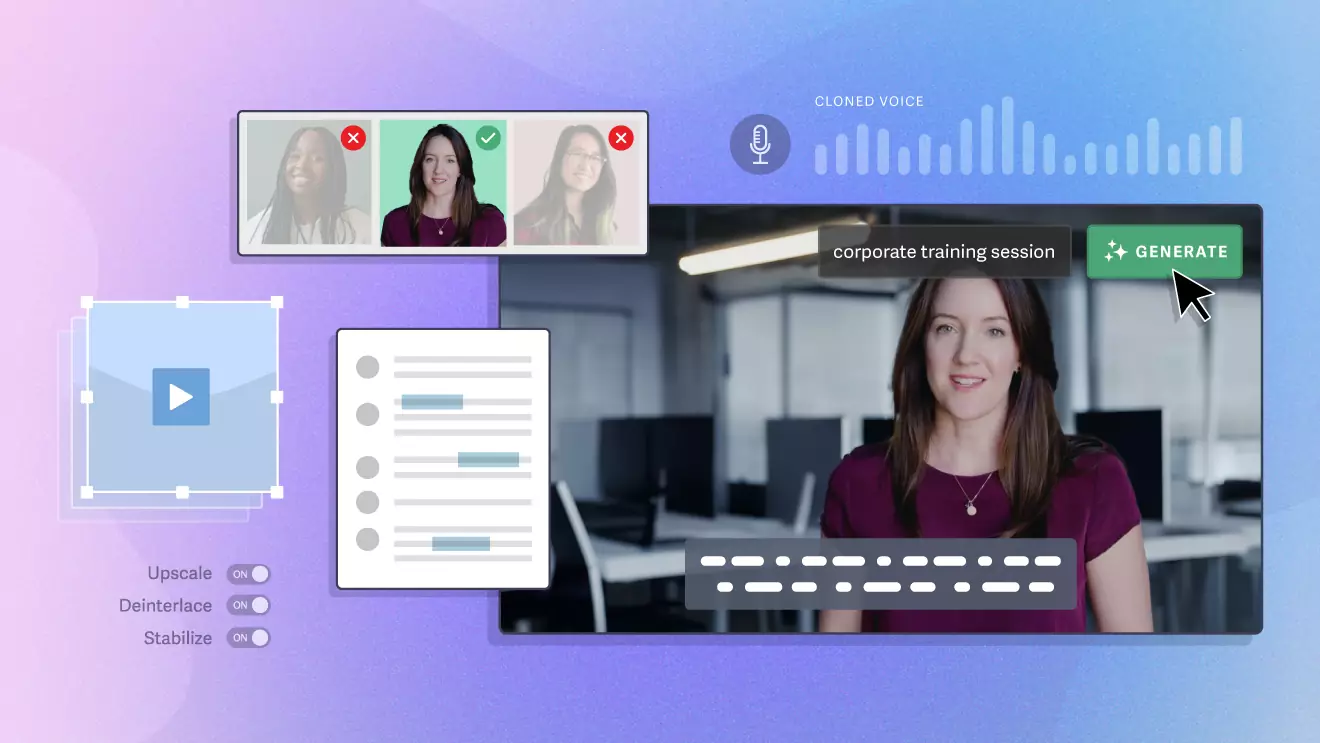
How to Choose an AI Video Tool That Fits
Learning how to choose an AI video tool sounds simple until you realize most tools in this category solve completely different jobs. Some are built for avatar-led presenter videos. Some turn scripts or articles into draft videos. Some turn long footage into short clips. Some are really editing assistants, not generators at all.
Table of Contents
That is where most buyers get stuck. They compare feature lists across products that are not really direct substitutes, then wonder why the tool feels underwhelming after the first week. The practical question is not “which AI video tool is best?” It is “which kind of AI video tool matches the workflow I actually repeat?”

If you want the broader shortlist first, see Best AI Video Tools. If you want the full category map for this topic cluster, start from the AI Video & Creator hub. And if you already know your bottleneck is shorts or team training, you can jump straight to Best AI Tools for Turning Long Videos into Shorts or Best AI Video Tools for Training and Presentation Workflows.
How to choose an AI video tool in the right order
Before looking at brands, start with five decisions in this order:
- What is your starting material? A script, an article, slides, raw footage, or just an idea?
- What kind of output do you need? A presenter video, a faceless explainer, a short clip, or a cleaned-up edit?
- Who is doing the work? A solo creator, a marketer, or a team that needs repeatable internal video production?
- How much control do you need? Fast draft generation, or hands-on editing and refinement?
- Will you actually use it every week? Frequency matters more than feature count.
A common pattern here is that the tool looks broad at first, but its real value is much narrower in practice.
That is not a flaw. It is just the reality of the category. The mistake is buying an avatar platform when your real need is long-video repurposing, or choosing a clip tool when your team actually needs structured training videos.
Step 1: Identify your starting point
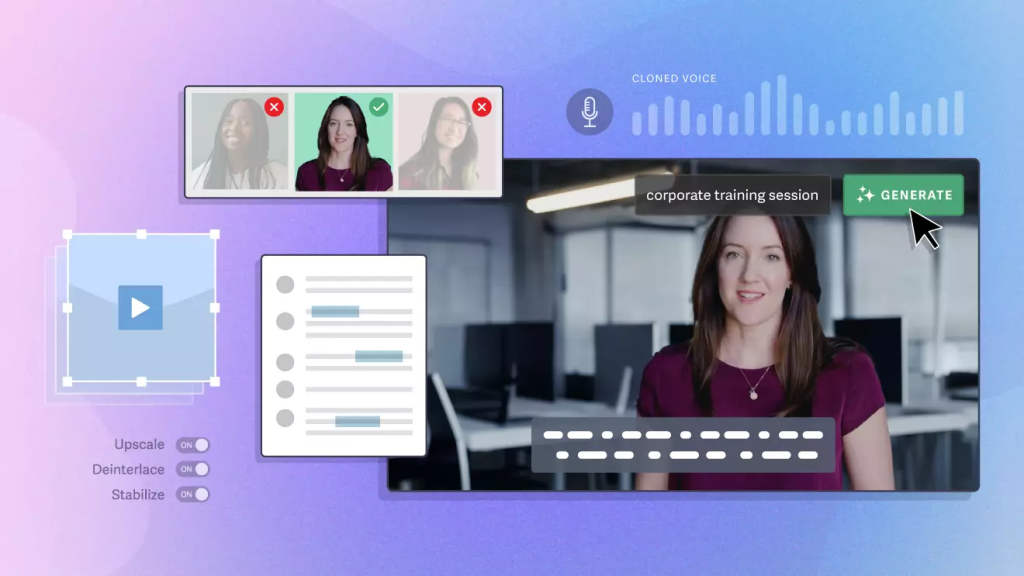
This is the cleanest way to narrow the category fast.
- If you start with a script, slides, or a message: look first at avatar and presenter tools such as HeyGen, Synthesia, and Elai.
- If you start with a blog post, article, URL, or written outline: look first at Pictory.
- If you start with a long video and want short clips: look first at Klap.
- If you start with raw recorded footage and want faster cleanup editing: look first at Gling.
This sounds obvious, but it is where most of the confusion disappears. If your source material is an article, the best-looking avatar platform is still the wrong first place to shop. If your source material is a podcast or webinar, a text-to-video tool may be solving the wrong problem entirely.
Step 2: Match the tool to the output you actually need
The second filter is output style. Here is the simplest way to think about it.
Choose an avatar or presenter tool if you need on-screen delivery
Use this category when you want videos that feel like a digital presenter is speaking to the viewer. This usually fits training, onboarding, internal communication, product explainers, multilingual content, and lightweight sales or marketing videos.
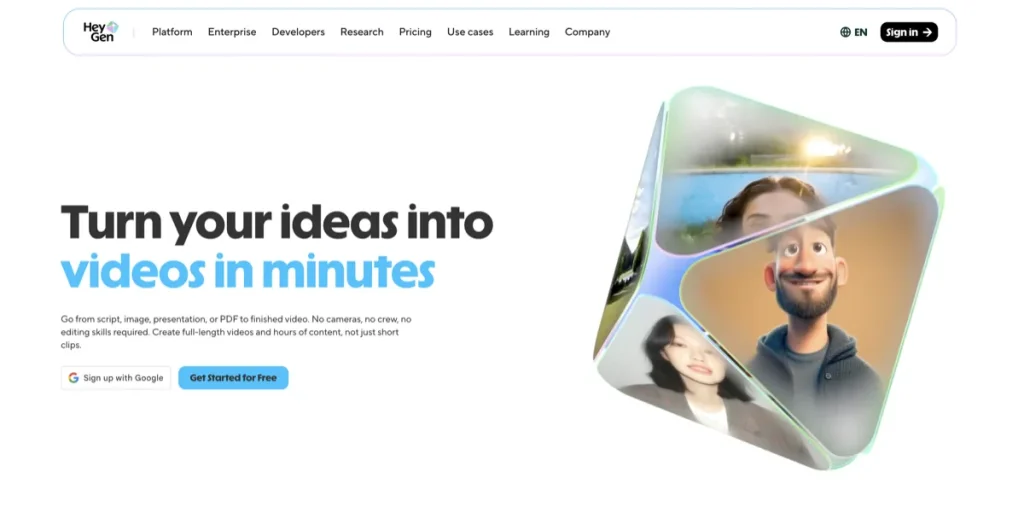
HeyGen is the broadest fit when you want polished avatar-led output with more creative flexibility. Synthesia is the clearer fit when your center of gravity is structured business video and repeatable team workflows. Elai is worth considering when you want presenter-led video with training and localization relevance, but want a different fit from the two biggest names.
Choose a text-to-video tool if your content already exists in written form
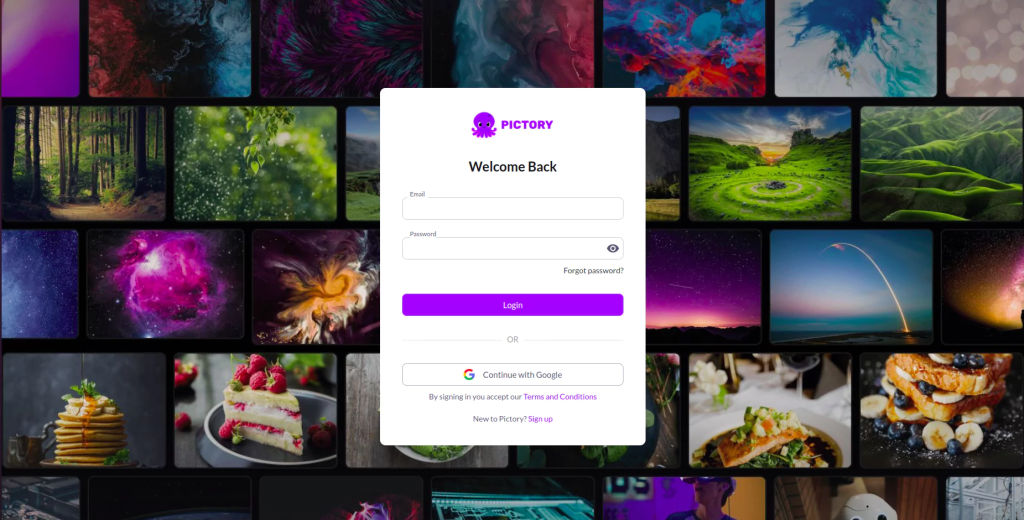
If the job is turning scripts, articles, blog posts, URLs, or prompts into draft video, the category gets narrower. Pictory makes the most sense here because the workflow starts with text, not with a camera or an avatar-first presentation format.
This is one of those category lines that matters more than it looks. Pictory is not “better than everything else.” It is better when your starting point is written material that you want to repurpose into video without building every scene manually.
Choose a repurposing tool if your raw material is already video
If you already have long-form footage and want shorts, you are not shopping for a general AI video platform. You are shopping for a repurposing workflow. Klap belongs in that lane because its job is to turn longer videos into vertical clips more efficiently.
This matters for podcasts, interviews, webinars, talking-head YouTube videos, and educational content that can be sliced into short social assets. In that context, clip extraction, auto-framing, captions, and fast output matter more than avatar realism or article import.
Choose an editing cleanup tool if the real bottleneck is post-production friction
Gling is a good example of a product that gets misclassified too often. It is not mainly a synthetic video generator. It is an AI-powered editing helper aimed at creators who record footage and want to remove bad takes, silences, filler words, and other repetitive cleanup work faster.
If that sounds less exciting than “generate a video with AI,” that is fine. It can still be the more useful purchase. The quiet failure mode with tools like this is not that they are bad. It is that users expected them to do the wrong job.

Step 3: Decide whether you need speed or control
AI video buyers often say they want speed. What they usually mean is that they want less friction. Those are not always the same thing.
- If you want speed from a written starting point: Pictory is easier to justify.
- If you want speed for presenter-style videos at scale: HeyGen, Synthesia, or Elai are more relevant.
- If you want speed in social repurposing: Klap makes more sense.
- If you want speed in post-production cleanup: Gling is the more honest fit.
Here is the narrative turn that matters: the fastest tool is not always the one with the most automation. It is usually the one that removes the most repetitive work from your existing process. That distinction saves people a lot of wasted subscriptions.
Step 4: Choose by team shape, not just by features
This is where a lot of buying decisions become clearer.
For solo creators
Solo creators usually need one of three things: faster repurposing, easier cleanup editing, or a low-friction way to produce presenter-style content without filming constantly. In practice, that often points toward Klap, Gling, or HeyGen, depending on whether the bottleneck is footage reuse, editing, or front-facing delivery.
For marketers and content teams
Marketing teams usually sit between speed and repeatability. If the team produces explainers, lightweight ads, product messaging, or localized video, HeyGen tends to be the broader commercial fit. If the workflow starts from blog content or written assets, Pictory often makes more sense.
For training, onboarding, and internal communications
This is where Synthesia and Elai become much more relevant. Once consistency, collaboration, translation, presenter templates, and repeatable internal video output matter, the category stops being creator-first and becomes operations-first.
I would not overcomplicate this part. If your team needs structured presenter video at scale, look hardest at Synthesia first, then compare HeyGen and Elai based on flexibility, localization needs, and workflow feel.
Step 5: Do not ignore usage frequency
This is where a lot of subscriptions quietly stop making sense. The problem is rarely that the tool does nothing. It is that the team expected a weekly-use platform to deliver value in a monthly-use workflow.
If you make one video every few months, the smartest move may be to delay buying altogether. If you publish every week, train teams every month, or repurpose every long video into a batch of shorts, then a workflow-fit tool becomes much easier to justify.
If I were choosing carefully, this is the detail I would verify before paying: what exact task will this tool remove from my calendar, and how often does that task happen?
Quick decision guide: which tool fits which workflow?
- Choose HeyGen if you want a flexible, polished avatar-led platform for marketing, explainers, or multilingual presenter videos.
- Choose Synthesia if you want structured business video for training, onboarding, internal communication, and repeatable team workflows.
- Choose Pictory if you want to turn text, blog posts, articles, or URLs into video drafts.
- Choose Klap if you want to turn podcasts, interviews, webinars, or long YouTube videos into short vertical clips.
- Choose Gling if you record yourself and need faster cleanup editing rather than synthetic generation.
- Choose Elai if you want presenter-style video and training relevance, but want a serious alternative to the two best-known avatar-first platforms.
Who should skip each category?
- Skip avatar tools if you do not need an on-screen presenter or multilingual spokesperson-style video.
- Skip text-to-video tools if your raw material is mostly long recordings, not written content.
- Skip repurposing tools if you do not already publish long-form video.
- Skip editing cleanup tools if you rarely record yourself and mainly work from scripts or articles.
- Skip all of them for now if your workflow is still too inconsistent to justify another subscription.
Common mistakes when choosing an AI video tool
- Comparing categories instead of workflows. This is the biggest one.
- Buying for the promise, not the bottleneck. The marketing can sound broader than the daily value really is.
- Overvaluing output quantity. More clips, more drafts, or more templates do not always equal better content.
- Ignoring team shape. A strong solo-creator tool and a strong training-team tool are not the same thing.
- Expecting AI to solve messaging. A weak script still becomes a weak video, just faster.
The article should feel narrower by this point, and that is a good sign. Choosing well in this category usually means eliminating the wrong classes of tools before you start comparing the right brands.
Final fit summary
If you strip away the marketing, the real question is whether the tool improves the way you already make video. HeyGen, Synthesia, Pictory, Klap, Gling, and Elai can all be good choices. They just belong to different moments in the workflow.
If you need a broad starting point, go back to Best AI Video Tools. If you already know your buying decision is closer to team training, go deeper into Best AI Video Tools for Training and Presentation Workflows. If your bottleneck is short-form repurposing, start with Best AI Tools for Turning Long Videos into Shorts.
The softer answer, and probably the more useful one, is this: do not choose the most impressive platform. Choose the one that removes the most repeated friction from your actual workflow.
FAQ
What is the first question to ask before choosing an AI video tool?
Start with your source material. If you begin with scripts or slides, look at presenter and avatar tools. If you begin with articles, look at text-to-video tools. If you begin with long footage, look at repurposing tools. If you begin with raw recordings that need cleanup, look at editing assistants.
Which AI video tool category is best for training videos?
Presenter-style platforms are usually the best fit for training and internal communication. In this shortlist, Synthesia and Elai are the clearest category fits, with HeyGen also worth considering if you want broader creative flexibility.
Should creators choose a generator or an editing helper first?
It depends on the bottleneck. If you already film yourself and editing is the slow part, an editing helper like Gling can be more useful than a generator. If you need to produce presenter-style videos without filming, an avatar-led platform makes more sense.
Is Pictory a direct alternative to Klap?
Only sometimes. Pictory is a stronger fit for text, article, and URL-to-video workflows. Klap is a stronger fit for turning long videos into short clips. They overlap a little, but the core workflow is different.
PromoCodeRadar helps users find cleaner coupon codes, official deals, annual billing savings, free trials, and better ways to save on software, AI tools, and online services.
If you found a broken code or outdated listing, contact us at contact@promocoderadar.com.