
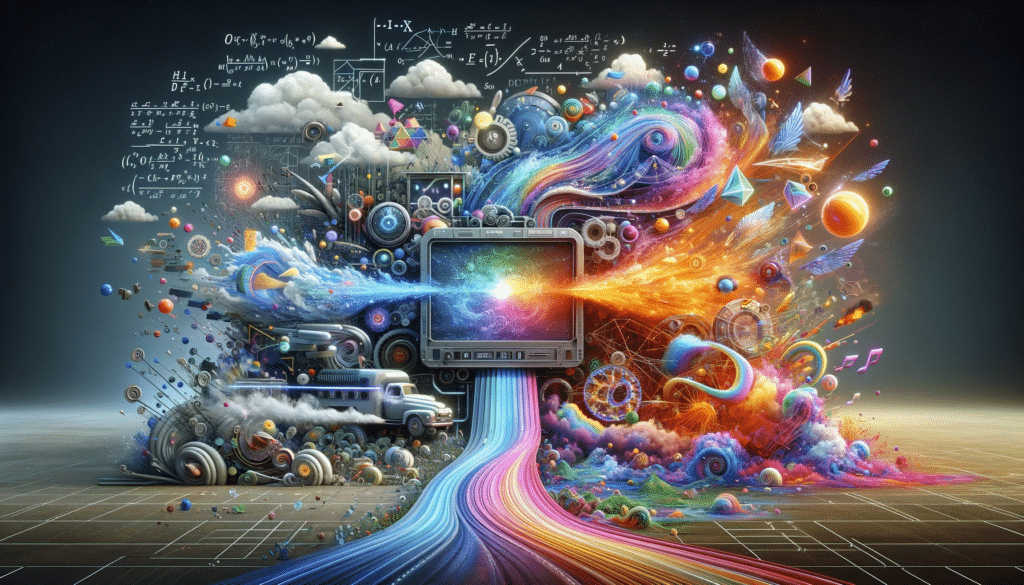
AI Design Tools vs AI Video Creator Tools
If you are comparing AI design tools vs AI video creator tools, the most useful question is not which category is better. It is which one matches the output you actually need to ship.
These categories overlap just enough to confuse buyers. Some design tools now include AI video features. Some video creator tools can generate visuals, add overlays, or handle simple graphics. But the center of gravity is still different. AI design tools are usually built around static visuals, image cleanup, post graphics, and concept-led assets. AI video creator tools are usually built around motion, spoken delivery, captions, clips, B-roll, and short-form publishing.
Table of Contents
That is the line this article is trying to clarify. If you want the wider category first, start with the AI Design hub. If you already know you are in the design lane, go to Best AI Design Tools. If you are more interested in the adjacent motion workflow, move toward AI Video & Creator.
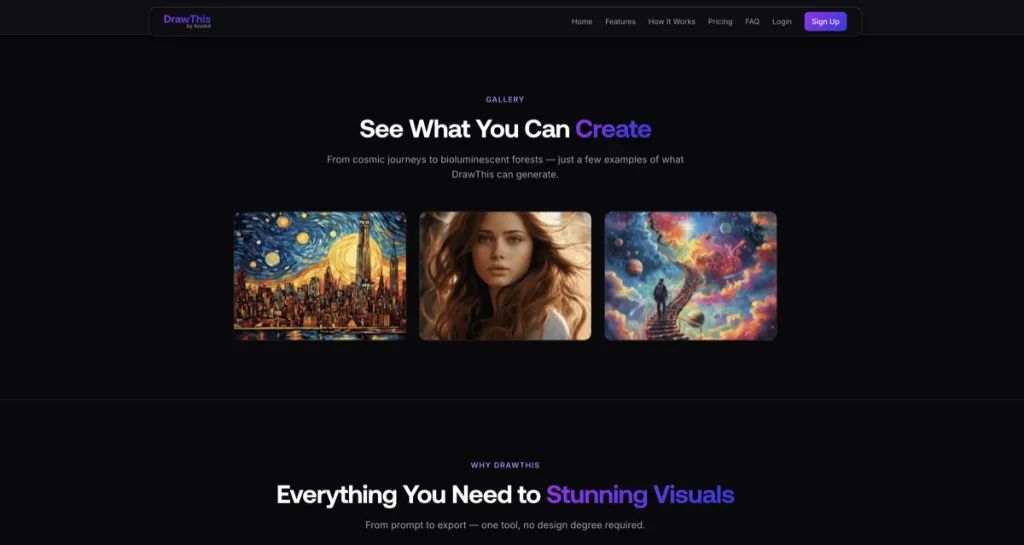
Quick verdict
- Choose AI design tools if your work is mainly about images, static graphics, post assets, product visuals, cleanup, or early concept generation.
- Choose AI video creator tools if your work is mainly about reels, shorts, talking videos, captions, B-roll, AI avatars, or motion-first publishing.
- Choose a bridge tool like Simplified or Aitubo only if your workflow genuinely crosses both lanes.
- Do not choose by feature overlap. Choose by the output that repeats most often.
If I had to simplify the whole comparison into one line, it would be this: design tools help you make visuals; video creator tools help you package motion. That sounds basic, but it is the distinction buyers skip too often.
Why these categories look similar now
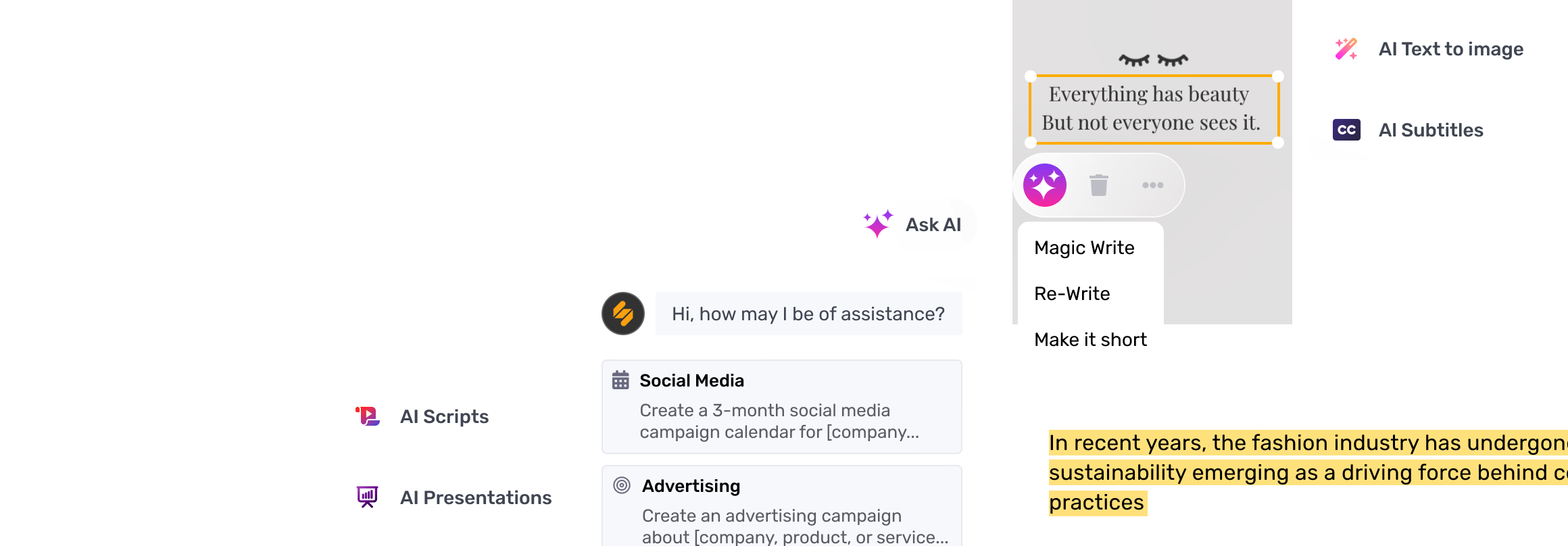
This category boundary is blurrier than it used to be for a simple reason: platforms are widening. Design tools have added generation, social outputs, and sometimes video features. Video tools have added image prompts, clip design, branded caption styles, and faster visual overlays. On paper, that makes them look like one big AI creator category.
In practice, the workflow still reveals the difference. A design-first tool assumes you are working toward a visual asset, often static, sometimes lightly animated, and usually image-led. A video creator tool assumes your final output is a moving piece of content that needs timing, captions, shots, pacing, and often spoken or avatar-led delivery.
The better question is not whether the features overlap. They do. The better question is which kind of output the product is really organized around.
AI Design Tools vs AI Video Creator – What AI design tools are best for
AI design tools are usually the better choice when the repeated output is static or image-first. That includes:
- social graphics and post visuals
- thumbnails and cover images
- hero graphics and campaign stills
- product image cleanup or enhancement
- background removal and retouching
- ad concepts and visual variations
- early design directions or mockups
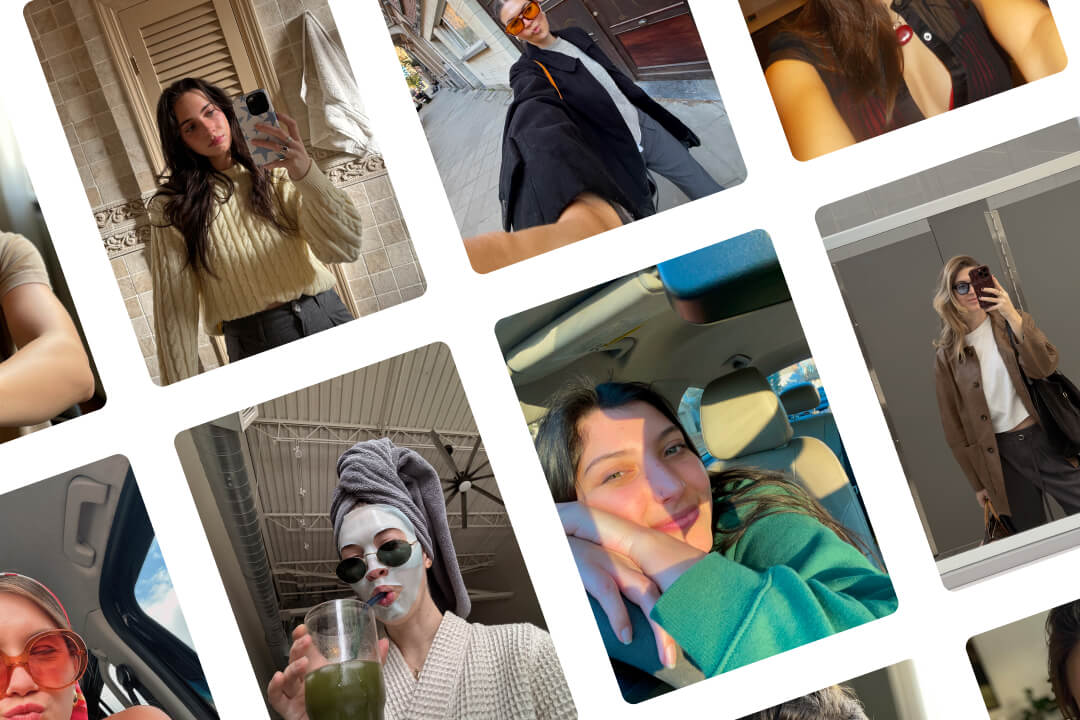
This is where tools like Pixelcut, Simplified, and Aitubo begin to separate. Pixelcut, now under the Pixa brand, makes most sense when you already have an image and need to improve it quickly. Aitubo makes more sense when you want image generation plus editing and room to experiment. Simplified makes more sense when visuals sit inside a larger content workflow with design, copy, and publishing. None of those are really motion-first products at the core. They may touch video, but they do not start there.
The real difference shows up when your work starts with a visual problem, not a storytelling or clip-editing problem.
What AI video creator tools are best for
AI video creator tools are usually the better choice when the final asset is motion-first and publishing-ready. That includes things like:
- short-form videos and clips
- talking-head or spokesperson videos
- caption-heavy reels and shorts
- URL-to-video or script-to-video workflows
- auto B-roll, transitions, zooms, and silence cuts
- video localization and translation
- repurposing long-form content into short-form outputs
This is where JoggAI and Submagic make more sense than a design tool, even if the design tool claims it can make videos too. JoggAI is built around AI avatars, spokesperson videos, and turning text, images, or URLs into video. Submagic is built around short-form video editing with captions, B-roll, auto cuts, and social-ready motion edits. These are not just “design features with motion added.” They are publishing-first tools for moving content.
That sounds like a small distinction. It is not. If your workflow depends on timing, pacing, spoken delivery, or making clips perform better on short-form platforms, video creator tools are usually the cleaner fit.
The easiest way to tell which category you are in
Ask one question: what is the last thing you export most often?
- If it is usually a PNG, JPG, or still asset, you are probably in the design-tool lane.
- If it is usually a short video, reel, captioned clip, or avatar-led piece, you are probably in the video-creator lane.
This is a blunt shortcut, but it works surprisingly well. Buyers often get distracted by the middle of the workflow. The cleaner signal is the final output that keeps repeating.
Where bridge tools fit: Simplified and Aitubo
Some tools genuinely sit between the two categories, and that is where buyers get tripped up.
Simplified is one of the clearer bridge tools. It bundles AI design, AI video, social workflow, and content operations in one place. That can be practical when your team makes graphics, captions, ad variants, short videos, and post assets inside the same production loop. The stronger case for Simplified is not “best specialist in every category.” It is “fewer tools for a messy cross-format workflow.”
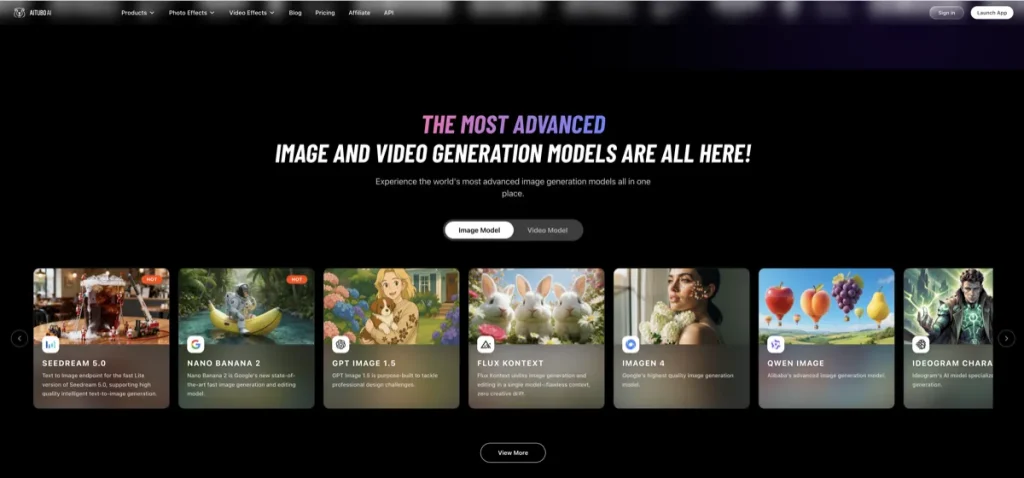
Aitubo is another bridge case, but from a different angle. It combines AI image and video generation with editing tools and low-friction experimentation. It makes more sense when you are still exploring directions and do not want to commit to a narrow workflow yet.
The caution here is simple: a bridge tool is only a win if you really operate across both lanes. Otherwise, it can be broader than useful.
When AI design tools are the better choice

- Your work starts from images.
- You need cleanup, retouching, resizing, or product-photo polish.
- You make static post assets more often than videos.
- Your social workflow is image-first, not clip-first.
- You care more about visual variety than motion editing.
This is where Pixa/Pixelcut is easier to justify than a video creator tool. It helps you improve visuals you already have and generate ad-style assets without turning the workflow into a motion-editing project. If the image is still the real bottleneck, See Pixelcut.
This is also where a design-social hybrid like Simplified can beat a stronger video tool. If the repeated work is still mostly graphic, social, or post production, motion features are useful only after the design layer already works.
When AI video creator tools are the better choice
- Your output is reels, shorts, explainers, or UGC-style clips.
- You need spoken delivery, AI presenters, or avatar-led videos.
- You spend more time editing captions, cuts, and pacing than designing still assets.
- You repurpose long-form content into short-form clips often.
- You need motion-first publishing, not just static visuals that happen to be video-friendly.
This is where JoggAI and Submagic become more useful than most AI design tools. JoggAI is easier to justify if the repeated job is getting from script, URL, or image to a spokesperson-style video quickly. Submagic is easier to justify if the repeated job is turning footage into captioned, cut, short-form content that feels native to modern platforms.
The better question is not whether your design tool can make a video. It is whether video is central enough that you need a workflow built around motion, not just motion as an extra button.
Learn more: Best AI Video Tools
The expectation-vs-reality turn
On paper, it is tempting to buy one tool that says it can do both design and video. In practice, most teams still lean much harder in one direction.
If the team is mostly publishing static visuals, thumbnails, ads, graphics, or product content, a design-first tool often carries more of the real workload. If the team is mostly publishing short-form video, talking clips, or motion content with captions and B-roll, a video-first tool usually does more of the actual work.
That is the anti-hype turn worth keeping in front of you: the overlap is real, but the center of gravity still matters more than the overlap.
A practical comparison framework
- Starting asset: image, product shot, design concept, footage, script, or URL?
- Final output: still visual or moving video?
- Main editing unit: pixels/layout or cuts/captions/timing?
- Publishing rhythm: graphics-first campaign work or clip-first creator publishing?
- Performance lever: better-looking static assets or better pacing, clarity, and retention in video?
- Team bottleneck: design throughput or video editing throughput?
If you answer those honestly, the category choice usually gets easier. The mistake many people make is comparing brand names before they compare workflows.
Who should skip which category?
Skip AI design tools if your real workload is mostly shorts, reels, spokesperson videos, auto-captioned clips, or video repurposing. In that case, design tools may help at the edges, but they are probably not your core workflow.
Skip AI video creator tools if your real workload is product images, ad stills, post graphics, hero visuals, background removal, or image-led social content. Video tools may sound broader, but they often solve the wrong bottleneck for design-first teams.
This is where a lot of subscriptions quietly stop making sense. The problem is rarely that the tool is bad. It is that the buyer picked the wrong center of gravity.
Best-fit summary
- Choose AI design tools for static visuals, cleanup, graphics, thumbnails, product images, and image-led social content.
- Choose AI video creator tools for shorts, reels, captions, avatars, clips, and motion-first publishing.
- Choose a bridge tool only when your workflow genuinely crosses both lanes often enough to justify it.
The softer human verdict is this: most teams do not need one magical category that does everything. They need the category that owns the part of the workflow that repeats most.
If you want the design-first shortlist, go to Best AI Design Tools. If you want the adjacent motion-first category, move to AI Video & Creator.
FAQ
What is the difference between AI design tools and AI video creator tools?
AI design tools are usually built for static visuals, image cleanup, graphics, and visual asset creation. AI video creator tools are usually built for motion-first outputs like reels, shorts, captioned clips, spokesperson videos, and edited video publishing.
Can one tool handle both design and video creation?
Some tools can, especially broader platforms like Simplified or Aitubo. But the overlap does not remove the need to choose the right workflow center. Most teams still lean more heavily toward either static visual production or motion-first publishing.
Should I choose a design tool or a video creator tool for social media?
Choose a design tool if your social workflow is mostly graphics, post visuals, thumbnails, or image-led content. Choose a video creator tool if your workflow is mostly reels, shorts, captioned clips, or creator-style video publishing.
Where do bridge tools like Simplified and Aitubo fit?
They fit in the middle. Simplified makes sense for teams with broader content workflows across design, video, and social. Aitubo makes sense when you want more flexible image and video experimentation before narrowing the workflow.
What should I read next after this article?
Read Best AI Design Tools if you are still in the design-first lane, or move to the AI Video & Creator hub if your workflow is more motion-first.
Still sorting the category? Go back to How to Choose an AI Design Tool or move across to AI Video & Creator.
PromoCodeRadar helps users find cleaner coupon codes, official deals, annual billing savings, free trials, and better ways to save on software, AI tools, and online services.
If you found a broken code or outdated listing, contact us at contact@promocoderadar.com.