

AI & Software → AI Productivity
Choosing an AI productivity tool gets easier once you stop treating the category like one big bucket. The right choice depends less on “which tool is smartest” and more on where your workflow actually breaks.
If you are searching for how to choose an AI productivity tool, the real problem is usually not lack of options. It is that the options sound more similar than they really are. A browser assistant, an inbox cleanup tool, a research summarizer, and an async standup bot can all live under the same label while solving completely different kinds of friction.
That is where people buy the wrong thing first. They pick the broadest promise, or the tool with the most visible AI branding, and then wonder why it never becomes part of the real workflow.
This guide is built to avoid that mistake. Instead of starting with brand hype, it starts with five decision axes that matter in practice: personal vs team productivity, assistant vs workflow tool, research vs execution, desktop/browser vs async/team, and quick wins vs deeper system change. If you want the broader shortlist first, start with Best AI Productivity Tools or browse the full AI Productivity hub.
Start here if you want the short version
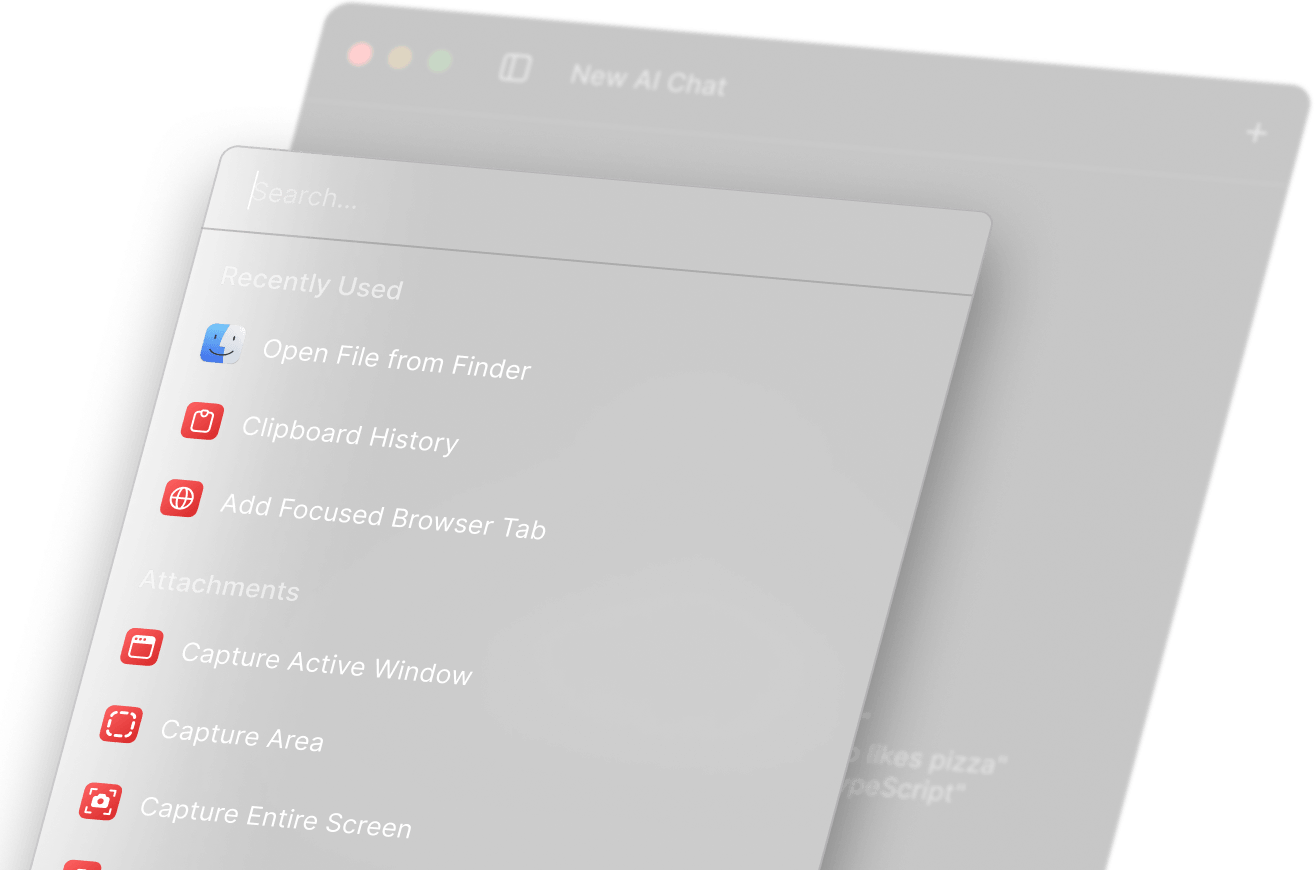
- Choose Raycast if your work is desktop-first and your bottleneck is switching, launching, and acting faster across apps.
- Choose Merlin AI or Sider AI if most of your work happens in the browser and you want help while reading, searching, summarizing, or asking questions on the page.
- Choose Mindgrasp if the real drag is learning, summarizing, and extracting value from long material.
- Choose Inbox Zero if email triage and follow-up are where your week quietly disappears.
- Choose Geekbot if your team loses time to standups, check-ins, and status collection.
Why choosing an AI productivity tool is harder than it should be
On the surface, this category looks simple. You want to save time, so you pick an AI tool that claims to make you more productive. But in practice, that framing is too broad to be useful.
What actually matters here is where the tool sits in your workflow. Some tools are assistant layers. They help while you browse, search, read, or draft. Others are workflow tools. They target a specific repeated job like inbox triage, standup reporting, or research summarization. Those are not the same buying decision.
This sounds obvious once you say it out loud. It is also the part many buyers skip. They compare feature lists instead of asking a narrower question: where do I repeatedly lose time, attention, or clarity?
The mistake is usually not choosing the wrong brand first. It is choosing the wrong tool category first.
If you get the category right, brand selection gets much easier. If you get the category wrong, even a good product can feel disappointing.
Decision axis 1: personal productivity vs team productivity
This is the first split to make because it changes the whole shortlist.
If the problem is mostly personal, you are usually looking at tools that help you move faster inside your own day. That includes products like Raycast for launcher-based execution, Merlin AI or Sider AI for browser-side assistance, Mindgrasp for deep summarization, or Inbox Zero for email triage.
If the problem is mostly team-level, your bottleneck is often coordination, not individual speed. That is where something like Geekbot starts to make more sense. It does not try to help everywhere. It helps in a narrow but expensive place: recurring updates, async check-ins, and status reporting.
For some users, that is enough. In fact, it is often better than a broad “AI assistant for teams” promise because the workflow job is so much clearer.
Use this axis like this: if the friction is “I cannot keep up with my own tasks,” start with personal tools. If the friction is “our team keeps losing time to repeated coordination,” start with team workflow tools.
Decision axis 2: assistant layer vs workflow tool
This is one of the cleaner ways to avoid a bad fit.
An assistant layer usually sits beside your work and helps in many small moments. It answers questions, summarizes content, rewrites text, explains pages, or helps you move faster without replacing the rest of your stack. Merlin AI and Sider AI are good examples of this kind of product. They are broad, convenient, and often easy to try.
A workflow tool is narrower. It is built around a repeated job that already exists in your process. Inbox Zero is built around email cleanup, response flow, and inbox control. Geekbot is built around async reporting. Mindgrasp is built around turning long source material into notes, summaries, and study outputs.
This sounds good on paper, but the real difference shows up after week one. Assistant layers often feel impressive immediately because they help in many places. Workflow tools often feel less flashy at first, but they can become more valuable if they remove a repeated burden you actually face every day.
Use this axis like this: choose an assistant layer if you want flexible support across many small tasks. Choose a workflow tool if you already know which repeated task you want to clean up.
Decision axis 3: research workflow vs execution workflow
Some tools help you understand faster. Others help you act faster. That distinction matters more than people expect.
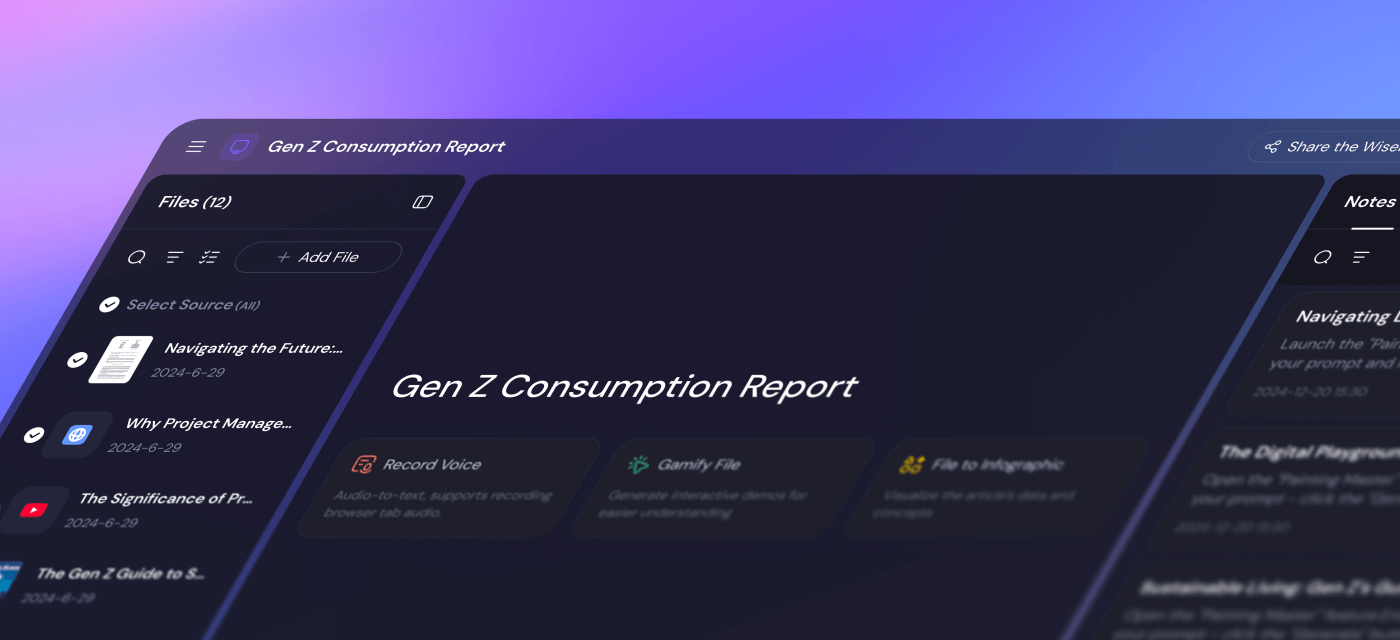
If your day is heavy on reading, source review, study material, long PDFs, recorded lectures, or information synthesis, you are in a research workflow. That is where Mindgrasp earns a clearer place. Its value is not “it has AI.” Its value is that it turns input-heavy material into structured outputs you can actually use.
If your day is more about execution, the better fit may be something else entirely. Raycast helps when you need to move across apps and actions faster. Inbox Zero helps when the work is not understanding, but responding and sorting. Geekbot helps when execution gets blocked by update friction across a team.
The anti-hype version is this: a great research tool will not fix an execution bottleneck. Faster summaries do not matter much if your real drag is follow-up, inbox overload, or meeting-heavy reporting.
If research and learning are the part you want to go deeper on, this is the right follow-up read: Best AI Tools for Research and Learning Workflows.
Decision axis 4: desktop and browser work vs async and communication work
This is where the shortlist narrows fast.
If your work happens mostly inside apps, shortcuts, and local files, your best fit often looks more like Raycast. If your work happens mostly in tabs, search results, websites, and on-page reading, the better fit often looks more like Merlin AI or Sider AI.
But if your real drag is communication, the conversation changes again. Inbox Zero belongs to a communication workflow. Geekbot belongs to an async team workflow. These are not substitutes for Raycast or Merlin in any clean sense. They live in different parts of work.
The better question is not “which one is better?” It is “where do I spend the most time losing momentum?” If that happens inside Slack or Teams, a browser assistant will feel adjacent at best. If it happens inside Chrome tabs, an async standup bot will not help much.
If you are specifically deciding in that desktop-vs-browser lane, read Raycast vs Merlin AI vs Sider AI.
Decision axis 5: quick win vs deeper system change
Some tools are easy to add. Others only become useful when you change habits around them.
A quick win tool usually gives you value with relatively little behavioral change. Browser assistants are often in this camp. They are easy to install, easy to try, and easy to use in small bursts. That is part of why people start there.
A deeper system change tool tends to require more workflow discipline. Inbox tools are like this. Async reporting tools are like this. Research systems can be like this too. The payoff can be stronger, but only if the workflow need is real enough to justify the setup and ongoing use.
This is where a lot of subscriptions quietly stop making sense. The tool itself may be fine. The user just did not need that much process change yet.
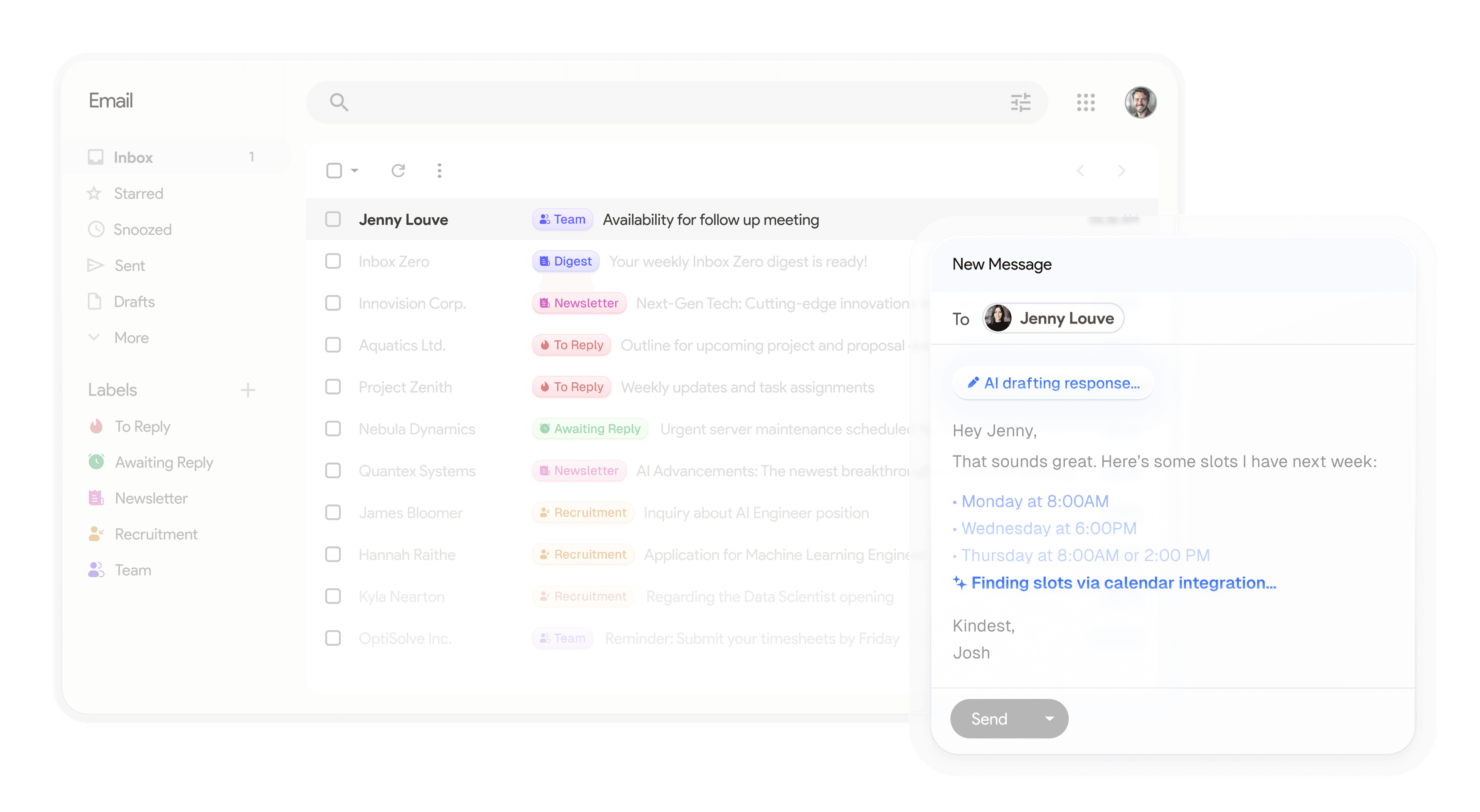
Use this axis like this: if you want a fast, low-friction starting point, begin with the narrower assistant that fits your environment. If you want a more structural improvement, choose the workflow tool that matches the repeated burden you are actually carrying.
Common mistakes when choosing an AI productivity tool
- Buying by feature count instead of workflow fit. More features often just means a blurrier product surface.
- Confusing assistants with systems. A browser assistant can be useful without replacing a real inbox or team workflow tool.
- Assuming the broadest promise is the safest choice. Usually the opposite is true.
- Ignoring setup overhead. If a tool requires new habits, that cost belongs in the decision.
- Skipping the “who should not use this” question. Misfit is often clearer than fit.
If you want the full version of that mistake pattern, read Common Mistakes When Choosing AI Productivity Tools.
Who should skip, or at least buy more slowly
You should slow down if any of these sound true:
- You do not yet know whether your bottleneck is research, execution, coordination, or communication.
- You are mostly attracted to “having an AI tool” rather than solving a repeated workflow problem.
- Your current process is still simple enough that the extra layer may create more friction than relief.
- You expect one tool to cover desktop speed, browser research, email cleanup, team updates, and learning workflows equally well.
I would not say that means you should skip the category forever. It just means you should pick more deliberately. A lot of bad software decisions are really timing decisions in disguise.
My practical starting points by workflow
If I had to narrow the choice for most readers, I would start like this:
- Start with Raycast if your work is desktop-first and speed across apps matters more than browser help.
- Start with Merlin AI if you want the broadest browser-side helper with low setup friction.
- Start with Sider AI if you want browser help plus a stronger saved-research angle.
- Start with Mindgrasp if your week is full of long materials, study workflows, or information synthesis.
- Start with Inbox Zero if email triage is where your productivity keeps leaking away.
- Start with Geekbot if your team needs async updates more than another general AI layer.
That is the real answer to how to choose an AI productivity tool: start with the part of work that actually hurts, not the brand that sounds most impressive.
Where to go next
Once you know your lane, the next click should get more specific, not more generic. Use the pillar page for the broad shortlist, then jump into the workflow branch that matches your real bottleneck.