
AI & Software → AI Productivity
Raycast, Merlin AI, and Sider AI all promise to make work faster, but they are not really competing for the exact same job. That is why this comparison is easier once you stop asking which one is “best” and start asking where your workflow actually lives.
Table of Contents
If you are searching for Raycast vs Merlin AI vs Sider AI, the real decision is usually this: desktop speed vs browser convenience vs browser research with better memory. On the surface, they all look like AI assistants. In practice, they fit three different patterns of work.
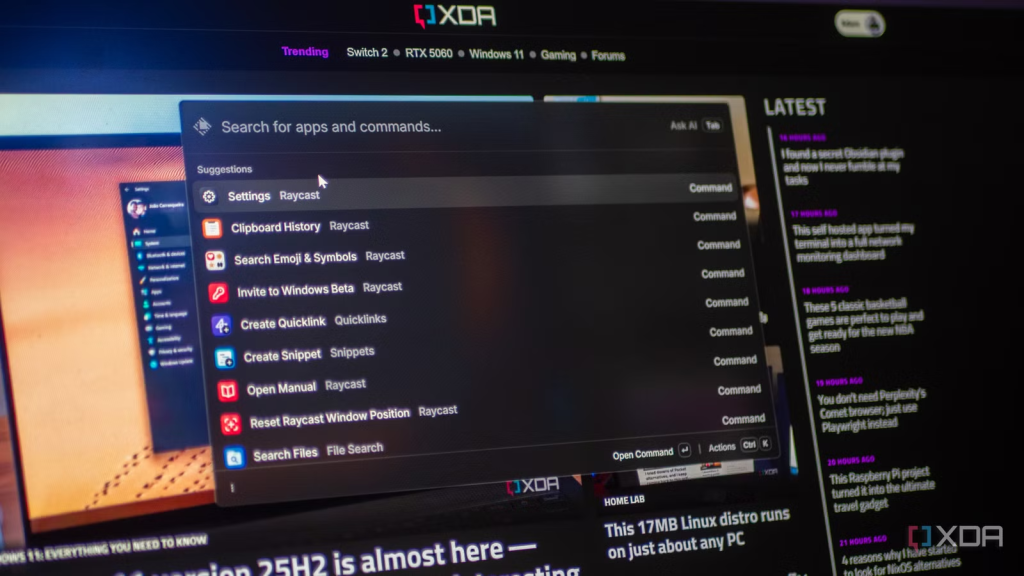
Raycast makes the strongest case when your day is desktop-heavy and you want one fast launcher layer with AI built into it. Merlin AI makes more sense when you want a broad browser assistant that is easy to use across pages, search results, websites, PDFs, and quick drafting moments. Sider AI looks similar to Merlin at first, but it starts to separate itself when research, source recall, and saved browser-side knowledge matter more than convenience alone.
This guide compares them by workflow, not by feature dumping. If you want the broader shortlist first, go to Best AI Productivity Tools. If you want the wider desktop-and-browser lane, go next to Best AI Productivity Tools for Desktop and Browser Workflows.
Quick verdict
- Choose Raycast if you work primarily on desktop, like keyboard-driven workflows, and want AI inside a launcher rather than inside a browser tab.
- Choose Merlin AI if you want the easiest broad browser helper for summarizing, questioning, and drafting across web pages, PDFs, and search.
- Choose Sider AI if you want browser-side assistance too, but care more about saving, organizing, and reusing research over time.
The short version: Raycast is the strongest desktop productivity shell, Merlin is the most general browser convenience play, and Sider is the better pick when browser help needs to turn into a reusable knowledge workflow.
What actually separates Raycast, Merlin AI, and Sider AI
The obvious answer is “they all use AI.” That is also the least useful answer.
What actually matters here is where each tool tries to live:
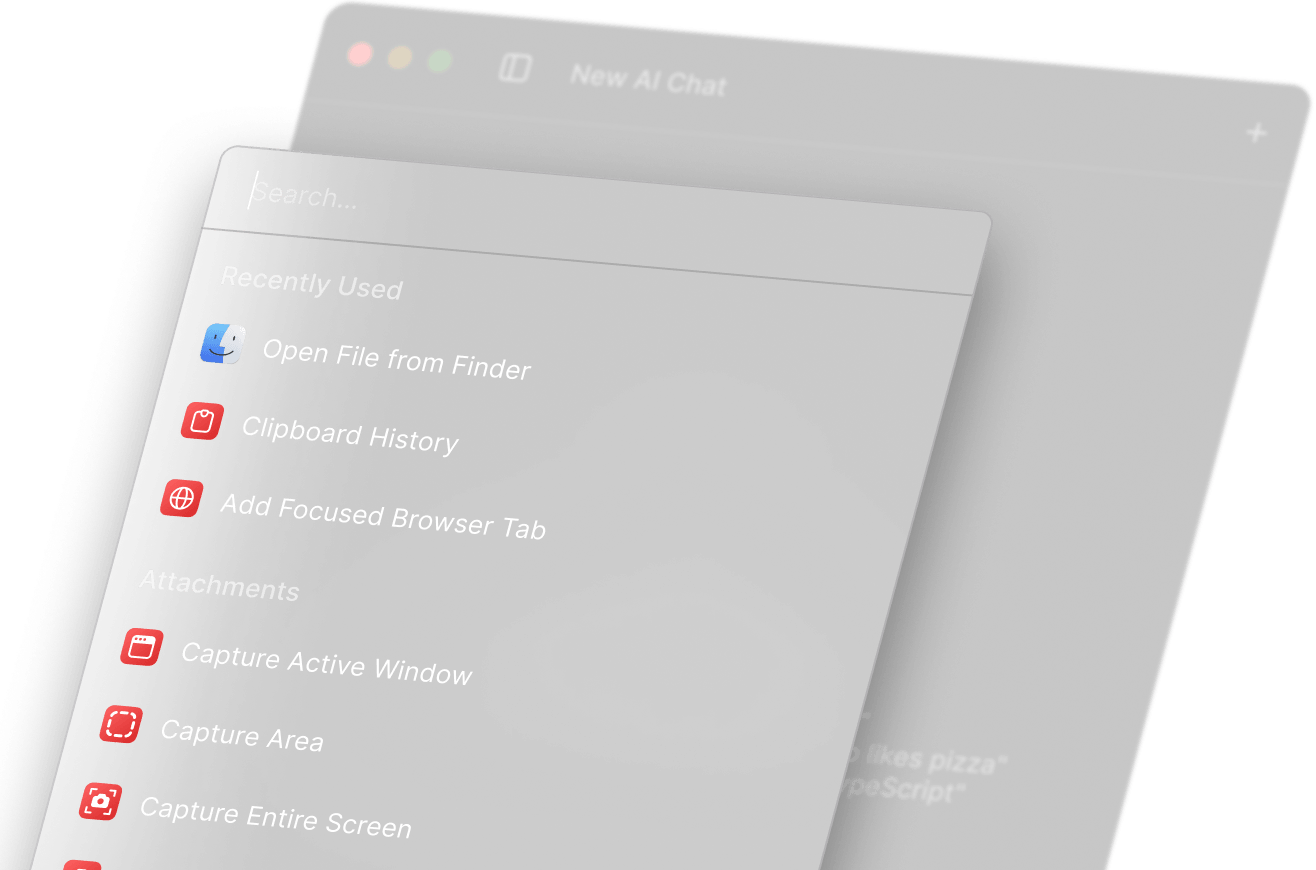
- Raycast lives at the launcher level. It is trying to become a faster control center for apps, files, commands, and AI-assisted actions.
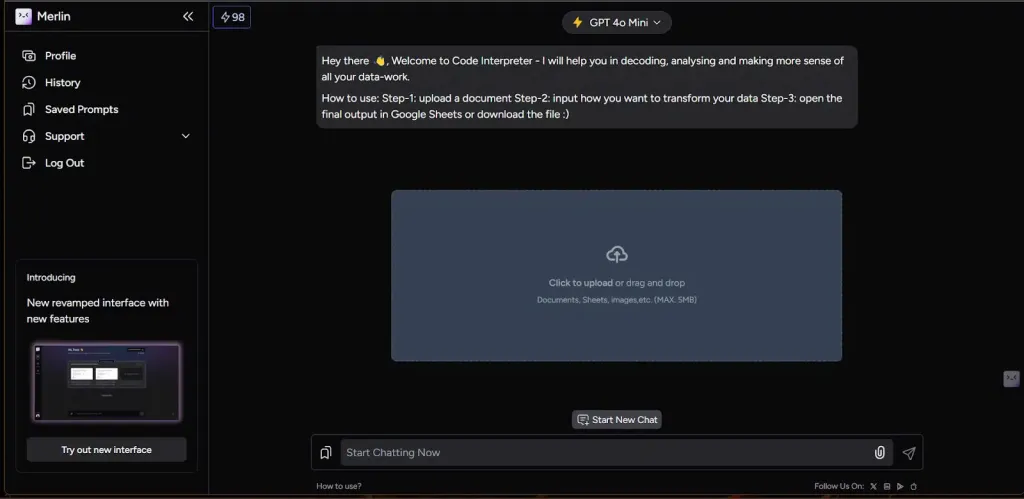
- Merlin AI lives alongside browsing. It is trying to help across websites, search, PDFs, and quick drafting tasks without asking you to rebuild your workflow.
- Sider AI also lives alongside browsing, but it leans harder into research organization, saved context, and side-panel comparison.
This sounds simple, but it changes the whole recommendation. If your day mostly happens in Chrome tabs, Raycast can feel a bit too indirect. If your day mostly happens across desktop apps, Merlin and Sider can feel a little too browser-bound. And if you want more than quick answers—something closer to saved research—Merlin can feel broad while Sider starts to make more sense.
The real comparison is not “three AI tools.” It is “three different places to insert AI into your work.”
Raycast vs Merlin AI vs Sider AI – Round 1: desktop speed vs browser convenience
If your work is keyboard-heavy, app-heavy, and desktop-heavy, Raycast has the clearest advantage. It is not just another chat pane. It starts from a launcher model, which means the product feels built around movement, control, and reduced switching. That matters more than it looks. A lot of AI tools can answer questions. Fewer tools actually make your desktop workflow feel tighter.
Merlin AI wins the convenience round for many users because it is easier to understand immediately. Install it, open a page, summarize something, ask follow-up questions, and keep moving. There is less friction in the mental model. It behaves like a general browser-side helper, which is exactly what many users want.
Sider also plays in the browser convenience lane, but it feels a bit more deliberate. Merlin is often the easier “just help me right now” tool. Sider starts to pull ahead when that browsing work turns into ongoing research, stored context, or repeated retrieval later.
Winner for desktop-first users: Raycast
Winner for low-friction browser help: Merlin AI
Winner for browser help with more structure: Sider AI
Round 2: quick answers vs deeper browser research
This is where Merlin and Sider start to separate more clearly.
Merlin is the easier recommendation when you want a broad assistant that can work across websites, PDFs, web search, and quick writing tasks. It is flexible, fast to try, and wide in scope. That is its strongest case.
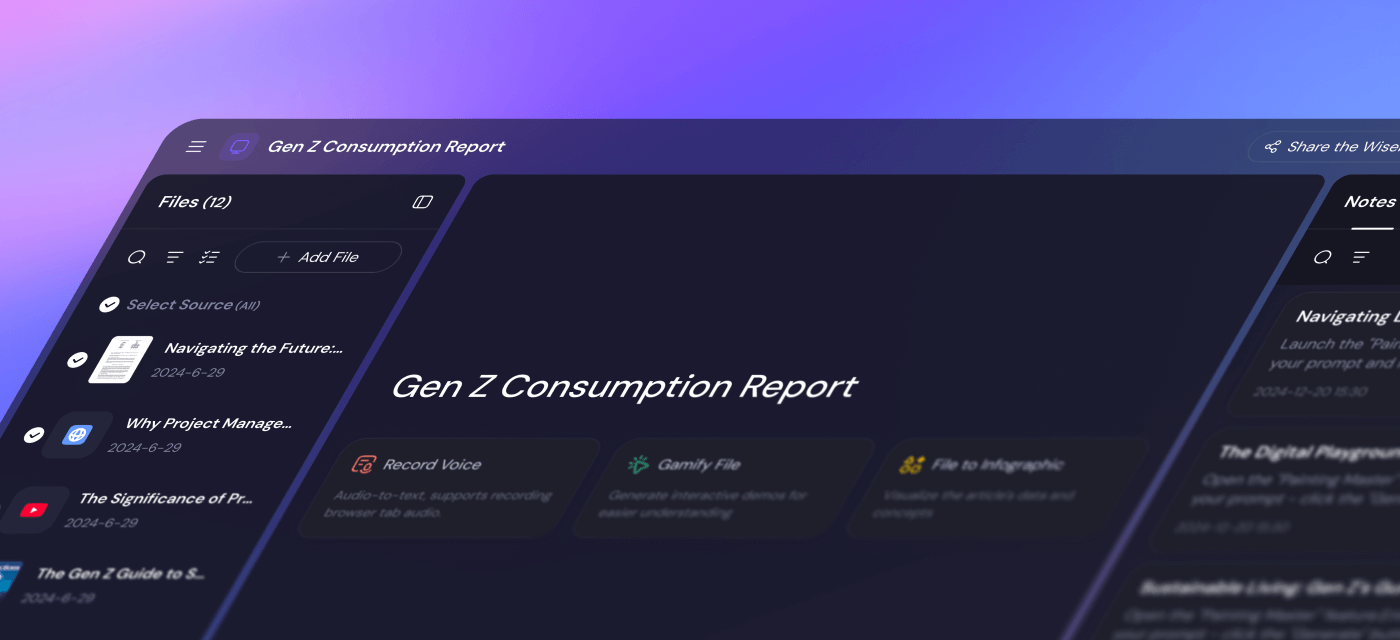
Sider looks similar at first, but the product direction is a little different. Its side panel can compare models, summarize pages and YouTube videos, explain text, and then route what you learn into Wisebase. That last part matters. A lot of browser assistants are helpful in the moment and forgettable later. Sider becomes more compelling when you want the browser to turn into a research layer instead of a series of disposable prompts.
Raycast can still help with AI queries, attachments, and cross-app context, but this specific round is not really its home turf. If your question is “which tool helps most while I read and research in-browser,” Merlin and Sider are the more direct fit.
Winner for casual-to-broad browser assistance: Merlin AI
Winner for browser research that needs memory and reuse: Sider AI
Round 3: how they feel after the first week
First impressions are easy to get wrong in this category. The more useful question is what happens after the novelty drops.
Raycast often improves with repetition. The product can feel a bit specialized if you are not already launcher-friendly, but it gets stronger the more you work through shortcuts, commands, app switching, and desktop actions. This is one of those tools that often looks narrower than it actually is.
Merlin AI usually feels useful immediately. That is part of its appeal. The risk is not that it does too little. The risk is that it can become a broad helper you use casually without turning into a real workflow upgrade. For some users, that is enough. For others, it means the value stays a little shallow.
Sider AI tends to sit in between. It has the accessibility of a browser assistant, but some of its better value appears once you save things, organize them, and reuse them. In other words, it can behave like a convenience tool at first and a knowledge workflow tool later.

This is where the expectation-versus-reality turn matters. Merlin often wins the first ten minutes. Raycast often wins once it becomes part of a real desktop habit. Sider often wins once you realize you want to keep what the assistant helped you find.
Round 4: setup, learning curve, and friction
If you want the lowest-friction start, Merlin is the easiest pick for most people. It behaves like the kind of browser assistant users already expect: install, open, ask, summarize, move on.
Sider is also accessible, but it has a slightly more layered feel because the product goes beyond quick summaries into saved knowledge, PDF work, and a wider side-panel toolset. That is not a bad thing. It just means the strongest value may take a little longer to show up.
Raycast has the sharpest learning curve of the three if you are not already comfortable with launchers, commands, or keyboard-centric workflows. If you are, it can feel excellent. If you are not, the product may feel more powerful than usable.
Least friction to try: Merlin AI
Moderate friction, stronger structure: Sider AI
Most workflow-dependent learning curve: Raycast
Pricing and value context
Pricing matters here, but not in the usual “cheapest wins” way.
Raycast gives users a limited taste of AI for free and puts fuller AI access behind Pro, with an Advanced AI add-on for stronger model access. That setup makes sense if you already value the launcher and want AI as part of a broader desktop control layer.
Merlin’s free entry point makes it easy to test quickly, which helps if you are still figuring out whether browser-side help is something you will use every day. It also has both individual and team plan logic, which gives it a broader commercial shape than a lightweight extension alone.
Sider also offers a free starting path, including Wisebase usage at a basic level, which is useful if your main question is whether saved research is actually going to become a habit. This is one of those places where the cheapest choice can still be the wrong choice. The real value is not access to AI. It is whether the product lines up with repeated use.
That is where this starts to make sense: choose the product whose workflow you are most likely to repeat, not the one with the nicest-looking free tier.
Best for, and who should skip each one
Raycast
- Best for: Mac-first operators, founders, developers, and heavy keyboard users who want desktop speed plus AI in one launcher-centric flow.
- Skip if: your work is mostly tab-based and you do not naturally use launcher tools.
Merlin AI
- Best for: users who want a broad browser assistant for summaries, page-level help, PDF questions, search-side assistance, and light drafting.
- Skip if: you already know you need a more structured workflow tool or saved-research system rather than a general helper.
Sider AI
- Best for: browser-heavy researchers, analysts, and knowledge workers who want summaries, comparisons, and a stronger path into saved research.
- Skip if: you just want the quickest lightweight browser helper and do not care about building a reusable research layer.
If you want a broader decision framework before clicking into any one of them, read How to Choose an AI Productivity Tool.
Who should skip this whole comparison
You should probably skip all three, or at least slow down, if your real workflow problem is somewhere else entirely:
- your biggest drag is email overload rather than desktop or browser work,
- your biggest drag is async team coordination rather than personal execution,
- you want one AI tool to replace a full research system, inbox tool, note app, and team workflow all at once,
- you are mostly chasing “AI convenience” instead of a repeated bottleneck.
In those cases, a different branch of the cluster may be a better fit. The problem is rarely that these tools are bad. It is that people expect them to do the wrong job.
Final verdict: which one should you choose?
If I had to reduce the choice to one line each, I would put it like this:
- Pick Raycast if your productivity problem is mostly desktop friction and you want the strongest long-term fit for launcher-driven work.
- Pick Merlin AI if your productivity problem is mostly in the browser and you want the easiest general assistant to add right now.
- Pick Sider AI if your productivity problem is also in the browser, but you want that help to turn into saved, organized research instead of one-off interaction.
That is the honest version of the comparison. Raycast is not “better” than Merlin or Sider in a generic sense. It is better for a different place in work. Merlin is not weaker than Sider because it is broader. It is just broader. And Sider is not automatically better because it adds structure. It is better only if you actually need that structure.
Best next click
Open the one that matches your actual workflow, not the broadest promise. Raycast makes more sense when desktop speed is the real priority. Merlin AI is the easier starting point for general browser help. Sider AI is the stronger pick when browser assistance needs to become a research system.
FAQ
Is Raycast better than Merlin AI?
Only if your workflow is desktop-first. Raycast is stronger when launcher-based speed, app control, and keyboard-heavy work matter most. Merlin AI is easier to recommend if most of your day happens in browser tabs.
What is the biggest difference between Merlin AI and Sider AI?
Both are browser-side assistants, but Merlin feels more like a broad general helper, while Sider makes a stronger case when you want to save, organize, and reuse research over time through Wisebase and related workflows.
Who should choose Sider AI over Raycast?
Choose Sider AI over Raycast if most of your work happens in the browser and you care about summaries, model comparisons, PDF help, and saved research more than desktop launcher speed.
Can one of these replace all my AI productivity tools?
Usually no. Raycast, Merlin AI, and Sider AI each solve a different slice of work. One may cover a big part of your day, but none cleanly replaces inbox tools, team workflow tools, research systems, and writing tools all at once.