
AI & Software → AI Productivity
AI productivity tools create more friction than speed when they add another layer of work without removing a meaningful bottleneck. That usually happens when the workflow fit is weak, the setup cost is too high, or the tool solves the wrong step.
If you are searching for when AI productivity tools create more friction than speed, the practical question is not whether the tool is good. A lot of good tools still become bad fits.
Table of Contents
That is the part most listicles soften too much. A tool can be well-designed, well-reviewed, and still make your week slower. Not because the product failed. Because the workflow match failed.

This page is deliberately editorial. I am not trying to rank the “best” tool here. I am trying to show when a tool starts adding steps, context switching, cleanup, or trust overhead instead of removing it. The mapped brands are here as examples, not as winners or losers: Raycast, Inbox Zero, Geekbot, Mindgrasp, and Merlin AI.
If you want the broader category view first, go to Best AI Productivity Tools. If you want the buying framework behind this piece, read How to Choose an AI Productivity Tool. And if you want the trust-side companion article, go next to Common Mistakes When Choosing AI Productivity Tools.
Short answer
- AI tools create friction when they sit outside the place you naturally work.
- They create friction when the setup cost is bigger than the drag they remove.
- They create friction when they speed up the wrong step.
- They create friction when the output still needs too much cleanup or checking.
- They create friction when the tool introduces a new habit the workflow did not really need.
What friction actually looks like in AI productivity workflows
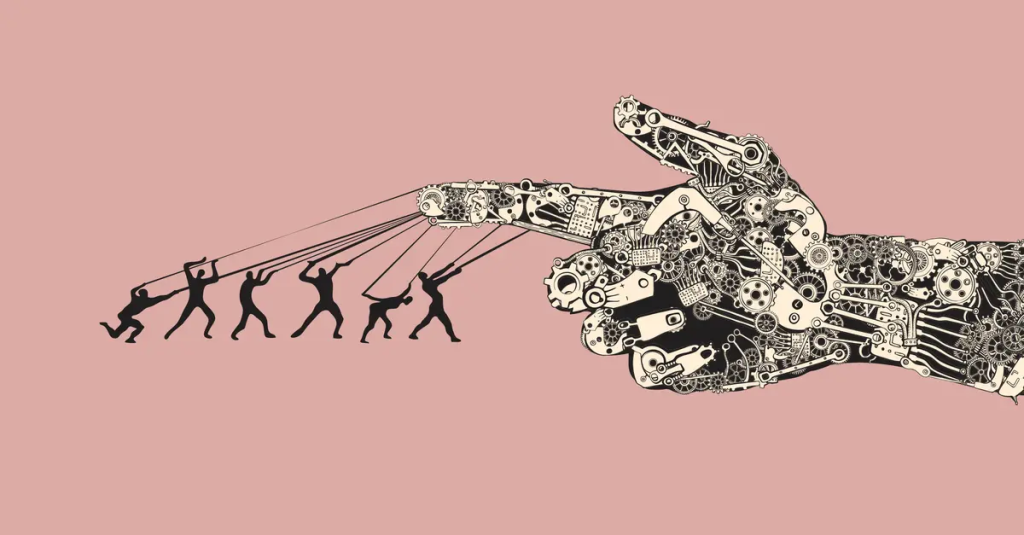
Friction rarely looks dramatic at first. It usually shows up in smaller ways:
- you open the tool, then still do the task manually,
- you spend more time preparing the input than using the output,
- you keep switching in and out of the tool instead of staying in flow,
- you do not trust the output enough to act on it directly,
- you stop opening the tool after the first week because it feels optional, not essential.
That is the important distinction. A tool does not need to be bad to become friction. It only needs to be slightly misaligned with the real job.
The tool is not automatically saving time just because it looks faster in a demo. It has to remove a repeated burden in the exact place where that burden actually lives.
1) The category is wrong, even if the product is good
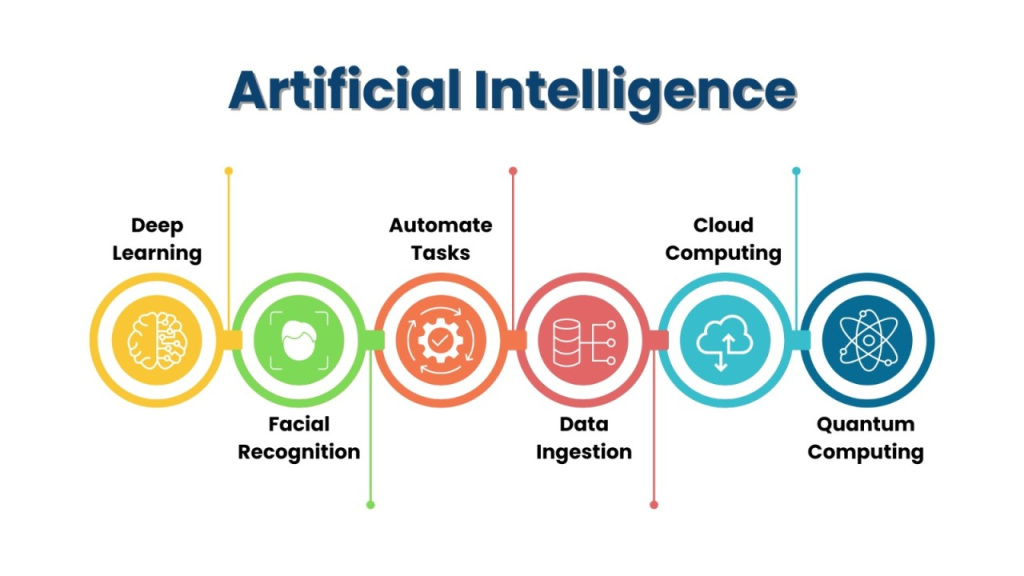
This is the biggest one. People often buy a good tool for the wrong kind of friction.
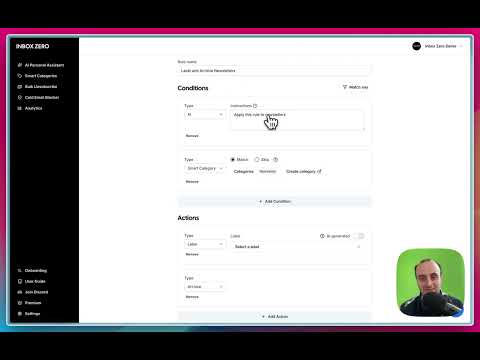
Raycast becomes friction when the work is mostly browser-first and the user does not naturally operate through a launcher. Inbox Zero becomes friction when inbox volume is not actually the expensive problem. Mindgrasp becomes friction when the user only needs a fast skim, not a deeper study or synthesis workflow. Geekbot becomes friction when the team does not really need async routines, or is not willing to use them consistently.
That does not make those tools weak. It just means the category call came before the workflow call. That is where the problem begins.
If the tool sits in the wrong lane, it can feel like productivity theater. Helpful in theory. Slightly slower in practice.
2) The setup cost is bigger than the pain it removes
This is where a lot of subscriptions quietly go wrong. The tool may eventually help, but the workflow is not painful enough yet to justify the setup.
A launcher that needs habit change, a study system that needs regular material uploads, an async status tool that needs team buy-in, or a browser assistant that asks you to reorganize the way you read can all become friction when the current workflow is still “good enough.”
This is especially common with solo operators and small teams. They do not just need the tool to work. They need the tool to pay back quickly enough that they keep using it. If the return is delayed and the setup is immediate, friction wins.
Geekbot is a good example of this principle. If the team already feels the cost of repeated standups and messy async updates, it can help. If the team is still small, informal, or not committed to written routines, the tool can feel like another process to maintain.
3) The tool lives outside your natural workflow
This one is easy to underestimate. A tool can be smart, polished, and technically impressive and still lose because it sits one step too far away from where the work happens.

When a browser-heavy user buys a desktop-centric tool, or when a desktop-heavy user buys a tab-centric assistant, the extra travel starts to matter. The tool may still help sometimes. It just will not help often enough to feel like speed.
This is also where broad assistants can mislead. Merlin AI can feel useful quickly because it sits close to browser work. But if the real issue is not page-level help and is instead reusable memory, structured knowledge, or a different kind of output, convenience alone can flatten into shallow utility.
The better question is not “can this tool do the job?” It is “can this tool do the job without pulling me out of the place I already work?”
4) The output still needs too much verification or cleanup
This is the quieter version of friction. The tool gives you something quickly, but you still need to check it, reshape it, or reconstruct the missing context before it becomes useful.
That is where summaries, drafts, and generated updates can turn into disguised extra work. If the summary is too generic, you reopen the source. If the reply draft is too off-tone, you rewrite it. If the standup output still needs manual interpretation, the meeting did not really disappear. If the AI answer is plausible but not grounded enough, trust overhead replaces time savings.
This does not mean AI output needs to be perfect. It means the output has to be good enough to reduce the next step, not just shift it.
That is a useful test for tools like Mindgrasp and Merlin. They can be genuinely helpful, but only when the output is strong enough that you do not end up redoing the intellectual work manually five minutes later.
5) The workflow changes, but the adoption does not
Some tools create friction not because of one user, but because of group behavior. The workflow only improves if enough people use it the intended way.
Async tools, shared systems, and team-facing AI layers often fail here. A product like Geekbot can reduce meeting drag when the team actually commits to async reporting. But if half the team keeps defaulting to informal chat updates or ignoring the written flow, the tool becomes one more layer instead of the main lane.
This is why “team productivity” is often overpromised. Team tools only create speed if the team changes behavior enough to let the workflow consolidate. Otherwise the old workflow stays, and the new tool gets stacked on top of it.
A simple test before you pay for anything
Before you subscribe, ask these five questions:
- What exact repeated drag is this removing?
- How often do I actually feel that drag in a normal week?
- Does the tool live where I already work?
- Will the output reduce the next step, or only move it?
- Would I still want this tool after the first week of novelty wears off?
If those answers are fuzzy, friction risk is high. Not because the product is bad. Because the tool has not found a real job yet.
This is also why smaller, more opinionated tools often win. They know exactly where they belong. Friction grows fastest when the promise is broad and the workflow is not.
Light examples: when mapped tools turn into friction

- Raycast becomes friction when the user does not naturally work through a launcher or mostly lives in the browser.
- Inbox Zero becomes friction when email volume is still light or the real issue is prioritization, not inbox mechanics.
- Geekbot becomes friction when the team does not truly want async routines.
- Mindgrasp becomes friction when the material does not need to become a deeper study or synthesis workflow.
- Merlin AI becomes friction when quick browser help is not enough and the user actually needs stronger reuse, memory, or output structure.
None of those examples mean the product is bad. They mean the tool is being asked to solve a problem it does not naturally own.
Who should slow down before buying anything
- People who still cannot name the main bottleneck clearly
- People who want one tool to fix desktop speed, email, research, and team coordination at once
- Teams that have not agreed on the workflow the tool is supposed to replace
- Buyers who are mostly attracted to AI convenience rather than repeated workflow pain
- Anyone whose current process is still simple enough that another layer would mostly create maintenance
I would not call that a reason to avoid the category. I would call it a reason to wait until the pain is specific enough that the tool has somewhere real to land.
Best next step
Start with the repeated drag, not the product page. If you want the broader category again, go back to the main shortlist. If you want the decision framework, use the choosing guide. If you want the trust-side companion piece, read the mistakes article next.
FAQ
When do AI productivity tools create more friction than speed?
They create more friction when they add another step, another habit, or another layer of checking without removing a repeated bottleneck clearly enough to justify it.
Can a good AI tool still be the wrong choice?
Yes. A good product can still feel like friction if it solves the wrong kind of workflow problem or lives in the wrong place relative to how you actually work.
Why do AI productivity tools feel useful at first but annoying later?
Because novelty can hide workflow mismatch. A tool can feel clever in the first few days and still become annoying once the extra switching, cleanup, or verification work becomes obvious.
How do I know if setup friction is too high?
If the tool requires a new habit, a new structure, or team-wide behavior change before the current pain is strong enough to justify it, setup friction is probably too high for now.
Do AI productivity tools create friction more often for solo users or teams?
Both, but for different reasons. Solo users usually feel it through setup cost and maintenance overhead. Teams usually feel it through weak adoption, duplicated workflows, and unclear process change.
What is the fastest way to avoid buying the wrong AI productivity tool?
Name the repeated drag first, then choose the workflow layer, then choose the tool. If you reverse that order, friction risk goes up fast.