

Best AI Design Tools for Social Media Creatives
If you are looking for the best AI design tools for social media creatives, the main mistake is treating every visual tool as if it solves the same social workflow.
Some tools are better for repeatable post production. Some are better for quick cleanup before publishing. Some are really image generators that help you create bolder concepts for hooks, thumbnails, and scroll-stopping graphics. And some make sense only if your social workflow overlaps with copy, scheduling, and broader campaign production.
That is the angle of this page. It is not another generic AI image roundup. It is a workflow-first guide for social media creatives who need faster content output, cleaner visuals, and fewer bottlenecks between idea and publish. For the wider category, start with the AI Design hub. For the broader shortlist, see Best AI Design Tools. If you are still choosing the category itself, go to How to Choose an AI Design Tool.
Quick verdict: the best AI design tools for social media creatives
- Best overall for repeatable social content output: Simplified
- Best for fast cleanup before posting: Pixelcut
- Best for bold concept generation: DrawThis.ai
- Best for low-friction experimentation: Aitubo
If I had to simplify the decision, I would put it this way: choose Simplified if your social workflow includes design, copy, resizing, scheduling, and repeatable publishing; choose Pixelcut if your biggest bottleneck is cleaning or improving existing visuals fast; choose DrawThis if you need more eye-catching concept generation for hooks, thumbnails, or graphic ideas; and choose Aitubo if you want a broader, lower-pressure place to experiment before narrowing your workflow.
What counts as a social media creative workflow?
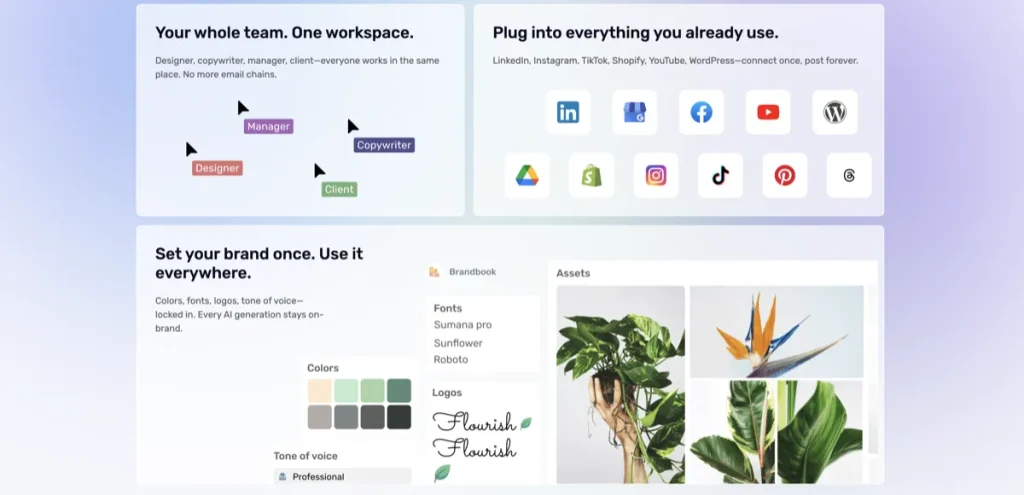
For this page, a social media creative workflow means the set of visual tasks that show up repeatedly in day-to-day posting. That usually includes:
- post graphics and promotional visuals
- thumbnails and hook images
- carousel slides
- quick ad creatives
- story-friendly or feed-ready visuals
- light editing before publishing
- resizing and format adaptation across channels
The better question is not whether a tool can generate something attractive. It is whether it helps you produce content consistently without creating a new mess somewhere else in the workflow. A social creative tool earns its keep when it reduces repeated friction, not when it produces one impressive image in isolation.
A lot of buyers miss this. They chase the most exciting demo instead of the most useful weekly output. That is where these categories start to drift: image generation, cleanup, scheduling, and design all blur together, and the decision gets worse instead of better.
How I picked the tools in this roundup
- Social workflow fit: the tool had to make sense for recurring post, thumbnail, carousel, or quick creative work.
- Current positioning: the official site still had to clearly support social or creator-friendly use cases.
- Distinct reason for inclusion: each tool needed a different job on the list, not just the same pitch with slightly different wording.
- Commercial realism: the free entry, trial path, or plan logic had to make sense for creators or marketing teams testing the workflow.
- Cluster discipline: I kept this page distinct from the broader marketing-visuals roundup and from ecommerce-image workflows.
That is why the list is narrower than a generic AI design roundup. A good social creative page should tell you where to start, not bury you under 12 tools that all sound interchangeable.
1) Simplified — best overall for social media creatives
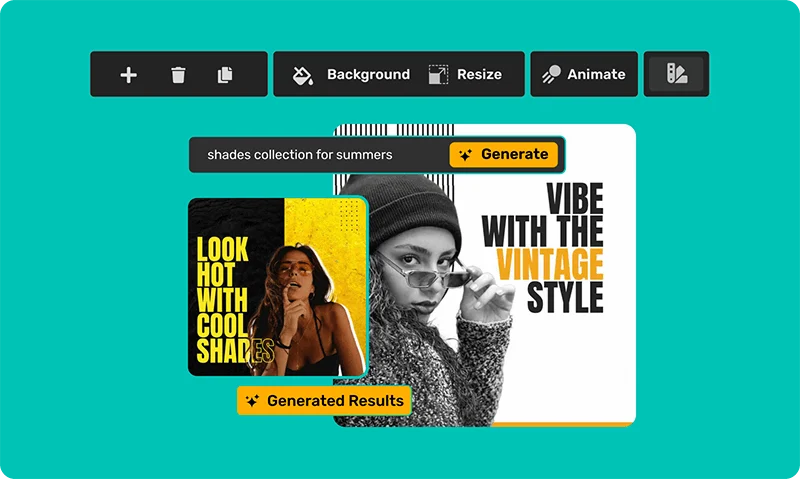
Simplified is the strongest overall pick here because it matches the way social content actually gets made. The job is rarely just “make an image.” The job is usually closer to this: create a post, make a thumbnail, build a carousel, tweak the copy, resize it for another format, maybe schedule it, then move on to the next asset.
Simplified openly leans into that workflow. Its design and social stack covers AI post generation, thumbnails, ads, carousel creation, publishing, scheduling, and broader content production. That makes it less of a pure design tool and more of a social-content operating layer.
- Best for: creators, small teams, agencies, and social managers who need repeatable output more than isolated image generation
- Why it stands out: it connects design work to the rest of the social workflow instead of stopping at the visual
- What it does especially well: thumbnails, carousels, post graphics, AI ads, resizing, and broader social production
- What to watch: it is not the sharpest specialist if you only need one narrow visual task done well
- Who should skip it: users who mainly want cleanup on existing images or pure image concept generation without the wider workflow layer
The strongest case for Simplified is narrower than “all-in-one marketing platform.” It works best when the social workflow itself is the bottleneck. That is where this starts to make sense. For neutral brand context, see Simplified. If repeatable social output is the real priority, Check Simplified.
Why Simplified ranks first here
A common pattern with social tools is that they look broad in a vague way. Simplified is broad in a more usable way. The difference is that the tools line up with actual social tasks: posts, carousels, thumbnails, ads, scheduling, and multi-format content work. For this page, that matters more than a long image-generation feature list.

2) Pixelcut — best for fast cleanup before posting
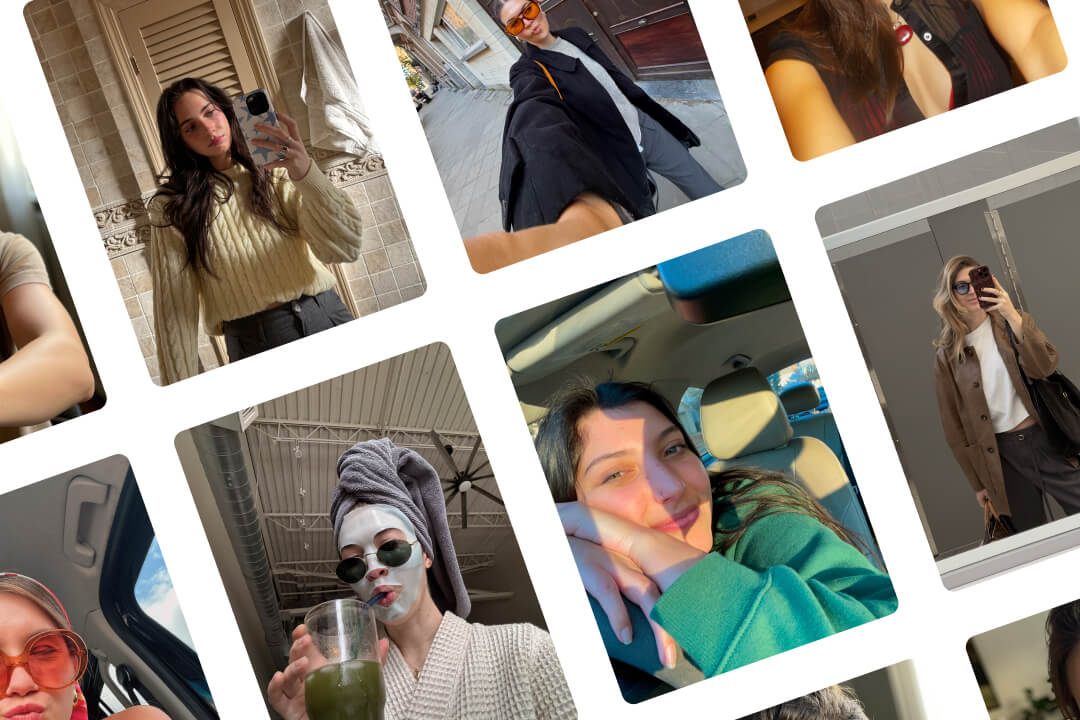
Pixelcut is the better choice when your social workflow starts with existing visuals and the real job is to make them cleaner, sharper, and more usable fast. That can mean removing backgrounds, erasing distractions, improving thumbnails, polishing product shots for posts, or turning basic images into stronger-looking social assets.
That is what makes Pixelcut useful here without turning it into a general social platform. It is not trying to own your whole posting workflow. It is helping you fix the image part quickly enough that the rest of the workflow can keep moving.
- Best for: creators, small brands, resellers, and marketers who post often and keep working from existing images
- Why it stands out: cleanup tasks are obvious, fast, and easy to repeat
- What it does especially well: background removal, image polish, cutouts, simple improvements, and flexible visual prep for posts or ads
- What to watch: it is less complete if you want your design tool to also handle publishing, social planning, or multi-slide content workflows
- Who should skip it: teams whose main need is a full social content engine rather than fast image cleanup
What actually matters here is not whether Pixelcut can help with social content. It clearly can. The better question is whether your repeated friction starts at the image itself. If it does, Pixelcut is often the cleaner buy. For neutral context, see Pixelcut. If speed and cleanup matter most, Open Pixelcut.
Where Pixelcut beats Simplified
Pixelcut beats Simplified when the workflow is lighter and more image-first. You do not need a content operating system. You need cleaner visuals fast. That is the narrowing move worth paying attention to.
3) DrawThis.ai — best for bold concept generation for hooks and thumbnails
DrawThis.ai earns a place here because social media often rewards visuals that are a little louder, simpler, and more scroll-stopping than traditional polished design. That is exactly where prompt-to-image tools can be useful.
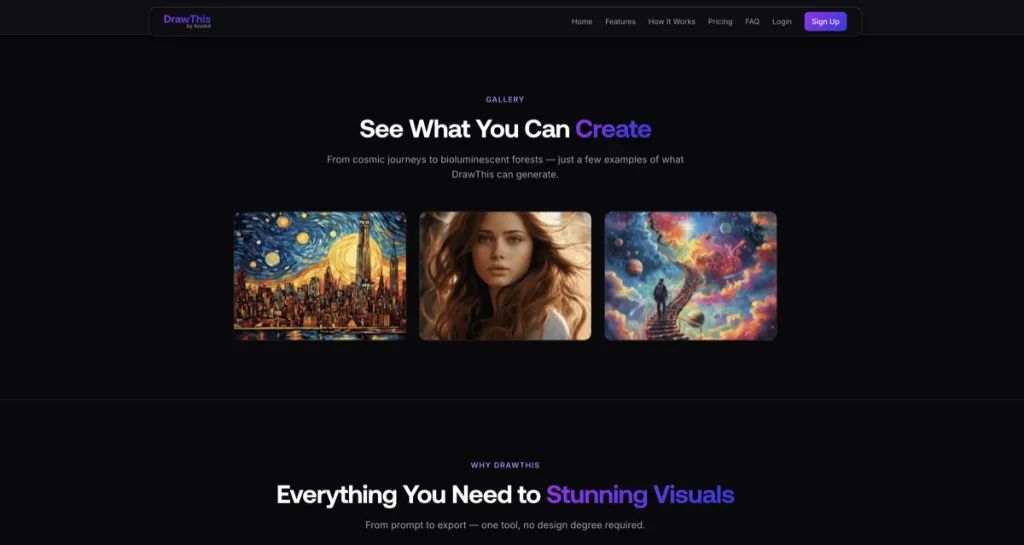
DrawThis is one of the cleaner picks for that job because its positioning is unusually direct. It is built for creators, marketers, and business owners who want viral images, product visuals, and easy prompt-to-image output without design-software fluency. It also includes a prompt improver and lightweight editor, which helps keep it from feeling too one-note.
- Best for: social hooks, thumbnails, punchier promo graphics, and creator-style concept visuals
- Why it stands out: it has a very clear beginner-friendly angle and directly acknowledges marketing-friendly use cases
- What it does especially well: fast prompt-to-visual ideation, viral-style imagery, and easy exports without much setup friction
- What to watch: it is not the strongest tool here for cleanup, resizing, or broader content operations
- Who should skip it: teams that need repeatable post production more than attention-grabbing concept generation

DrawThis is not the most complete tool on this page. It is one of the easiest to slot into a specific social job: making bolder visuals faster. For neutral brand context, see DrawThis.ai. If eye-catching concept generation is the real need, Explore DrawThis.ai.
4) Aitubo — best for low-friction experimentation
Aitubo is the most flexible, lowest-pressure inclusion in this roundup. It is not the cleanest specialist for social production, but that is not really its job. It fits better when you are still exploring visual styles, creative directions, or different kinds of image output before narrowing down the workflow.
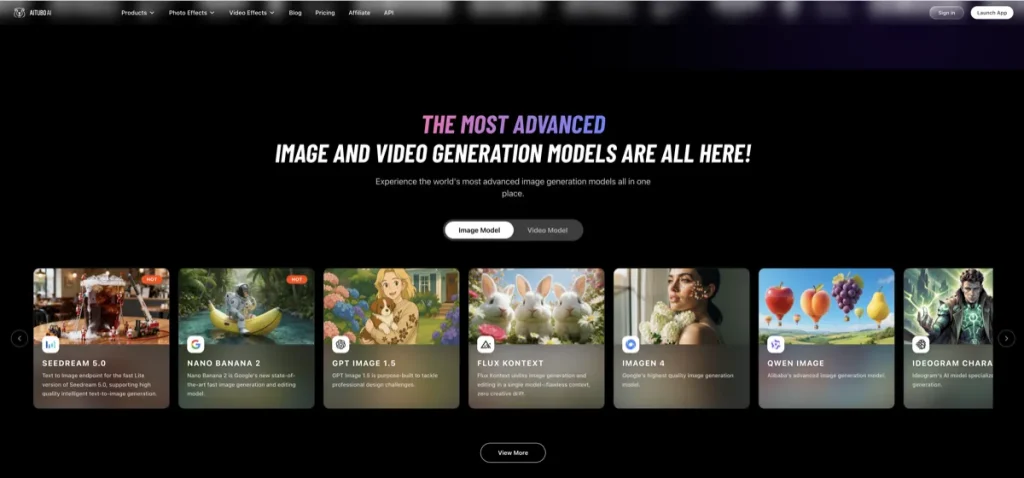
The useful expectation-vs-reality turn here is that Aitubo can look a little scattered at first. In practice, that breadth can be helpful for creators who want image generation, editing, background removal, and enhancement in one place while they are still figuring out what kind of social visuals they actually need most.
- Best for: solo creators, lighter marketing teams, and users who want room to experiment
- Why it stands out: it gives you more freedom to move between generation, editing, and quick enhancement without locking into one narrow lane
- What it does especially well: concept testing, image-plus-editing workflows, and lower-friction creative exploration
- What to watch: broad creative platforms can feel less disciplined when your workflow is already clear and repeatable
- Who should skip it: teams that already know they need either stronger social workflow structure or stronger cleanup speed
Aitubo is easier to justify when you are still in exploration mode. Once the workflow becomes more specific, one of the other picks is usually stronger. For neutral context, see Aitubo. If experimentation is the appeal, See Aitubo.
How to choose between these tools
- Choose Simplified if your social workflow includes design, writing, resizing, scheduling, and repeatable publishing.
- Choose Pixelcut if your social content starts with existing images that need cleanup fast.
- Choose DrawThis.ai if you need bolder hooks, thumbnails, and concept-led social visuals.
- Choose Aitubo if you want a broader, lower-pressure place to experiment before committing to a narrower workflow.
If I were trimming the noise, that is the framework I would keep in front of me. The tools people keep are rarely the most exciting ones. They are the ones that make weekly production feel less annoying.
What most buyers get wrong with social media creative tools
The mistake many people make is confusing social media creative work with general image generation.
Sometimes you do need generation. But a lot of social workflows are really about speed, resizing, cleanup, repurposing, and repeatable output. That is why a broader social-content tool like Simplified or a faster cleanup tool like Pixelcut can beat a more impressive-looking generator in real use.
This sounds good on paper, but daily social work is usually more repetitive than glamorous. That is not a bad thing. It just means workflow fit matters more than visual spectacle.
Who should skip this category?
You should probably skip this category for now if your real need is broader campaign image generation rather than repeatable social production. In that case, the better next read is Best AI Image Generators for Marketing Visuals.
You should also skip this page if your workflow is mainly ecommerce product images or UI prototyping. Those are different jobs and usually need different tools. Social creatives sit in a more design-lite, production-heavy lane.
Best-fit summary
- Best overall for social media creatives: Simplified
- Best for fast cleanup before posting: Pixelcut
- Best for bold concept hooks and thumbnails: DrawThis.ai
- Best for low-friction experimentation: Aitubo
The softer human verdict is this: Simplified is the strongest pick when your social workflow is larger than the image itself. Pixelcut is the better buy when the image is still the main bottleneck. DrawThis and Aitubo make more sense when the problem is ideation, variety, or experimentation rather than structured content operations.
If you want the cleaner next step for repeatable social output, See Simplified. If you want faster cleanup for post-ready visuals, See current options for Pixelcut. If you want bolder concept generation, Open DrawThis.ai.
FAQ
What is the best AI design tool for social media creatives?
For most repeatable social workflows, Simplified is the strongest overall fit because it connects design work to thumbnails, carousels, post generation, and publishing. Pixelcut is often the better fit when cleanup is the main bottleneck.
Is Pixelcut good for social media content?
Yes. Pixelcut is useful for social media when you work from existing visuals and need to remove backgrounds, clean up images, polish thumbnails, or prepare quick ad-style assets faster.
Should I choose Simplified or DrawThis.ai for social visuals?
Choose Simplified if you need repeatable social production and broader workflow support. Choose DrawThis.ai if you mainly want stronger concept generation for hooks, thumbnails, or more attention-grabbing images.
Where does this page differ from the marketing visuals roundup?
This page is more about repeatable social output: posts, thumbnails, carousels, and day-to-day creative production. The marketing visuals page leans more toward campaign images, hero graphics, and broader concept-led visual generation.
What should I read next after this page?
Read Best AI Image Generators for Marketing Visuals if you want a broader generation-first comparison, or How to Choose an AI Design Tool if you are still sorting by workflow category.
Still narrowing the workflow? Go next to Best AI Image Generators for Marketing Visuals or back to Best AI Design Tools.
PromoCodeRadar helps users find cleaner coupon codes, official deals, annual billing savings, free trials, and better ways to save on software, AI tools, and online services.
If you found a broken code or outdated listing, contact us at contact@promocoderadar.com.