

How to Choose an AI Writing Tool
How to choose an AI writing tool starts with a boring question most people skip: what exactly are you trying to write every week? Not what sounds impressive. Not what YouTube says is “best.” Just the real bottleneck. Blog drafts? Sales copy? LinkedIn posts? Research-heavy writing? Once that is clear, the shortlist gets much smaller — and much better.
A lot of people buy the wrong tool because they compare features before they compare workflows. That usually leads to one of two bad outcomes: they overpay for a platform that is too broad for their needs, or they buy a simple tool and then feel disappointed because they expected it to handle a more complex writing process.
QUICK TAKE
- Choose by your writing bottleneck, not by hype.
- Separate drafting tools from publishing tools.
- Do not buy a social workflow tool for a research workflow.
- Do not judge “best” by template count alone.
Jump to: workflow first · five criteria · tool fit by use case · common mistakes · simple decision path · FAQ
This guide is meant to support the full AI Writing cluster, so it is deliberately practical. It is not trying to make every mapped tool look interchangeable. A tool like Jenni AI solves a different problem from MagicPost. A broader platform like Writecream or GravityWrite can cover more ground, but that only helps if your workflow is actually broad enough to justify it.
Choose an AI Writing Tool – Start with the writing job, not the tool
The simplest way to avoid a bad purchase is to stop asking, “Which AI writing tool is best?” and start asking, “Which writing task keeps slowing me down?” That shift matters because “AI writing” is not one category in practice. It is several different categories wearing similar marketing language.
If your problem is drafting
Look for tools that help you move from outline to first draft with less friction. This is where article drafting, research help, and structure support matter more than posting calendars or advanced publishing features.
If your problem is short-form copy
Then speed, templates, and usable output without complicated prompting matter more. You probably care about hooks, CTAs, product blurbs, emails, captions, or ad-style copy more than perfect long-form structure.
If your problem is publishing consistency
You may not need a “writer” first. You may need a system that can generate, adapt, schedule, and track content in a repeatable workflow. That changes which tools are actually relevant.
That is why broad terms like “AI writer” can be misleading. Rytr can make sense for lighter copy workflows. Jenni AI fits better when research and citations matter. Ocoya and MagicPost sit much closer to publishing workflow than pure drafting. These are not minor differences. They are the whole decision.
The five criteria that actually matter
Once the workflow is clear, I would judge an AI writing tool against five criteria. Not fifty. Five is enough to make a smart decision without turning the process into spreadsheet theater.
1) Output fit
Does the tool produce the kind of draft you actually need: blog paragraphs, academic sections, ad copy, captions, or platform-specific posts?
2) Learning curve
Can you get usable output quickly, or do you need a lot of prompt tweaking and setup before the tool starts helping?
3) Editing handoff
Does the result feel easy to refine, or does the tool create text that still takes too much cleanup to be worth it?
4) Workflow coverage
Do you need only writing, or do you also need research, images, scheduling, calendar planning, or analytics around the content?
5) Value for your real workload
A tool can be “worth it” and still be wrong for you. The right question is whether the feature set saves time in your actual weekly process.
Simple rule
If you need the tool for one narrow task, buy narrow. If your workflow spans drafting, rewriting, visuals, and distribution, buy broader.
Match the tool to the workflow
This is the part most roundup articles blur together. The tools below are not “better” than each other in a vacuum. They are better when the use case fits.
For lighter copy and faster starts
Rytr is easier to justify when your work is template-driven, short-form, and not too research-heavy. If you mainly need emails, captions, product blurbs, short paragraphs, and quick variations, a simple tool can outperform a more advanced one simply because it gets out of your way faster.
For mixed content work across channels
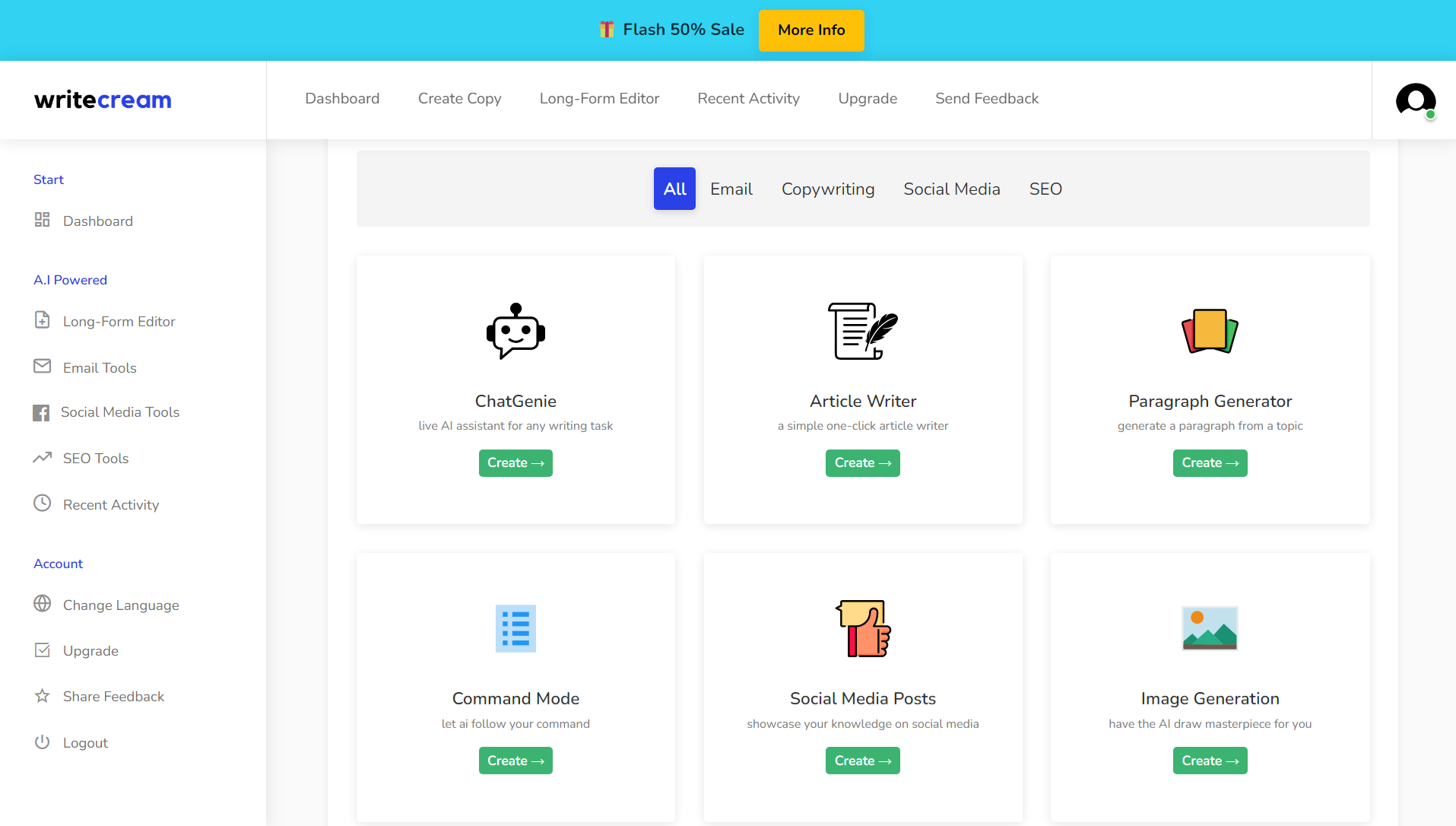
Writecream makes more sense when your writing workload is messy in a normal business way: blog pieces, sales emails, outreach, voiceovers, landing copy, maybe even SEO-related work. GravityWrite becomes more interesting when you want a broader content stack that stretches beyond plain text into visuals, repurposing, or social-oriented production.
For research-heavy or citation-heavy writing
Jenni AI fits better when your process starts with papers, notes, sources, and structure. If you care about citations, research assistance, and long-form drafting support, you should not choose the same way you would choose a caption generator or a LinkedIn content tool. The workflow is different from the beginning.
For social writing tied to publishing rhythm
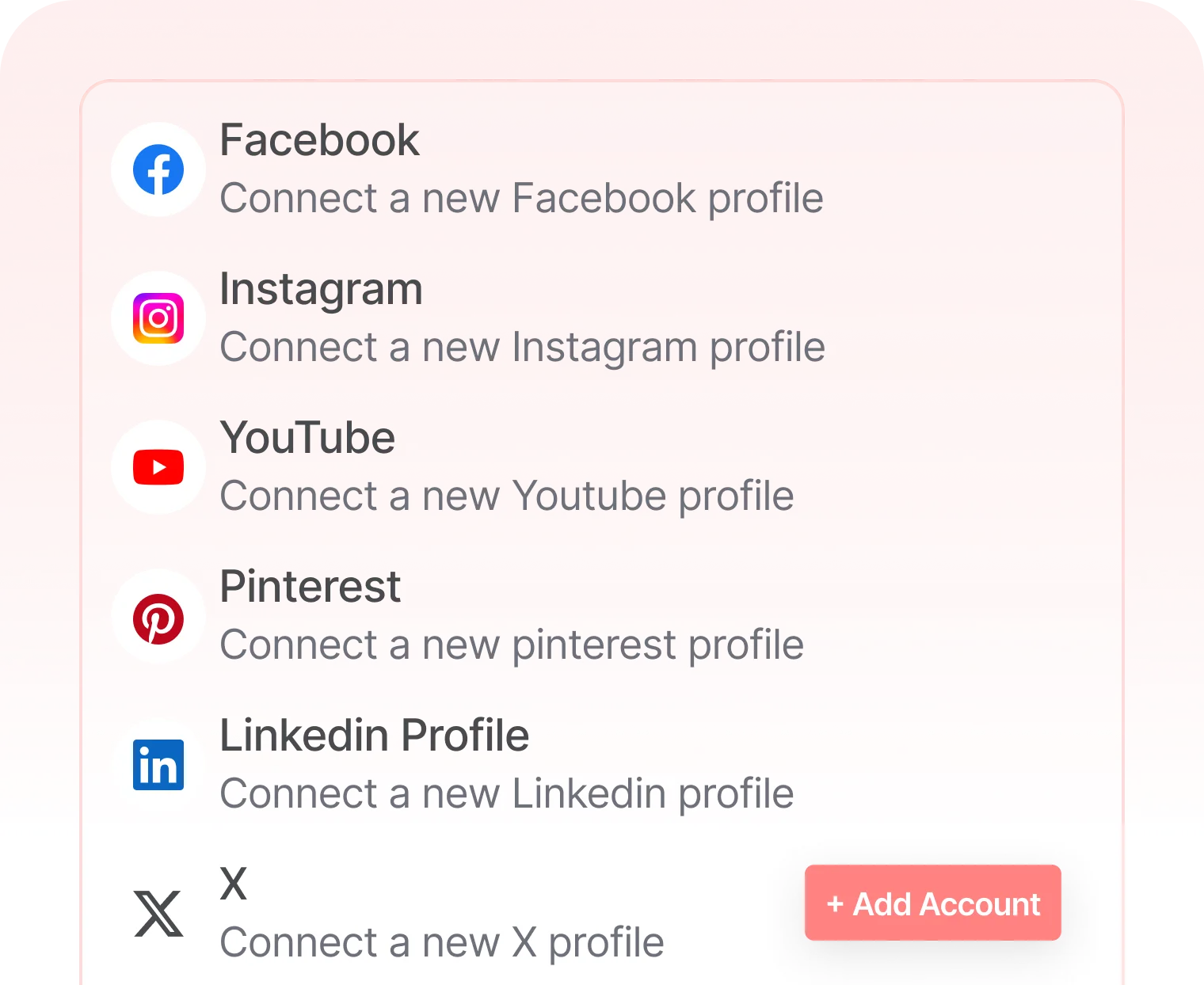
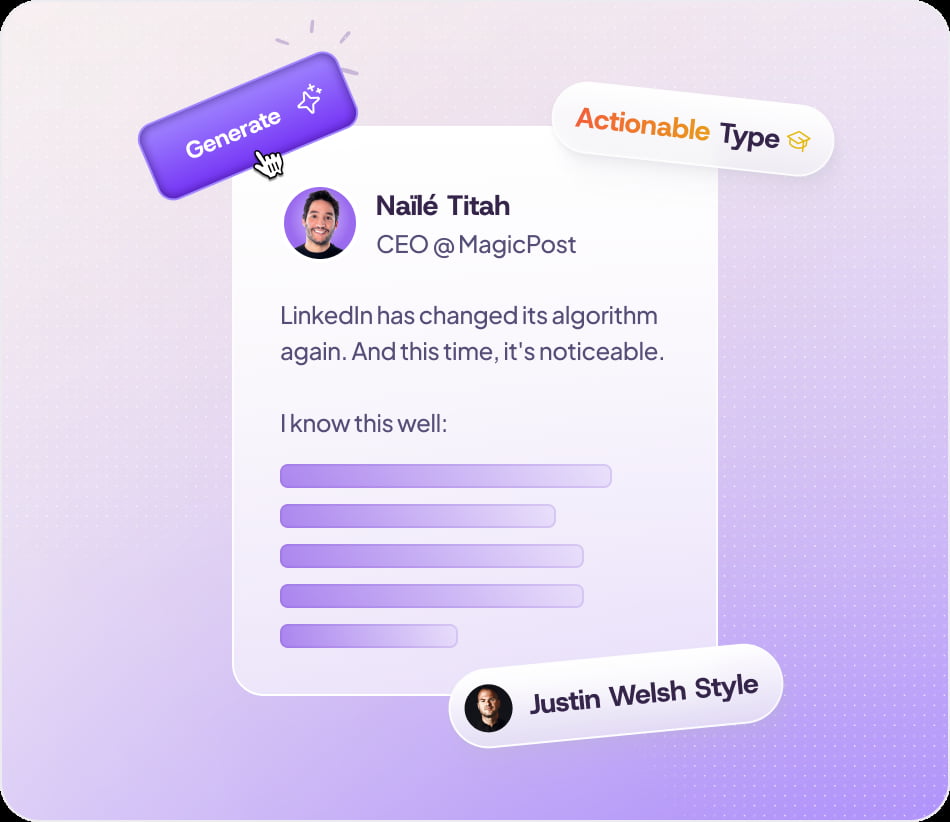
Ocoya is better understood as a social media workflow with AI writing inside it. MagicPost is narrower and more LinkedIn-first, which can be exactly what you want if LinkedIn is your main channel. In both cases, the writing layer matters, but the real value often comes from scheduling, platform fit, and performance workflow around the text.
If your main need is article drafting, read Best AI Writing Tools for Blog Drafting. If your bottleneck is social posting and content adaptation, go to Best AI Tools for Social Media Writing. If you want the broader category view before choosing, open Best AI Writing Tools.
Questions to ask before you pay
- What do I write most often: blog drafts, copy, social posts, or research-heavy content?
- Do I need generation only, or do I also need publishing and scheduling?
- Will I use templates most of the time, or do I need more structure and collaboration?
- Am I buying for my current workflow or for a fantasy workflow I do not actually run yet?
- Would a simpler tool save more time because it is easier to use consistently?
That last question is the one most buyers avoid. People often assume the more advanced tool is the smarter choice. In practice, the better choice is often the one that matches the exact stage where your writing process breaks down.
Common mistakes when choosing an AI writing tool
- Choosing by template count alone. More templates can look impressive and still tell you almost nothing about daily usefulness.
- Buying a social workflow tool for a drafting problem. If publishing is not your bottleneck, you may be paying for features you will barely touch.
- Expecting publish-ready output from every tool. Good tools reduce friction. They do not remove editing judgment.
- Ignoring your learning curve tolerance. A cheaper tool that you actually use can beat a more advanced one that feels heavy.
- Confusing broad “AI writing” marketing with your actual use case. This category is wider than it looks.
This is also why a calm framework matters more than hot takes. You do not need the smartest tool on paper. You need the safest fit for the way you actually write.
Watch one example before deciding
A short walkthrough often tells you more than a long feature page. You can usually spot within a few minutes whether the interface matches your workflow, especially if you are deciding between a simpler writing assistant and a broader content platform.
A simple decision path you can actually use
- If you are new and mostly need quick copy help, start with Rytr.
- If you need broader content coverage across several tasks, compare Writecream and GravityWrite.
- If your work is research-heavy and citation-heavy, start with Jenni AI.
- If your workflow is mostly social content and scheduling, compare Ocoya and MagicPost.
- If you still are not sure, read the broader roundup: Best AI Writing Tools.
FAQ
What is the first thing to check when choosing an AI writing tool?
The first thing to check is the writing job you need help with most often. Drafting, copywriting, research support, and social publishing are not the same workflow.
Should beginners choose the most advanced AI writing tool?
Usually no. Beginners often do better with a simpler tool that gives usable results quickly instead of a broader platform with a steeper learning curve.
Are social media AI tools the same as general AI writing tools?
Not really. Social-first tools often include scheduling, publishing, analytics, and platform workflows that go beyond drafting text.
When does a research-focused tool make more sense?
A research-focused tool makes more sense when your writing depends on sources, structure, PDFs, references, or citation support rather than quick marketing output.
What if I still am not sure which AI writing tool fits me?
Start with the broader roundup and then move into the use-case article closest to your bottleneck. That is usually faster than trying to compare everything at once.
PromoCodeRadar helps users find cleaner coupon codes, official deals, annual billing savings, free trials, and better ways to save on software, AI tools, and online services.
If you found a broken code or outdated listing, contact us at contact@promocoderadar.com.