

Best AI Writing Tools (2026): 8 Picks by Workflow
Best AI writing tools are not all trying to solve the same problem, and that is usually where people make a bad pick. Some are better for fast short-form copy, some are better for structured drafting, and some are really social publishing tools with AI writing layered in. This page is built for that real-world difference, not for hype.
Table of Contents
I think many buyers overcomplicate this category. They assume they need the smartest or most advanced platform, when the real question is simpler: which part of your workflow keeps breaking without the right tool? If that bottleneck is blog drafting, you should not buy like a LinkedIn creator. If it is social repurposing, you probably do not need a research-first writing workspace.
This roundup stays inside the mapped brand set for the AI Writing cluster: Rytr, Writecream, GravityWrite, Jenni AI, ClosersCopy, SamWell AI, Ocoya, and MagicPost. I am not trying to crown one universal winner for every reader. I am trying to reduce bad-fit purchases.
For most readers on PromoCodeRadar, the better approach is to split the category into six practical jobs:
- general-purpose writing across mixed tasks
- beginner-friendly drafting and templates
- long-form or citation-heavy drafting
- short-form marketing copy
- content repurposing across formats
- social writing and publishing workflows
If you want the broader cluster context first, start with the AI Writing hub. For the actual buying framework behind this page, go next to How to Choose an AI Writing Tool.
How I ranked these AI writing tools
I did not rank these tools by marketing noise, template counts alone, or generic “AI changed everything” language. I used a simpler framework:
- Workflow fit: what job the tool seems built for
- Ease of use: how quickly a normal user can get usable output
- Editing handoff: whether the draft feels easy to shape after generation
- Format range: whether the tool stays strong across blog, copy, repurposing, or social
- Value clarity: whether the pricing model makes sense for the intended workload
That means a very broad platform can rank highly for mixed workflows without being the best for a focused use case. It also means a narrower tool can still win its category if it removes friction better than a “bigger” suite.
Best AI writing tools: quick comparison table
| Tool | Best for | Why it stands out | Best next step |
|---|---|---|---|
| Writecream | Best overall | Broad content suite for articles, outreach, voice, and mixed content work | Open Writecream store page |
| Rytr | Best for beginners | Fast setup, easy templates, lower-friction entry point | Open Rytr store page |
| Jenni AI | Best for long-form drafting | Strong research-and-citation workflow | Open Jenni AI store page |
| ClosersCopy | Best for short-form marketing copy | More copy-first mindset than general writing-first tools | Open ClosersCopy store page |
| GravityWrite | Best for content repurposing | Blends writing, images, video, and social scheduling in one stack | Open GravityWrite store page |
| Ocoya | Best for social writing | AI writing sits inside a fuller social publishing workflow | Open Ocoya store page |
| MagicPost | Best for LinkedIn-specific writing | Much more focused if LinkedIn is the whole game | Open MagicPost store page |
| SamWell AI | Best for academic structure | Built around essays, citations, and longer academic workflows | Open SamWell AI store page |
My top picks by workflow
1) Writecream — Best AI writing tool for mixed workflows
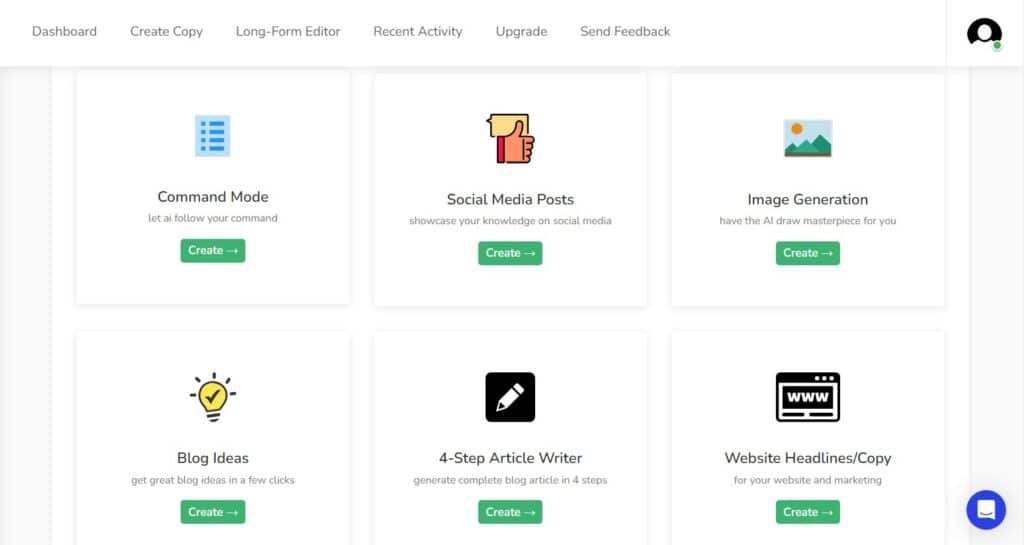
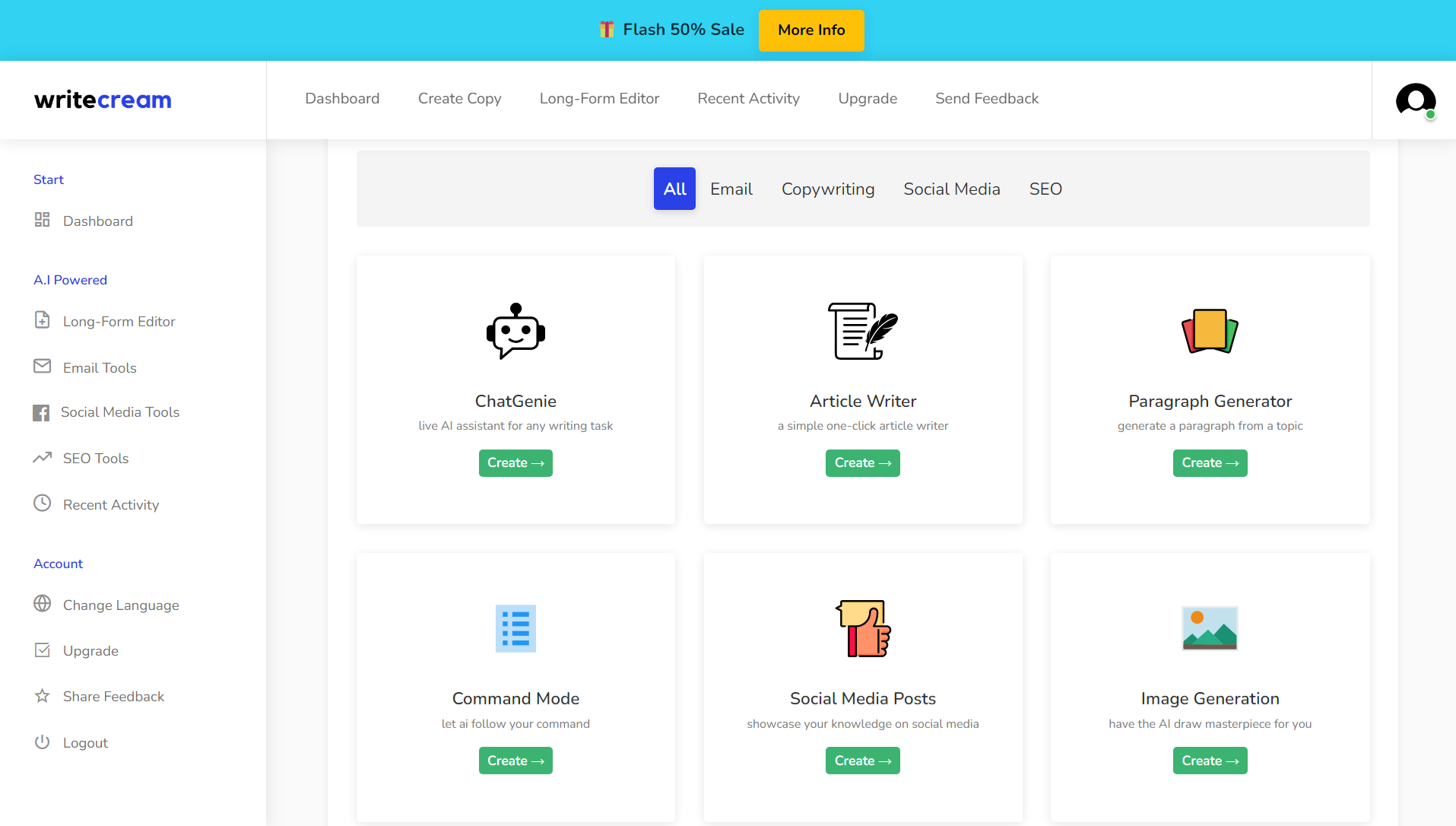
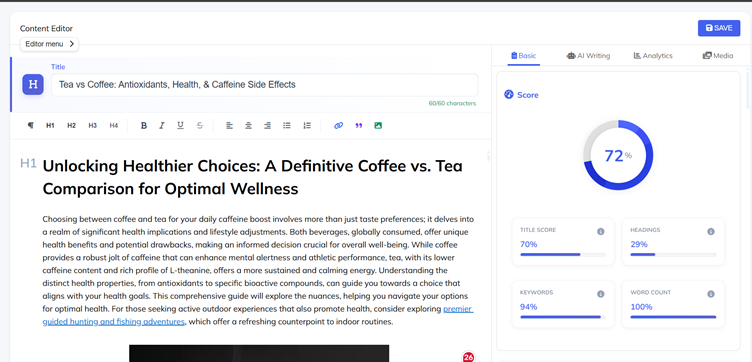
Writecream is the easiest “best overall” pick here if your workload is messy in a realistic way. You are not only writing blog drafts. You may also need sales emails, LinkedIn messages, outlines, product copy, voiceovers, or quick content variations for different channels. That kind of mixed workload is where Writecream makes more sense than a narrower writer.
The reason I would rank it first for this page is not that it feels the most premium in every individual task. It is that it covers more commercial writing scenarios without forcing you into a separate tool too quickly. If you are a blogger, marketer, or solo operator juggling several content jobs each week, that matters.
- Best fit: marketers, creators, solo operators with mixed content needs
- Main strength: broad tool coverage without immediately hitting a specialist wall
- Skip it if: you only need a narrow academic or LinkedIn-first workflow
For pricing, trials, and savings context, open the Writecream store page.
2) Rytr — Best AI writing tool for beginners
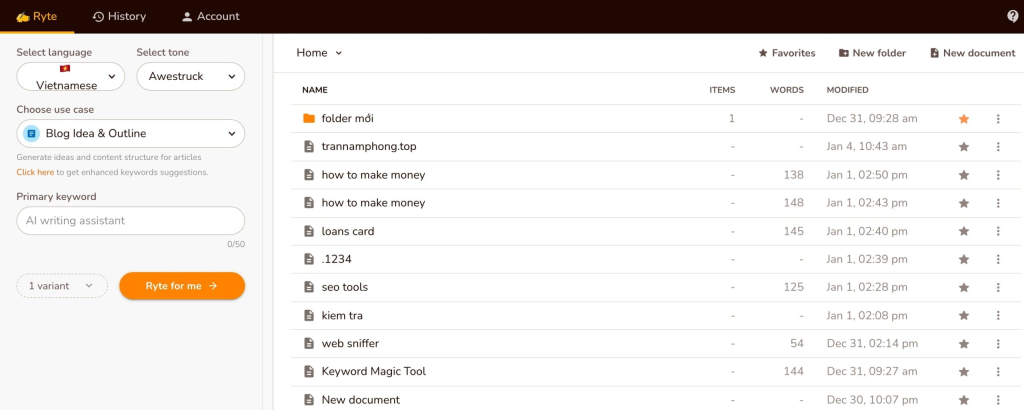
Rytr is still one of the easiest tools in this group to recommend to beginners. That matters more than people admit. A lot of new buyers do not actually need a huge platform. They need something that gives them usable templates, decent short-form output, and a low enough learning curve that they do not feel punished for being new.
I would put Rytr ahead for beginners because it feels like a practical entry tool, not a tool you need to “grow into” before it starts paying you back. If your main job is quick copy, paragraph expansion, captions, CTAs, or basic drafting help, Rytr can be enough for longer than most buyers expect.
- Best fit: first-time AI writing buyers, non-technical users, simple copy workflows
- Main strength: easier onboarding and fast template-driven output
- Skip it if: you need a research-heavy writing workspace or a full social stack
If you want the current entry point and available offers, check the Rytr store page. The beginner-focused shortlist is also in Best AI Writing Tools for Beginners.
3) Jenni AI — Best AI writing tool for long-form drafting
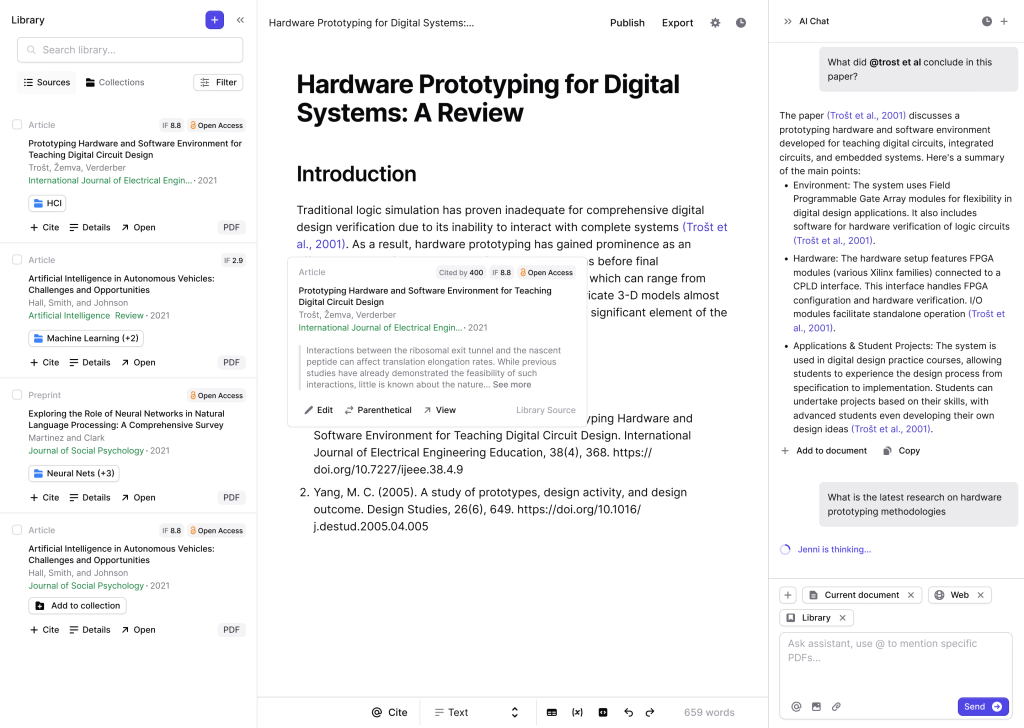
Jenni AI is not trying to be everything. That is partly why it works. It feels better aligned to longer drafting, source-based writing, and citation-aware research workflows than the more generic copy tools in this list. If your writing starts with research, PDFs, notes, or structured argument building, Jenni makes more sense than a broad marketing copy suite.
I would not call it the best default choice for every buyer. I would call it the strongest pick when your bottleneck is moving from research material to a cleaner first draft without losing structure. That is different from asking a tool to spit out ten ad variants or social captions.
- Best fit: researchers, students, long-form drafters, structure-first writers
- Main strength: autocomplete, AI chat, and citation-aware workflow
- Skip it if: your work is mainly sales copy or social publishing
For more on student-safe and draft-support angles, the next logical read is How to Choose an AI Writing Tool, then the Jenni AI store page.
4) ClosersCopy — Best AI writing tool for short-form marketing copy
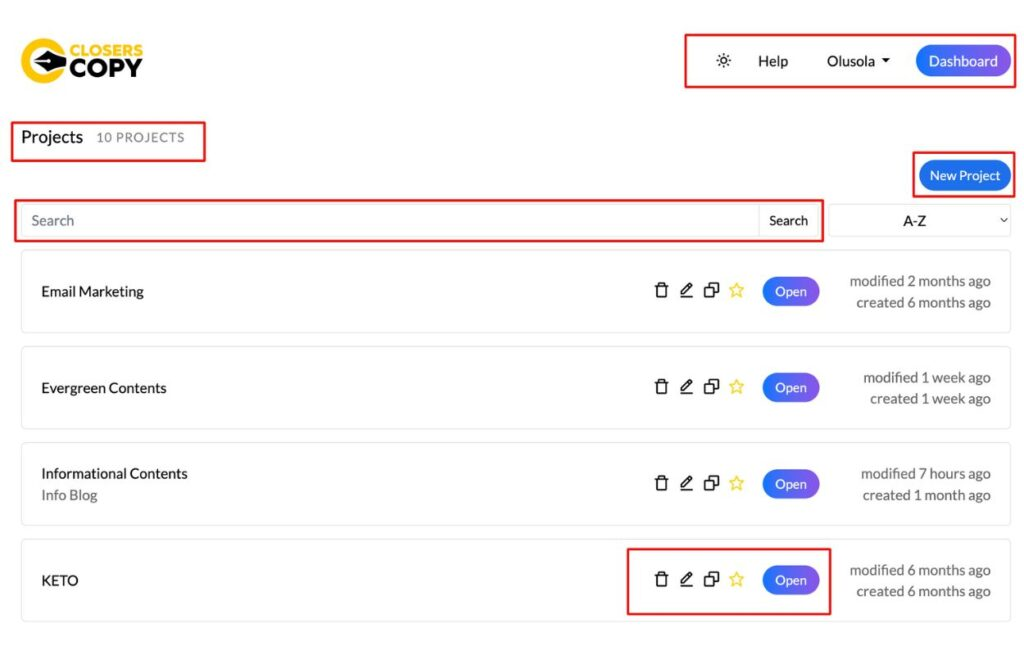
ClosersCopy is the tool here that most clearly leans into copywriting as a discipline rather than “general AI writing” as a broad convenience layer. That makes it more interesting for people who care about offers, hooks, sales pages, email angles, and performance copy, not just article drafting.
I would not put ClosersCopy first for a casual buyer because it can feel like overkill if all you need is fast drafting. But if your money comes from sharper short-form persuasion, then a more copy-first environment can be worth the extra friction and cost.
- Best fit: marketers, direct-response writers, copy-first freelancers
- Main strength: stronger copywriting orientation than general-purpose drafting tools
- Skip it if: your priority is a cheap beginner tool or citation-heavy long-form work
If conversion copy is your main lane, open the ClosersCopy store page.
5) GravityWrite — Best AI writing tool for content repurposing
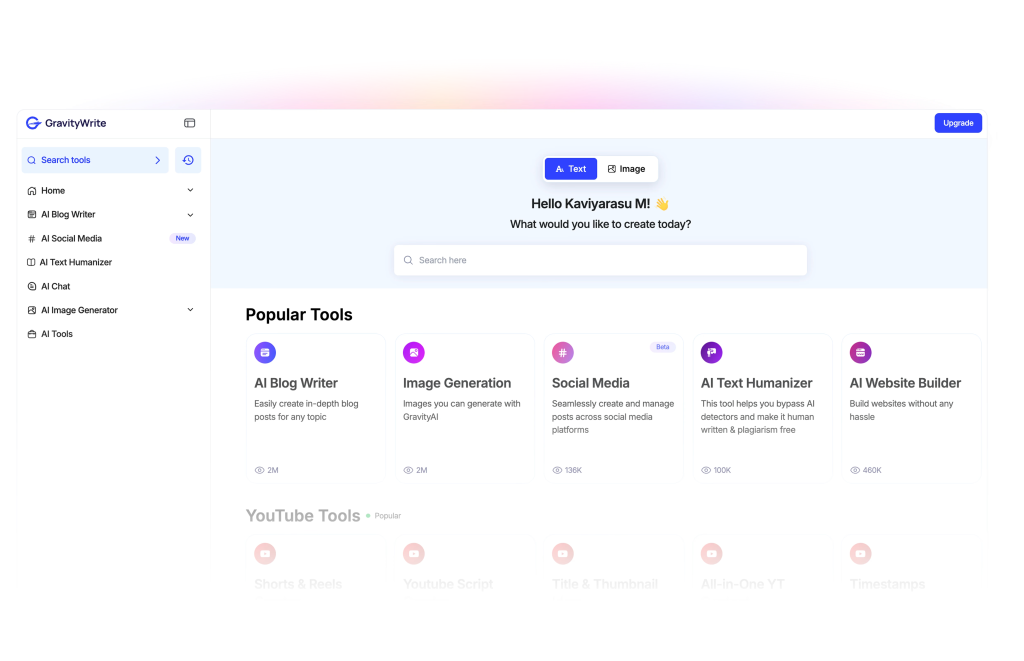
GravityWrite looks more attractive when your workflow is not just “write an article.” It becomes more interesting when you want to turn one idea into a blog post, supporting visuals, social content, maybe even video assets, then keep the output moving. That broader system is why I would place it first for repurposing.
This is one of those tools that can look excessive if you only judge the writing box itself. But if your weekly content flow is one idea becoming several assets, the bundled writing-plus-visual-plus-social angle becomes easier to justify.
- Best fit: creators and marketers who repurpose one concept across formats
- Main strength: writing, images, videos, and scheduling in one stack
- Skip it if: you only want a simple low-cost drafting assistant
Open the GravityWrite store page for the current deal context.
6) Ocoya — Best AI writing tool for social writing across channels
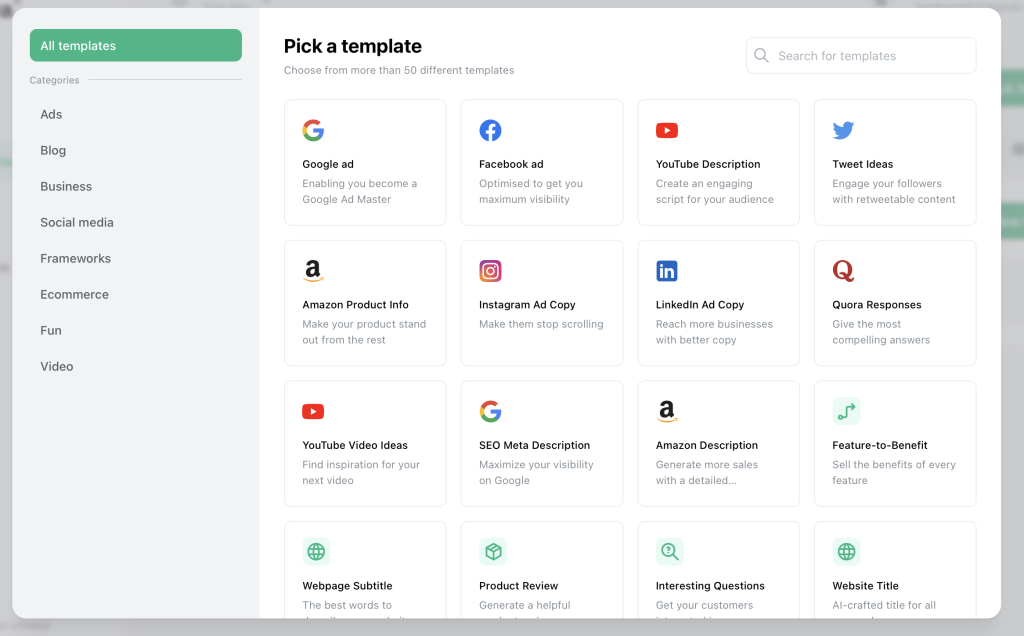
Ocoya is better understood as a social media platform with AI writing built into the workflow, not as a pure writing assistant pretending to be a social tool. That distinction matters. If your day-to-day work includes content creation, approvals, media libraries, scheduling, and multi-channel publishing, a tool like Ocoya can be more practical than a standalone writer.

I would not buy Ocoya mainly for long-form drafting. I would buy it if social writing is connected to a real publishing calendar and team process. That is where the added structure starts to feel useful instead of bloated.
- Best fit: social teams, agencies, frequent multi-channel publishers
- Main strength: AI writing inside a fuller social operations workflow
- Skip it if: you mostly need article drafting or research support
For the latest plan and offer context, open the Ocoya store page.
7) MagicPost — Best AI writing tool for LinkedIn-first creators
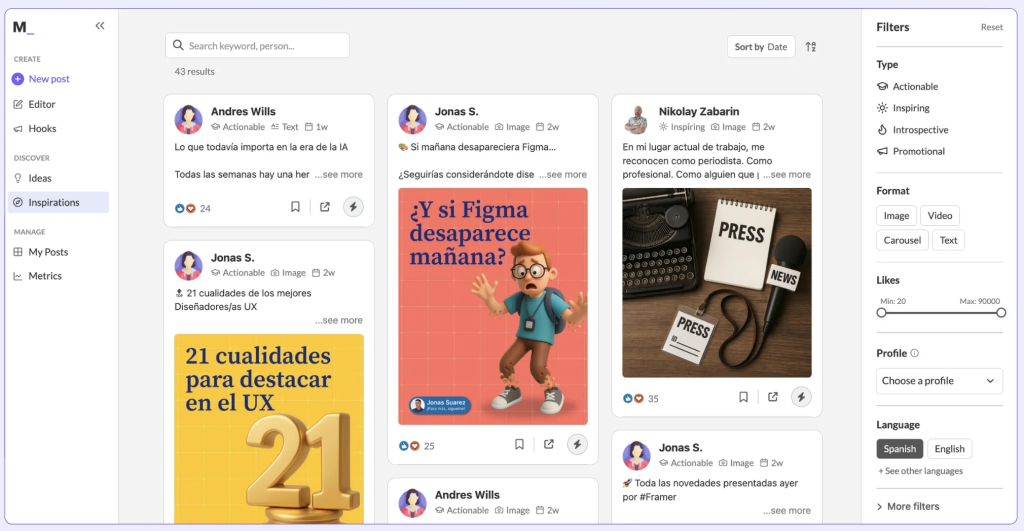
MagicPost is narrower than most tools in this list, and that is the point. If your writing workflow lives on LinkedIn, a focused tool can beat a general-purpose writer because it is tuned around ideas, hooks, style import, scheduling, and post analytics instead of trying to be a universal writing assistant.

I would not place MagicPost higher than broader tools for a sitewide “best AI writing tools” query because many readers want more range. But for a creator who lives and grows on LinkedIn, that narrower focus can be exactly what makes it the better pick.
- Best fit: LinkedIn-first creators, consultants, personal brand operators
- Main strength: focused LinkedIn post workflow rather than generic content generation
- Skip it if: you need blog drafting, academic support, or multi-channel long-form work
For pricing and deal context, open the MagicPost store page.
8) SamWell AI — Best AI writing tool for academic structure and citation-heavy support
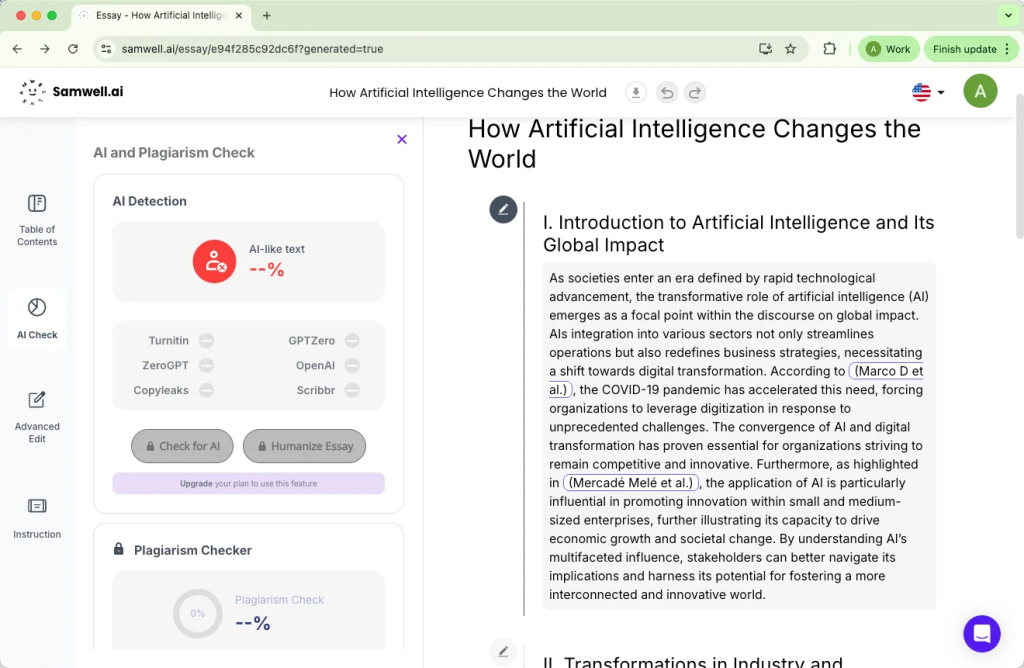
SamWell AI is not the tool I would send a marketer to for campaign copy, and that is perfectly fine. It is more useful when the real problem is academic structure, essay planning, source handling, and longer-form support. In that lane, it feels closer to a specialized academic assistant than a broad content-writing product.
I would treat it as a category pick, not a universal one. If you are working with essays, literature reviews, research papers, or structured academic outputs, specialization matters more than a giant template catalog.
- Best fit: students, academic users, structured essay workflows
- Main strength: academic integrity and longer-form document support
- Skip it if: you mostly write sales copy, social posts, or broad marketing content
You can review the current savings angle on the SamWell AI store page.
Watch one example before you buy
You do not need ten demo videos. One real walkthrough is usually enough to see whether the interface matches your workflow. This Writecream tutorial is useful because it shows the difference between a tool that merely generates text and a tool that tries to support a fuller article workflow.
How to choose the right AI writing tool for your workflow
Choose by bottleneck, not brand hype
If you mostly get stuck at the first draft, buy for drafting. If you mostly need faster hooks, captions, or ad variants, buy for short-form copy. If your real problem is keeping one idea alive across blog, social, and visuals, buy for repurposing. That sounds obvious, but most bad purchases happen because people shop by popularity instead of friction.
Do not overbuy for a simple workflow
A lot of readers could start with Rytr and be fine. They do not need a broad suite, a social ops layer, or a research-oriented workspace. That is not an anti-tool opinion. It is just a reminder that “more features” is not the same as “better fit.”
Separate writing from publishing when needed
Some tools here are clearly better as writing assistants. Others are better as workflow systems that happen to include AI writing. That is the main difference between a tool like Jenni AI and a tool like Ocoya. Both can help you create text, but they are solving different jobs.
Use specialist tools when the workflow is specialist
For academic writing, a citation-aware environment matters. For LinkedIn, creator-style post generation and analytics matter. For social calendars, scheduling and approvals matter. That is why specialist tools still deserve space in a broad roundup.
Related reads in this cluster
- AI Writing hub
- How to Choose an AI Writing Tool
- Best AI Writing Tools for Beginners
- Rytr vs Writecream vs GravityWrite
FAQ: best AI writing tools
What is the best AI writing tool overall?
For a mixed workflow, I would start with Writecream because it covers more content tasks without forcing you into a narrow use case too early. That said, “best overall” is not the same as “best for you.”
Which AI writing tool is best for beginners?
Rytr is the easiest beginner recommendation in this list. It is simpler to approach, works well for short-form writing, and does not feel as demanding as broader or more specialized platforms.
Which AI writing tool is best for long-form drafting?
Jenni AI is the strongest fit here if your work starts with research, citations, and structured drafting. It is not just trying to generate quick copy; it is built around a more research-aware workflow.
Are social writing tools the same as AI writing tools?
Not always. Ocoya and MagicPost both include AI writing, but their real value comes from the surrounding workflow like scheduling, analytics, approvals, and channel-specific content production.
Do I need a broad AI suite or a specialist tool?
If your work is broad and commercial, a suite can make sense. If your work is narrow and repeated, like LinkedIn content or academic writing, a specialist tool is often the safer buy.
Final verdict
If I had to simplify this list into one sentence, it would be this: the best AI writing tools are the ones that remove your most expensive writing bottleneck without adding a new layer of complexity somewhere else.
Writecream is my best overall pick for mixed workflows. Rytr is the easiest starting point for beginners. Jenni AI is the strongest choice for research-heavy long-form drafting. ClosersCopy makes the most sense for short-form conversion copy. GravityWrite is the more interesting option for repurposing. Ocoya and MagicPost belong in the conversation when publishing workflow matters as much as writing itself.
Before you decide, open the sub hub for context and then compare the store pages for the brands you are actually considering:
AI Writing hub, Writecream, Rytr, Jenni AI, GravityWrite, Ocoya, MagicPost, ClosersCopy, SamWell AI.
PromoCodeRadar helps users find cleaner coupon codes, official deals, annual billing savings, free trials, and better ways to save on software, AI tools, and online services.
If you found a broken code or outdated listing, contact us at contact@promocoderadar.com.