
How to Build a Topical Map with AI Without Turning It Into a Content Mess
If you have ever tried building a topical map by hand, you already know where it gets annoying. The first few ideas come fast. Then the whole thing turns into a wall of overlapping keyword notes, half-baked clusters, and page ideas that all sound similar but somehow still do not feel connected.
That is exactly where AI can help. Not by replacing strategy, but by making the messy middle much easier to handle. Used well, AI helps you expand the topic, group related ideas, spot missing subtopics, and build a cleaner content hierarchy. Used badly, it just gives you a bigger pile of chaos.
This guide is about the first version.
Table of Contents
Quick answer
A topical map is a structured plan for covering a topic deeply and logically across a cluster of related pages. The best way to build it with AI is to use AI for expansion, grouping, and outline support, then use human judgment for intent decisions, page boundaries, and publishing priorities.
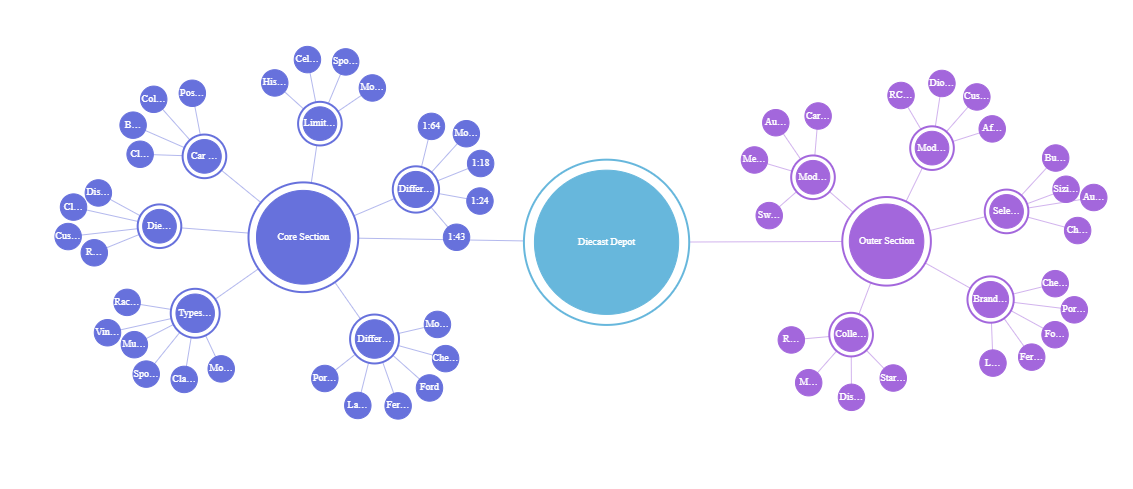
My simple rule is this: let AI make the map wider, then make the final map smaller and cleaner yourself.
Build a Topical Map with AI – What a topical map actually is
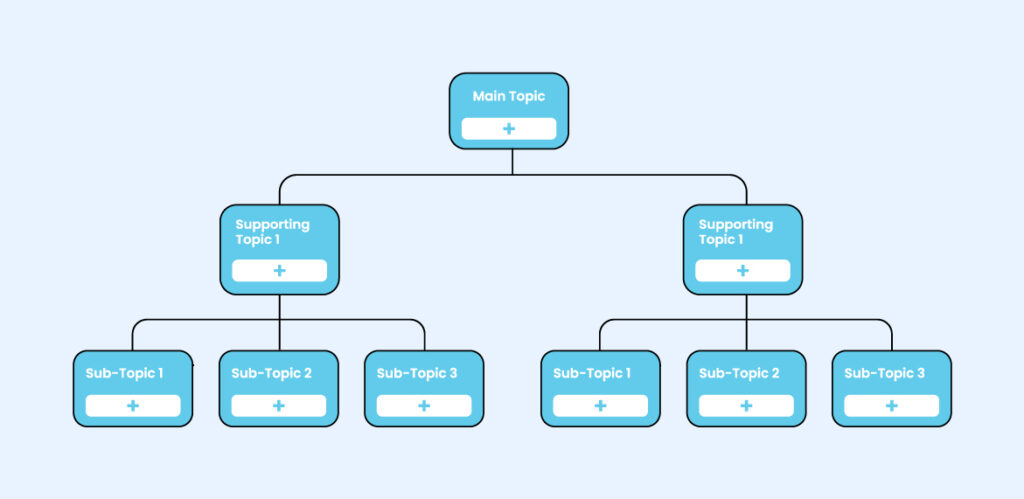
A topical map is not just a keyword list. It is not just a spreadsheet of article titles either. A good topical map shows:
- the main topic you want authority around
- the core subtopics that support it
- the page type each subtopic deserves
- the relationships between pages
- the order you should publish them
- the internal links that make the cluster feel coherent
In other words, it is a content architecture plan, not just keyword research dressed up with a smarter name.
That is why topical maps matter so much for AI SEO. The better your map, the easier it becomes to build pillar pages, supporting articles, and internal linking paths that actually make sense to readers and search engines.
Why AI helps here more than people expect
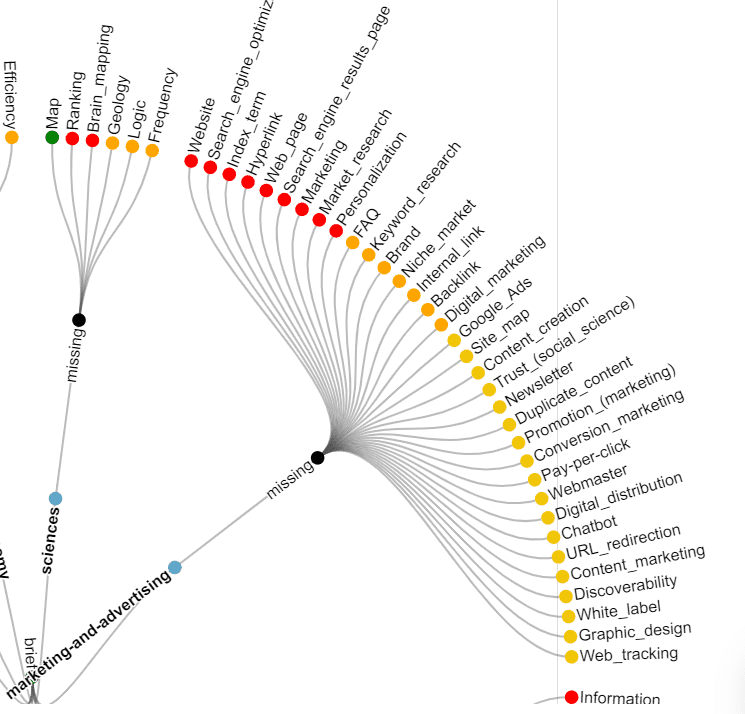
Topical mapping is one of the better uses of AI because it sits right in the zone where humans get tired and repetitive. You can absolutely build a map manually, but the work gets slow once you need to:
- expand subtopics from a seed topic
- surface missing angles
- collect question-based variants
- separate overlapping themes
- turn a pile of ideas into clean content groups
AI is genuinely good at that middle layer. It can help you generate variants, questions, modifiers, adjacent use cases, and content buckets much faster than starting from a blank page every time.
But this is also where people get themselves into trouble. AI is very good at saying, “here are 40 possible branches.” It is much less reliable at saying, “these 9 branches are enough, and the other 31 are noise.” That is still your job.
The trap: AI makes it easy to over-map a topic until the structure looks impressive but no longer feels publishable.
A practical workflow for building a topical map with AI
1) Start with one clear parent topic
Do not start from a niche blob like “AI tools” or “SEO.” Start with one topic you actually want authority around. For this cluster, a parent topic could be something like AI SEO, AI keyword research, or AI content optimization.
The tighter the parent topic, the more useful the AI expansion becomes.
2) Ask AI to expand the topic in layers
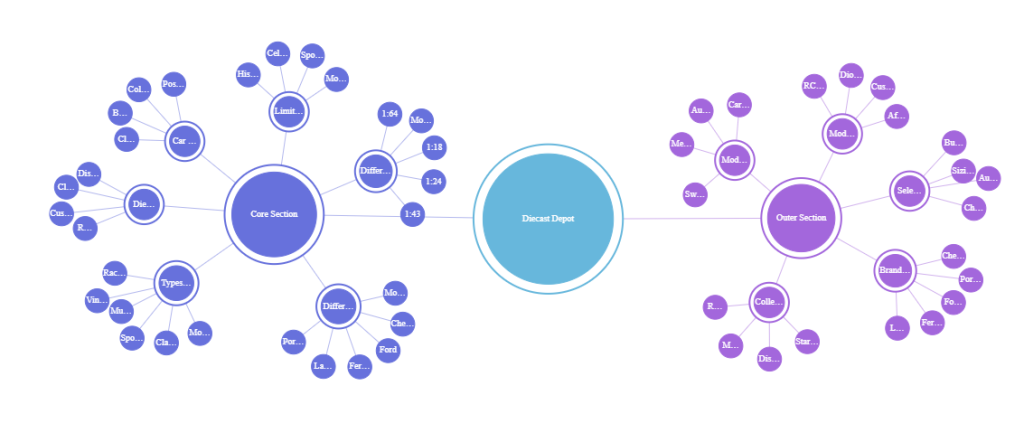
Instead of prompting for “all keywords,” prompt for layers such as:
- core subtopics
- beginner questions
- advanced workflow questions
- comparison angles
- tool-intent queries
- problem-solution angles
- supporting glossary terms
This makes the output more usable because AI is organizing around meaning, not just spraying synonyms.
3) Group the ideas by search intent, not just similarity
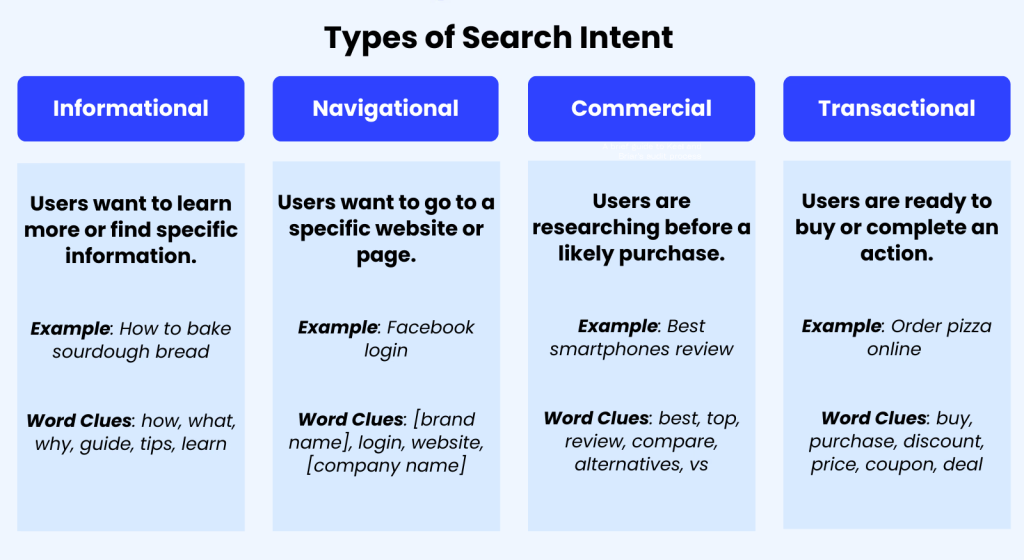
This step matters more than people think. Two queries can look similar and still deserve different pages because the intent is different. I like to split clusters into at least four intent buckets:
- informational — explain a topic
- workflow — teach a process
- commercial investigation — compare options or tools
- bottom-funnel — tool-versus-tool or decision-stage content
If you skip this step, your topical map looks organized but your pages cannibalize each other later.
4) Decide what should be a hub, cluster post, or support article
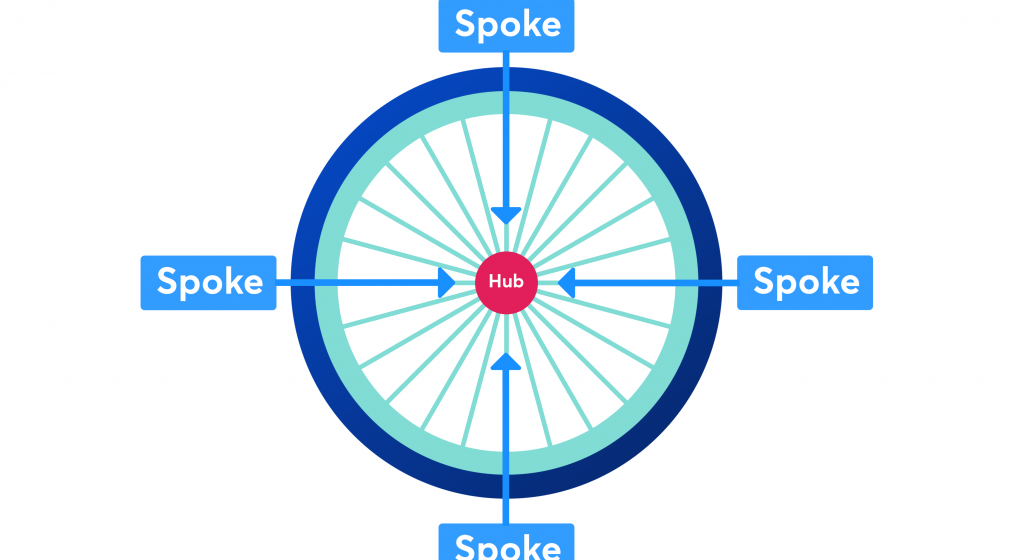
This is where the map starts becoming real. AI can suggest many subtopics, but you need to decide page type:
| Topic type | Best page format | Role in map |
|---|---|---|
| Broad parent topic | Hub or pillar page | Sets the main architecture |
| Practical process | Workflow guide | Captures how-to intent |
| Tool selection topic | Toplist or comparison | Captures commercial investigation |
| Narrow definition or support question | Glossary or support article | Reinforces topical depth |
5) Draw the internal link paths before you publish
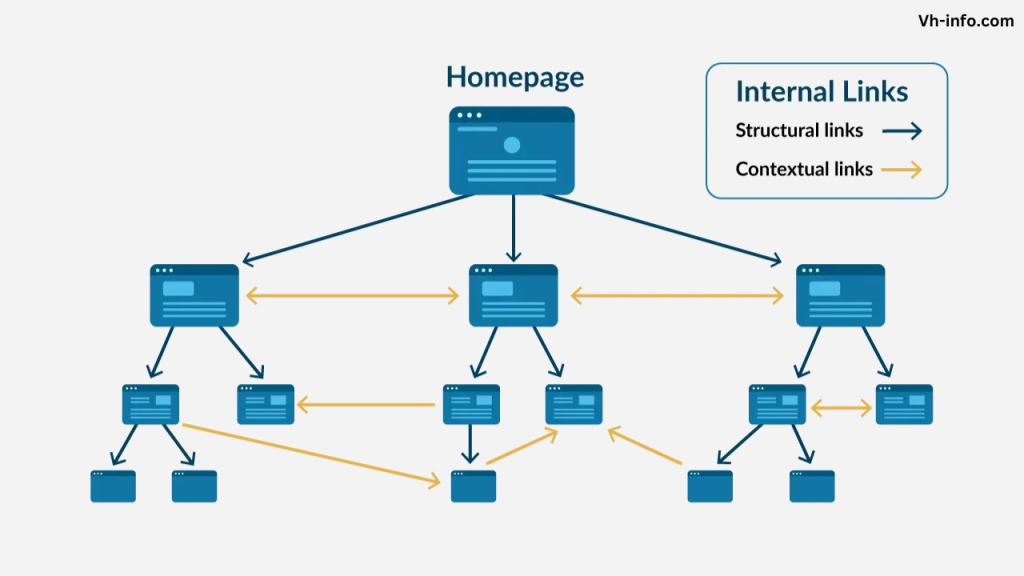
This is where topical maps stop being theory. A real map should already imply:
- which pages link up to the hub
- which cluster articles cross-link sideways
- which bottom-funnel pages sit lower in the structure
- which support articles exist mainly to strengthen the broader topic
If your map does not make internal linking easier, it is probably still too abstract.
6) Cut the map down before you expand it again
This is the step I trust most. After AI helps you widen the topic, reduce the plan. Remove overlapping branches. Merge weak article ideas. Drop topics that are only loosely related. A map usually gets better when it gets a bit smaller.
7) Turn the final map into a publish order
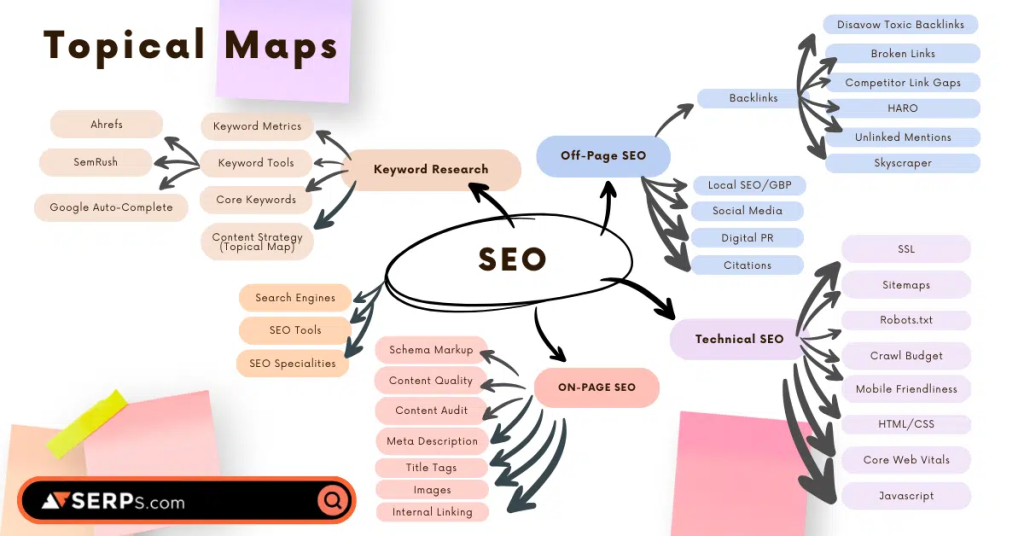
A topical map is not just a structural diagram. It should also tell you what to publish first. Usually the smartest order is:
- hub or pillar page
- high-value workflow guides
- commercial investigation pieces
- bottom-funnel comparisons
- support articles and glossary pieces
That sequence gives the cluster a stronger internal logic from the start.
A simple topical map example for an AI SEO cluster
Here is a stripped-down example of how this could look for the topic AI SEO:
| Level | Topic | Suggested page type | Role |
|---|---|---|---|
| Hub | AI SEO | Hub page | Main topic authority page |
| Cluster | How to Use AI for Keyword Research | Workflow guide | Practical process intent |
| Cluster | Best AI SEO Tools | Toplist | Commercial investigation |
| Cluster | Best AI Content Optimization Tools | Toplist | Subtopic depth |
| Cluster | How to Optimize for Google AI Overviews | Workflow guide | Search feature support |
| Cluster | How to Track AI Search Visibility | Workflow guide | Measurement layer |
| Bottom funnel | Frase vs Outranking | Tool comparison | Decision-stage page |
| Bottom funnel | Rankability vs PageOptimizer Pro | Tool comparison | Decision-stage page |
That is the kind of map AI can help you build faster. But the reason it works is not because AI created the list. It works because the final structure respects intent, hierarchy, and internal linking logic.
Helpful tools for this workflow
If you are building topical maps inside this AI SEO cluster, these mapped tools fit especially well:
- LinkBoss — useful when your topical map needs to become an internal linking and silo structure, not just a planning document.
- Frase — useful when you want AI-generated topic clusters, pillar/supporting content ideas, and a clearer path from map to content briefs.
- Outranking.io — useful if you want strategy clustering and planning to flow directly into content briefs and optimization.
- SEObot — useful if you want AI agents to handle more of the expansion and grouping layer before you finalize the structure.
A practical rule I like here is simple: use one tool to help build the map, then use another to make sure the map becomes a publishing and linking system instead of staying a research artifact.
Mistakes to avoid when building a topical map with AI
- Treating every AI-generated branch like a real publishing need.
- Making the map so broad that no section feels worth prioritizing.
- Skipping intent checks because the clusters “look semantic enough.”
- Forgetting to decide page types before writing starts.
- Ignoring internal links until after half the cluster is already published.
- Using the map as a brainstorming trophy instead of an execution plan.
The biggest mistake, though, is more subtle: people assume a topical map is good because it looks comprehensive. In reality, the best maps usually feel focused, not just comprehensive.
Final takeaway
AI is excellent at helping you build the first draft of a topical map. It can widen the topic, expose hidden branches, cluster related ideas, and speed up the annoying parts of content planning. But the part that makes a topical map actually good still comes from human decisions: what to merge, what to cut, what deserves a page, what should stay support-only, and how the internal links should shape the whole cluster.
That is why the smartest use of AI here is not “build the map for me.” It is “help me see the map faster, so I can make better editorial decisions.”
After this page, the most natural next reads are How to Use AI for Keyword Research, Best AI Internal Linking Tools, and Best AI SEO Tools for 2026.
FAQ about building a topical map with AI
What is the difference between a topical map and a keyword list?
A keyword list is just raw input. A topical map shows hierarchy, intent, page types, and the relationships between pieces of content.
Can AI build a topical map by itself?
AI can generate a strong draft, but it should not make the final publishing structure alone. You still need to review intent, overlap, site fit, and page boundaries.
How big should a topical map be?
Big enough to cover the topic meaningfully, but small enough that you can still publish it coherently. If the map feels impressive but impossible to execute, it is probably too big.
Should every subtopic in a topical map become its own page?
No. Some subtopics deserve full articles, while others work better as sections within broader pages or as support content that mainly strengthens the cluster.
What is the biggest mistake people make with topical maps?
The biggest mistake is building a map that looks complete but never becomes a clean publishing and internal linking plan.
PromoCodeRadar helps users find cleaner coupon codes, official deals, annual billing savings, free trials, and better ways to save on software, AI tools, and online services.
If you found a broken code or outdated listing, contact us at contact@promocoderadar.com.