
Best AI Writing Tools for Content Repurposing
Best AI writing tools for content repurposing are not really about getting more ideas. Most creators and content teams already have enough raw material. The harder part is turning one useful idea, draft, note set, or finished asset into enough usable outputs across formats without making every version sound thin, repetitive, or obviously machine-stretched.
Table of Contents
That is the lens for this article. I am not looking for the tool that simply writes social posts. I am looking for the tool that helps you reshape one strong input into several publishable directions: a blog angle into short posts, a rough note set into multiple formats, or a longer draft into channel-specific variations. That is a different workflow from plain social writing, and it should be judged differently.
This guide compares four mapped tools through that one-to-many workflow: Writecream, Ocoya, MagicPost, and Postscript. If you want the broader category first, start with Best AI Writing Tools. If you want the social-first branch, read Best AI Tools for Social Media Writing next.
What content repurposing actually needs
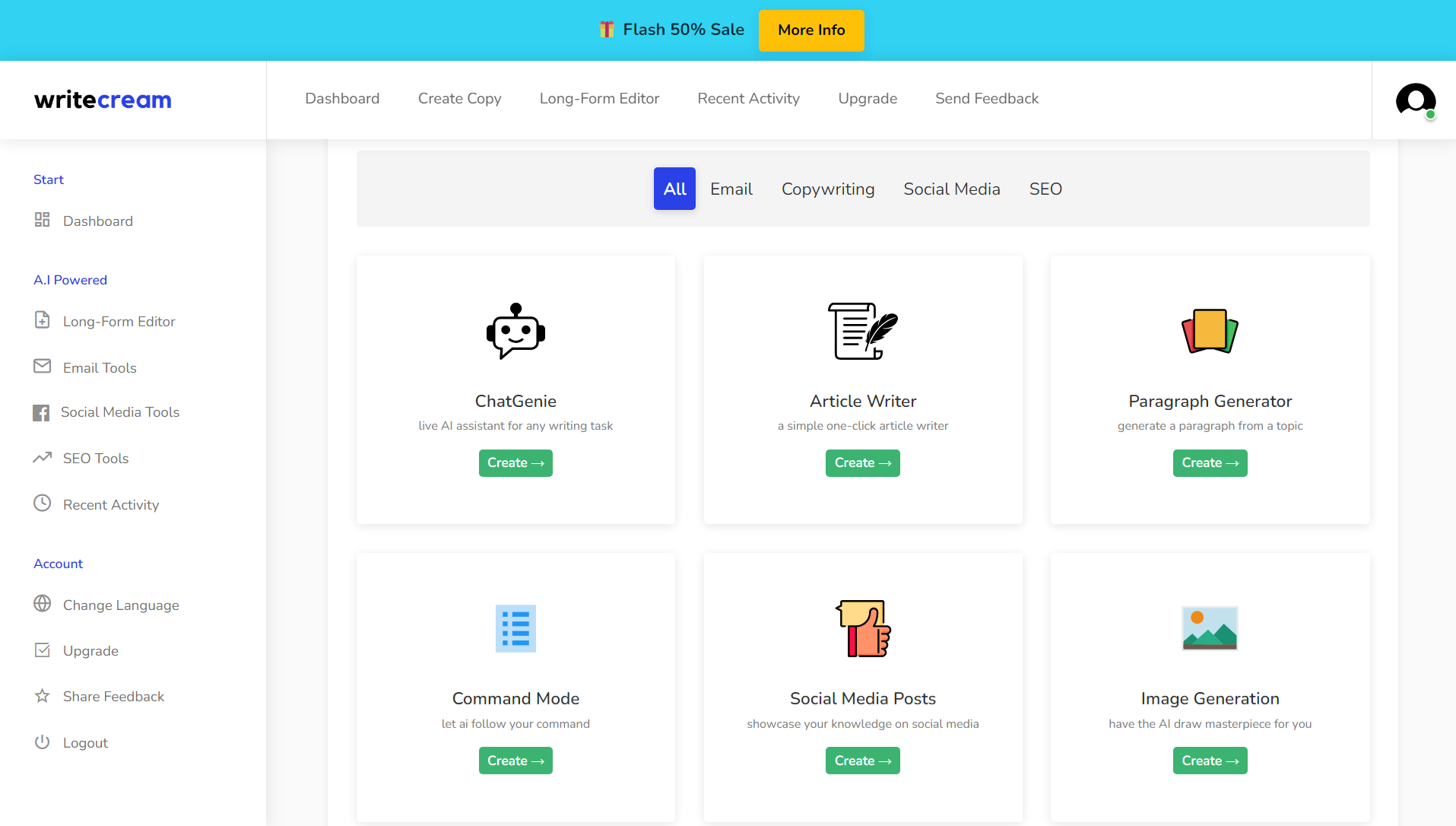
A good repurposing tool does not just rewrite sentences. It helps you move one idea across formats with enough variation that the output still feels usable. That usually means some combination of:
- turning a longer draft into several short-form angles
- breaking one concept into channel-specific versions
- keeping the core message intact while changing format and tone
- reducing manual repetition when adapting content across platforms
- saving time without forcing heavy cleanup on every variation
This is why this page is not the same as a social media writing roundup. Social writing is about daily posting rhythm. Repurposing is about transforming one asset into several outputs. Those workflows overlap, but they are not identical.
If your main problem is consistent short-form posting, go to Best AI Tools for Social Media Writing. If your main problem is deciding whether AI writing alone is enough, go to When an AI Writing Tool Is Enough — and When It Isn’t.
Quick picks for content repurposing
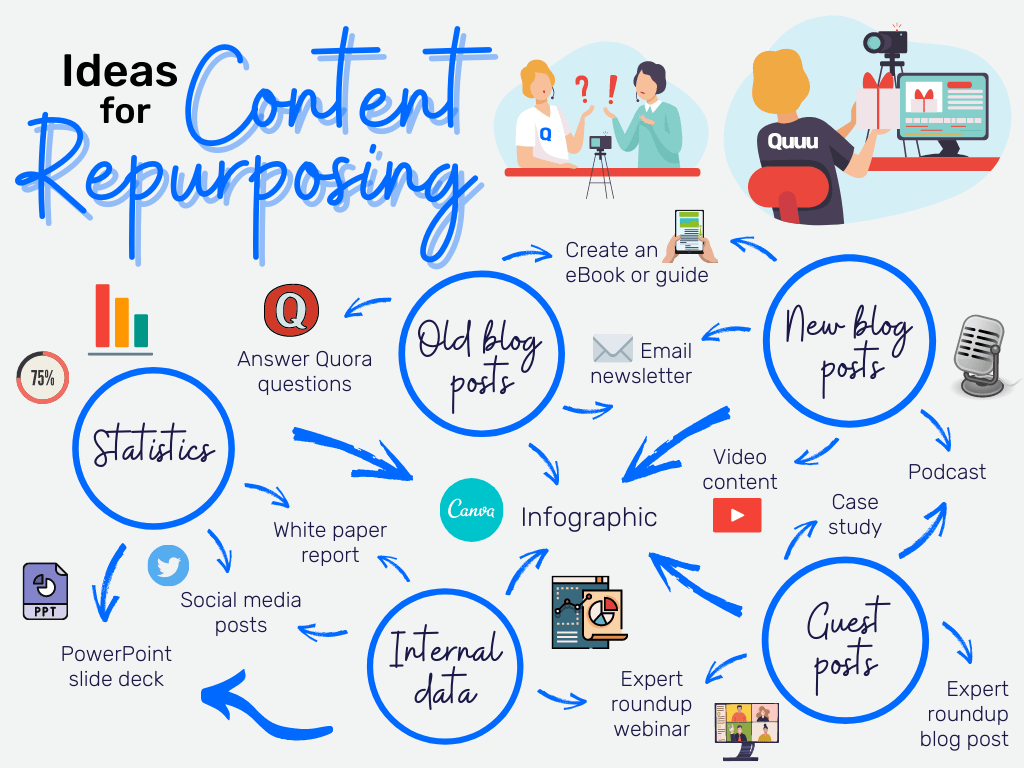
Best overall for one-to-many workflows: Writecream
Writecream is the broadest fit here if you want one idea to become several content outputs without locking yourself into a single-channel workflow.
Best for social-first repurposing: Ocoya
Ocoya makes the most sense when repurposing is closely tied to a posting schedule and multi-channel social workflow.
Best for LinkedIn-specific repurposing: MagicPost
MagicPost is the strongest fit if the repurposing job is really about turning ideas into multiple LinkedIn-ready post variations.
Best for promotional lifecycle messaging: Postscript
Postscript is the narrowest fit here, but still useful when the one-to-many workflow is really campaign and retention messaging rather than broad content publishing.
Quick comparison table
| Tool | Best for | Main strength | Main caution |
|---|---|---|---|
| Writecream | General one-to-many repurposing | Broader AI content suite for turning one idea into several formats | Can feel broader than necessary for a very narrow channel workflow |
| Ocoya | Social-first repurposing | AI content creation tied to scheduling and multi-channel publishing | Less ideal if you mainly want a flexible writing suite outside social ops |
| MagicPost | LinkedIn-first repurposing | Focused tool for adapting ideas into multiple LinkedIn-ready post styles | Narrow if you need broader multi-format output across many channels |
| Postscript | Promotional messaging repurposing | AI-assisted lifecycle and campaign messaging around SMS/owned-channel flows | Not a general-purpose repurposing tool for blogs, captions, and broad content formats |
Best AI writing tools for content repurposing, explained
1) Writecream
Writecream is the easiest overall pick here because it sits in the middle of the repurposing problem instead of at one extreme. It is not locked to a single channel, and it is not only useful for one narrow content format. That makes it a better fit when the goal is to take one useful idea and keep reshaping it across several directions without rebuilding the process every time.
I would rank Writecream first for general one-to-many workflows because it is broad enough to help you move from longer content to shorter content, from rough idea to multiple post angles, and from simple drafting into repurposed assets without feeling too specialized too early. If your content workflow is messy in a realistic creator-or-marketer way, that range matters.
- Best for: creators, content marketers, solo operators reusing one idea across formats
- Main strength: broader content repurposing flexibility without a strict single-channel limitation
- Skip it if: your workflow is entirely tied to a single social channel or a more specialized retention system
Open Writecream or review the brand page at /store/writecream/.
2) Ocoya
Ocoya is the best repurposing tool in this list when repurposing is tightly connected to social publishing. That distinction matters. Some people do not just want alternate versions of a piece of content. They want those variations connected to a schedule, multiple channels, and a publishing workflow that can actually move.

I would put Ocoya first for social-first repurposing because the writing layer sits inside a broader creation-and-scheduling environment. That makes it more useful for teams or operators who are taking one content concept and spreading it across social surfaces instead of just generating text fragments in isolation.
- Best for: social managers, agencies, teams repurposing content into scheduled channel outputs
- Main strength: social creation plus scheduling in one workflow
- Skip it if: you want a more open-ended writing suite not centered on social operations
Open Ocoya or review the brand page at /store/ocoya/.

3) MagicPost
MagicPost is narrower than the others here, but that is exactly why it belongs. If your repurposing problem is really about LinkedIn — turning one concept into several usable hooks, post structures, and voice-consistent variations — then a focused tool can beat a broader platform simply because it knows the channel better.

I would not rank MagicPost first for general repurposing across many formats. I would rank it very highly when the one-to-many workflow is specifically “one idea, several LinkedIn posts.” That makes it more of a specialist pick than a general winner.
- Best for: LinkedIn-first creators, consultants, founder-led content, personal brands
- Main strength: adapting ideas into LinkedIn-specific variations without needing a larger social suite
- Skip it if: you need a broader multi-channel repurposing engine
Open MagicPost or review the brand page at /store/magicpost/.
4) Postscript
Postscript is the most specialized tool in this article, so it needs a careful frame. I would not call it a general content repurposing platform. Its official positioning is much closer to AI-enhanced SMS and retention messaging for ecommerce brands. That means it only makes sense in this roundup when the one-to-many workflow is really about promotional variations, lifecycle messaging, and owned-channel copy rather than broad content publishing.

So why include it? Because some teams say they need “repurposing” when what they actually need is faster transformation of one offer, campaign, or message angle into multiple lifecycle touchpoints. If that is your situation, Postscript is a specialist option. If not, it is probably too narrow for this use case.
- Best for: ecommerce teams, retention marketers, promotional short-form lifecycle messaging
- Main strength: AI-assisted brand-voice messaging for owned-channel campaigns
- Skip it if: you want a broad tool for adapting blogs, notes, or general content into many public formats
Open Postscript or review the brand page at /store/postscript/.
The part most repurposing tools still do not solve
Here is the honest part: even the better repurposing tools do not remove editing judgment. They can speed up the transformation, but they do not automatically make every variation worth publishing. This is where teams sometimes oversell the category to themselves. The real value is not “infinite content from one idea.” The real value is reducing the manual time it takes to reshape one useful idea into enough channel-fit drafts to work with.
That means the better benchmark is not “Can this tool create ten posts in one click?” It is closer to “Can this tool create several usable directions without making cleanup miserable?” That is a more realistic standard, and usually a more useful buying standard too.
Watch one useful repurposing-style workflow
A short demo often tells you more than a big promise page. You can usually tell within a few minutes whether a tool is helping you transform content, or just generating slightly different versions of the same thing.
How to choose the right repurposing tool
- If you want the broadest one-to-many content workflow, start with Writecream.
- If repurposing is tightly connected to social scheduling and multi-channel posting, compare Ocoya.
- If your main channel is LinkedIn and you want several post-ready angles from one idea, try MagicPost.
- If your real repurposing job is lifecycle and campaign messaging, look more closely at Postscript.
If you are still unsure whether your problem is repurposing or just general short-form posting, go next to Best AI Tools for Social Media Writing. If you want the wider cluster context, open Best AI Writing Tools and When an AI Writing Tool Is Enough — and When It Isn’t.
FAQ
What is the best AI writing tool for content repurposing?
For general one-to-many workflows, Writecream is the safest overall fit here. For social-first repurposing, Ocoya is the stronger option.
How is content repurposing different from social media writing?
Repurposing is about turning one useful input into several outputs across formats. Social media writing is more about day-to-day post creation and publishing rhythm.
Which tool is best for LinkedIn content repurposing?
MagicPost is the clearest fit in this list if your repurposing workflow mainly lives on LinkedIn.
Is Postscript really a content repurposing tool?
Only in a narrower sense. It fits when the one-to-many job is really campaign and lifecycle messaging rather than broad public content repurposing.
Do repurposing tools remove the need for editing?
No. They reduce the time needed to generate variations, but human judgment still matters when deciding what is worth publishing and what still sounds too generic.
Final takeaway
The best AI writing tools for content repurposing are the ones that help you turn one useful idea into enough usable outputs without making every version feel hollow. For a broad one-to-many workflow, I would start with Writecream. For social-first repurposing, I would compare Ocoya. For LinkedIn-specific adaptation, MagicPost is the sharper specialist tool. And for promotional lifecycle messaging, Postscript is the narrower fit.
After this article, the best next reads are: AI Writing, Best AI Tools for Social Media Writing, Best AI Writing Tools, and When an AI Writing Tool Is Enough — and When It Isn’t.
PromoCodeRadar helps users find cleaner coupon codes, official deals, annual billing savings, free trials, and better ways to save on software, AI tools, and online services.
If you found a broken code or outdated listing, contact us at contact@promocoderadar.com.